Results for "bootable pen"
A bootable a USB flash drive that has been configured to allow a computer to boot from it, typically used for installing operating systems or running diagnostic tools.


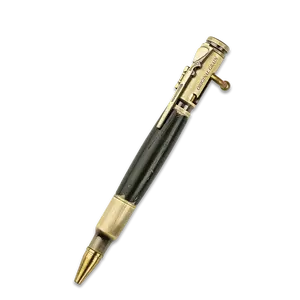


3.9
772 sold
-21%$6.29$7.99


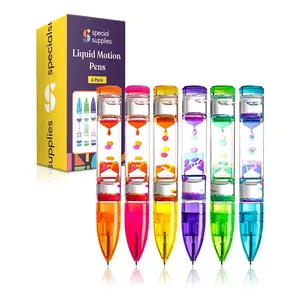
4.0
18 sold
-38%$24.98$39.99

4.6
3.4K sold
-15%$25.46$29.95


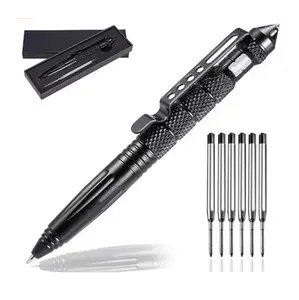
5.0
86 sold
-20%$11.92$14.99

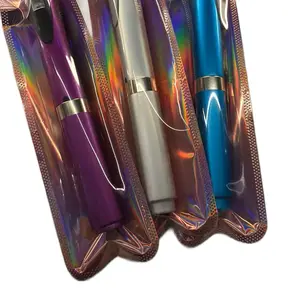
$29.99


$18.99



Related Searches
Related Categories
Introduction
A bootable an essential tool for anyone looking to install or repair an operating system on their computer. This versatile device allows you to create a portable environment that can run various software without needing to boot from the internal hard drive. Whether you're a tech enthusiast, a system administrator, or someone who enjoys DIY projects, understanding how to use a bootable pen can be incredibly beneficial.
Here are some key points about bootable :
When you create a bootable pen, you essentially transform a simple USB flash drive into a powerful tool that can save time and effort during system installations or repairs. Regular updates and maintenance of your bootable pen are recommended to ensure it remains functional and up-to-date with the latest software versions. By incorporating a bootable pen into your tech toolkit, you'll be prepared for any computing challenge that comes your way.
Here are some key points about bootable :
- Ease of Use: Creating a bootable a straightforward process that can be accomplished using various software tools available online.
- Portability: Unlike traditional installation media, a bootable compact and easy to carry, making it convenient for on-the-go installations.
- Multi-Functionality: You can use it to install different operating systems, run diagnostics, or even recover data from malfunctioning systems.
- Proven Quality: Many users have found bootable to be reliable and efficient for their computing needs.
When you create a bootable pen, you essentially transform a simple USB flash drive into a powerful tool that can save time and effort during system installations or repairs. Regular updates and maintenance of your bootable pen are recommended to ensure it remains functional and up-to-date with the latest software versions. By incorporating a bootable pen into your tech toolkit, you'll be prepared for any computing challenge that comes your way.