- TikTok Shop
- Computers & Office Equipment
- Network Components
- KVM Switches
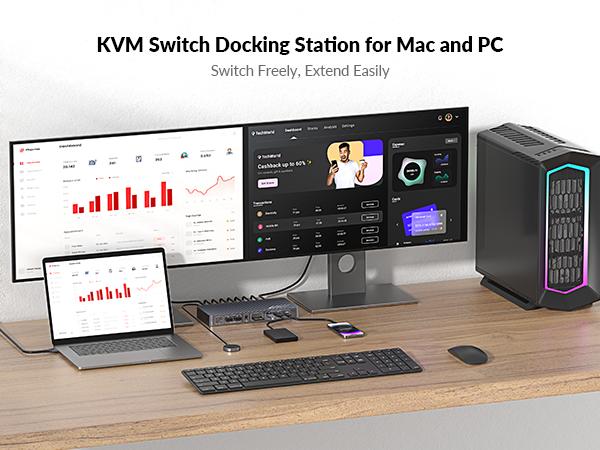
- AV Access iDock M10 KVM Switch Docking Station for MacBook & Desktop PC, Dual 4K HDMI Displays, 10-in-1, 100W Power Delivery, EDID Emulation


About this product



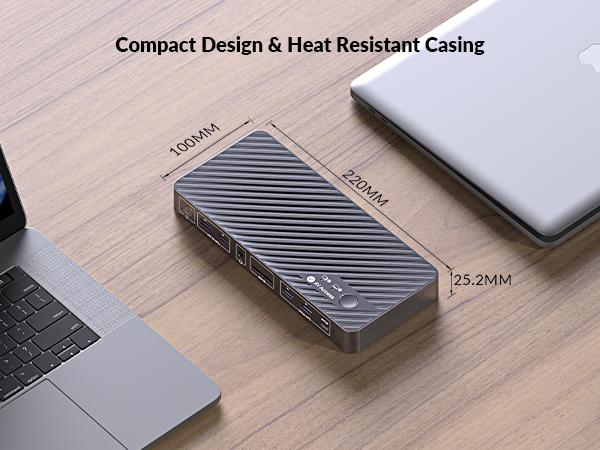

Product description
[Important Notes]
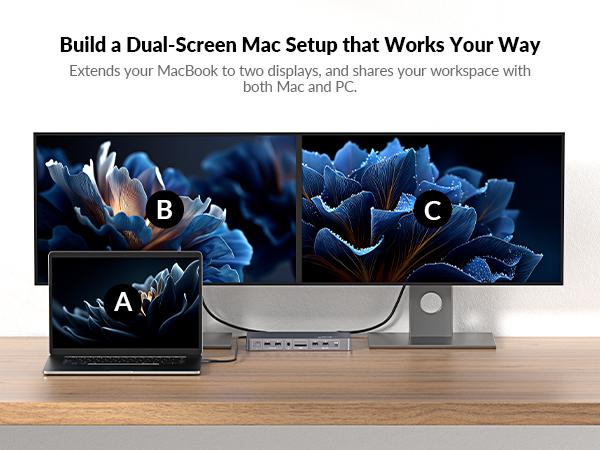
·For MacBooks with M1 or M2 processors, only one external monitor is supported (one of the displays will go black when two monitors are connected).
·For MacBooks with M3 processors, dual external monitors are supported only when the laptop lid is closed.
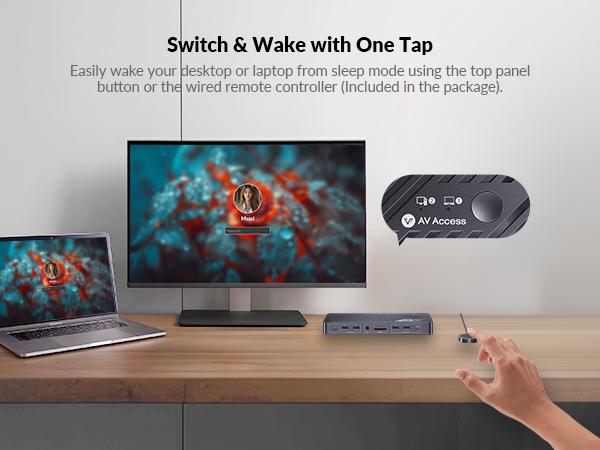
📱 1 Laptop, 1 Desktop Switching:
Connect both your MacBook and desktop. Switch effortlessly between them with one button.
📺 Dual Monitor Outputs
Support two 4K@60Hz displays for multitasking.
📦Plug and Play for MacBook
Fully compatible with most MacBook models. No driver is needed.
🔋 Full Speed 100W USB-C Charging
Keep your MacBook fully powered with fast and stable 100W charging.
🌐 Always-On Gigabit Ethernet
1G LAN connection for both your MacBook and desktop with a shared Ethernet port.
🔄 EDID Emulation for Constant Connection
With built-in EDID management, monitor resolution and display order remain consistent when switching systems. No screen flicker or re-detection issues.
What's in the Box
[Included Items]
·1 x iDock M10 KVM Docking Station
·1 x Power Adapter (DC 20V/6A)
·1 x HDMI 2.0 Cable (1.5m)
·1 x DP 1.2a Cable (1.5m)
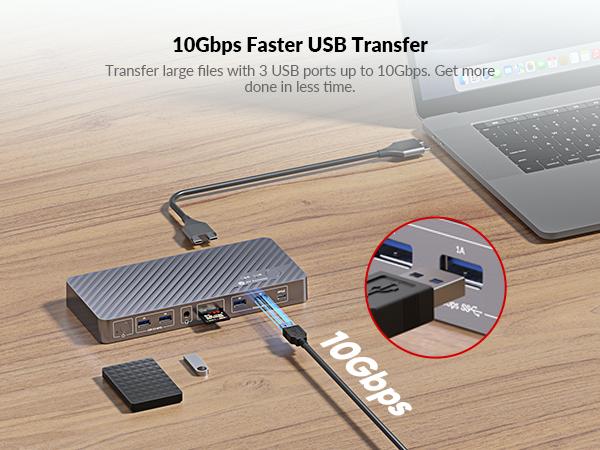
·1 x Dual USB Type-C to Dual USB Type-C Cable (USB 3.2 Gen 2, 0.8m)
·1 x USB Type-A to USB Type-C Cable (1.8m)
·1 x Wired Remote Controller (EXB01)
·1 x User Manual
View more
-20%$2**$2**Unlock price
Free shipping
AV Access iDock M10 KVM Switch Docking Station for MacBook & Desktop PC, Dual 4K HDMI Displays, 10-in-1, 100W Power Delivery, EDID Emulation
13 sold
Specification:Default
Default
Quantity:
Buy now
Coupon center
Log in to check your coupons
View and claim any available offers once you're logged in.
Shipping & returns
Shipping & delivery
Many items qualify for free shipping or become eligible once the order threshold is met.
Returns made easy
Most items are eligible for free returns within 30 days of delivery for a refund. Some items, including ingestibles, hygiene products, and pre-owned goods, are non-returnable. Final sale items cannot be returned or replaced.
About this shop

AV Access
4.4
334 Sold
3.9K+ Followers
63%24h response rate
57%Ships within 2 days
79%Positive feedback
Visit
Shop review


Explore more from AV Access


You may also like


Newegg, Inc.
-57%$61.49$143.90


