smartband samsung
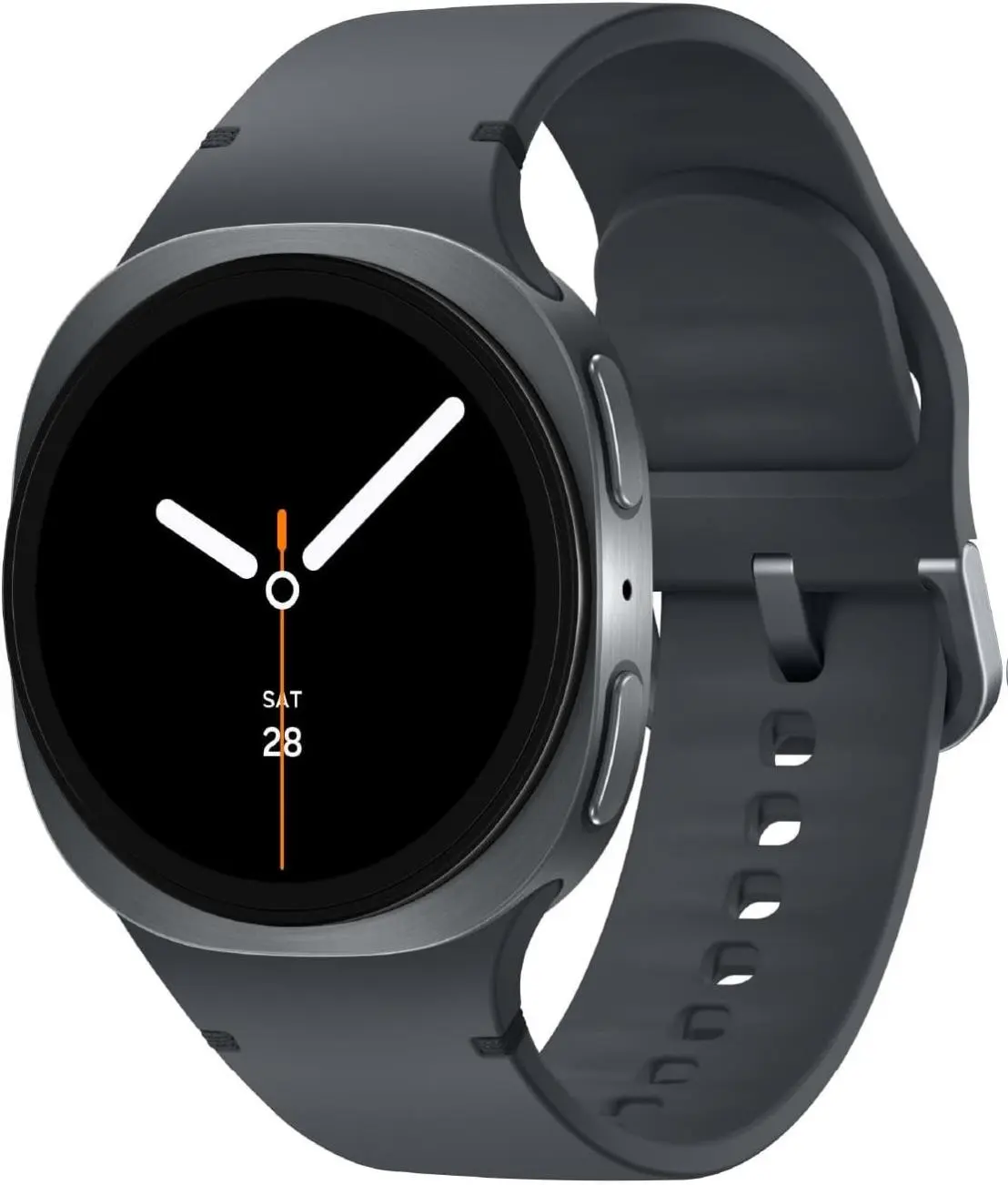
A smartband from Samsung is a wearable device that combines fitness tracking with smart features, allowing users to monitor their health and stay connected.
Featured brands
Authenticated productsVerified shops



Related Searches
Related Categories
Introduction
Samsung smartbands are becoming increasingly popular among fitness enthusiasts and tech-savvy individuals alike. These smartbands are designed to help you track your daily activities, monitor your heart rate, and even receive notifications from your smartphone. With a sleek design and user-friendly interface, Samsung smartbands are perfect for anyone looking to enhance their fitness journey and stay connected on the go.
When choosing a Samsung smartband, consider the following features:
When choosing a Samsung smartband, consider the following features:
- Fitness Tracking: Most smartbands come equipped with advanced sensors to track steps, calories burned, and sleep patterns.
- Heart Rate Monitoring: Many models offer continuous heart rate monitoring, providing insights into your overall health.
- Smart Notifications: Receive calls, texts, and app notifications directly on your wrist, ensuring you stay connected without constantly checking your phone.
- Water Resistance: Many Samsung smartbands are water-resistant, making them suitable for swimming and other water activities.
- Battery Life: Look for models with long battery life to ensure your smartband lasts throughout the day.