Results for "motherboard sata"
A motherboard SATA (Serial Advanced Technology Attachment) interface is a connection standard used to connect storage devices like hard drives and SSDs to the motherboard, allowing for data transfer between the two components.


Newegg, Inc.

5.0
6 sold
$182.11


Newegg, Inc.
5.0
3 sold
-15%$194.71$229.07


Newegg, Inc.
5.0
35 sold
$312.40


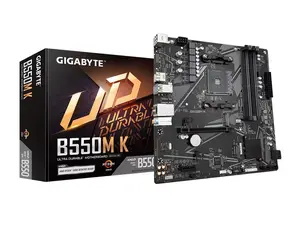
Newegg, Inc.
5.0
46 sold
-29%$85.32$119.68


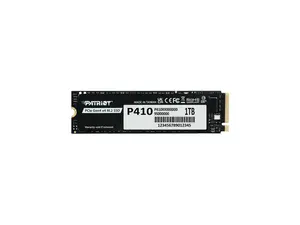


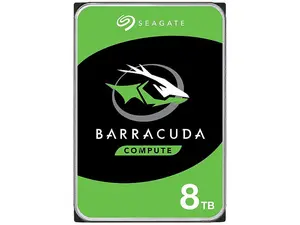
Newegg, Inc.
5.0
79 sold
$277.19

Newegg, Inc.
-13%$230.04$264.12
Related Searches
Related Categories
Introduction
Motherboard SATA is crucial for connecting storage devices to your computer system. It provides a reliable and efficient way to transfer data between your motherboard and various storage devices such as hard drives and solid-state drives (SSDs). Understanding motherboard SATA can help you make informed decisions when upgrading or building a PC.
When selecting a motherboard, pay attention to the number of SATA ports available, as this will determine how many storage devices you can connect. Here are some key points to consider:
When selecting a motherboard, pay attention to the number of SATA ports available, as this will determine how many storage devices you can connect. Here are some key points to consider:
- Types of SATA: There are different versions of SATA (SATA I, II, III) that offer varying speeds, with SATA III being the fastest.
- Port Count: More SATA ports mean greater flexibility in adding storage devices, which is essential for gamers and professionals who require extensive data storage.
- Compatibility: Ensure that your storage devices are compatible with the motherboard's SATA version for optimal performance.
- RAID Support: Some motherboards offer RAID configurations for data redundancy and improved performance.