Results for "sata port motherboard"
A SATA port on a motherboard is a connector that allows for the connection of SATA devices such as hard drives and SSDs, enabling data transfer between the motherboard and storage devices.


Newegg, Inc.

-25%$236.57$314.69


Newegg, Inc.
5.0
10 sold
-9%$118.28$129.44


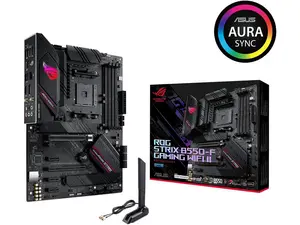
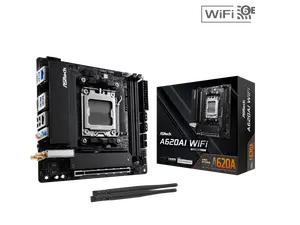
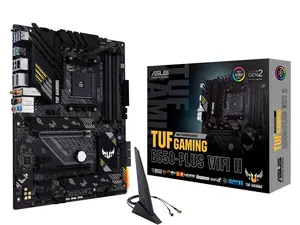
Newegg, Inc.
5.0
8 sold
-19%$141.61$174.93


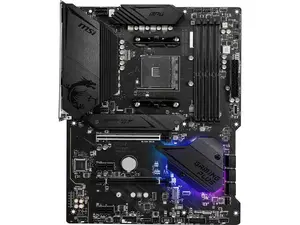


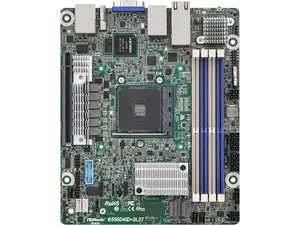
Newegg, Inc.
-31%$421.00$610.00


Newegg, Inc.
-10%$2,209.00$2,443.00

Related Searches
Related Categories
Introduction
When it comes to building or upgrading your computer, understanding the importance of the SATA port on your motherboard is crucial. The SATA port, which stands for Serial Advanced Technology Attachment, is essential for connecting various storage devices like hard drives and SSDs. If you're looking for speed and efficiency, modern motherboards typically feature multiple SATA ports to accommodate several drives simultaneously.
Here are some key points to consider about SATA ports on motherboards:
Investing in a motherboard with ample and high-quality SATA ports can significantly enhance your system's performance. It's important to choose a motherboard that not only meets your current needs but also allows for future upgrades. Regularly check for updates on motherboard technologies to ensure your setup remains competitive in the ever-evolving tech landscape.
In summary, the SATA port on a motherboard is a fundamental component for data transfer and storage solutions. Make sure to consider the number and type of SATA ports available when selecting your motherboard for optimal performance.
Here are some key points to consider about SATA ports on motherboards:
- Compatibility: Ensure that your motherboard has enough SATA ports for your storage needs.
- Speed: Different SATA versions (SATA I, II, III) offer varying speeds, with SATA III being the fastest at 6 Gbps.
- Proven Quality: Most reputable motherboards come with reliable SATA ports that are trusted by thousands of users.
Investing in a motherboard with ample and high-quality SATA ports can significantly enhance your system's performance. It's important to choose a motherboard that not only meets your current needs but also allows for future upgrades. Regularly check for updates on motherboard technologies to ensure your setup remains competitive in the ever-evolving tech landscape.
In summary, the SATA port on a motherboard is a fundamental component for data transfer and storage solutions. Make sure to consider the number and type of SATA ports available when selecting your motherboard for optimal performance.