- TikTok Shop
- Tools & Hardware
- Soldering Equipment
- Soldering Stations
- Mini USB Soldering Iron Kit, Portable Home Use, Type-C Interface, 800mah Battery, Adjustable Temperature, Compact Design


About this product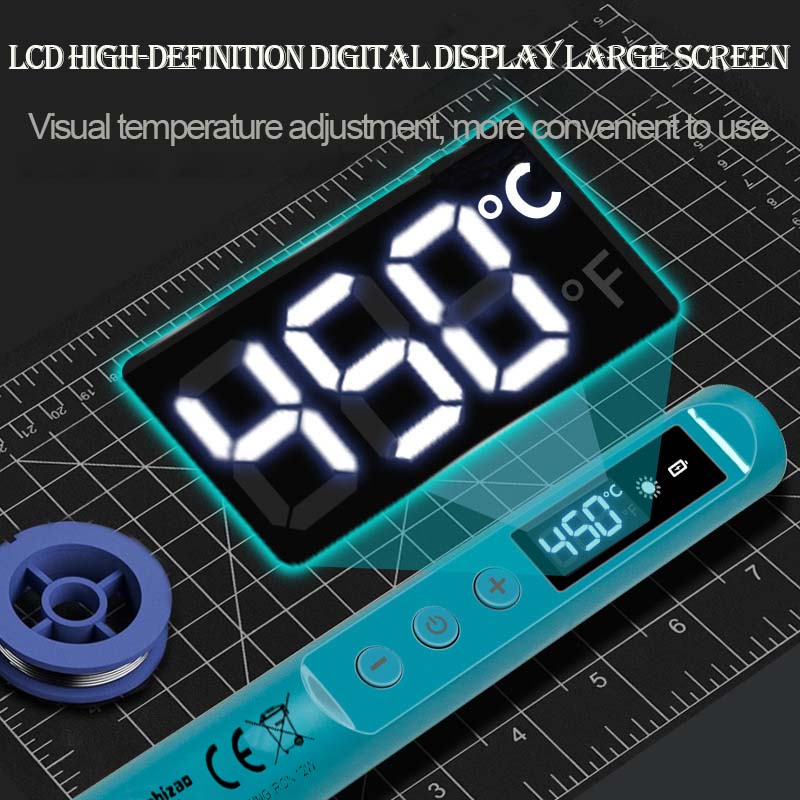



Product description
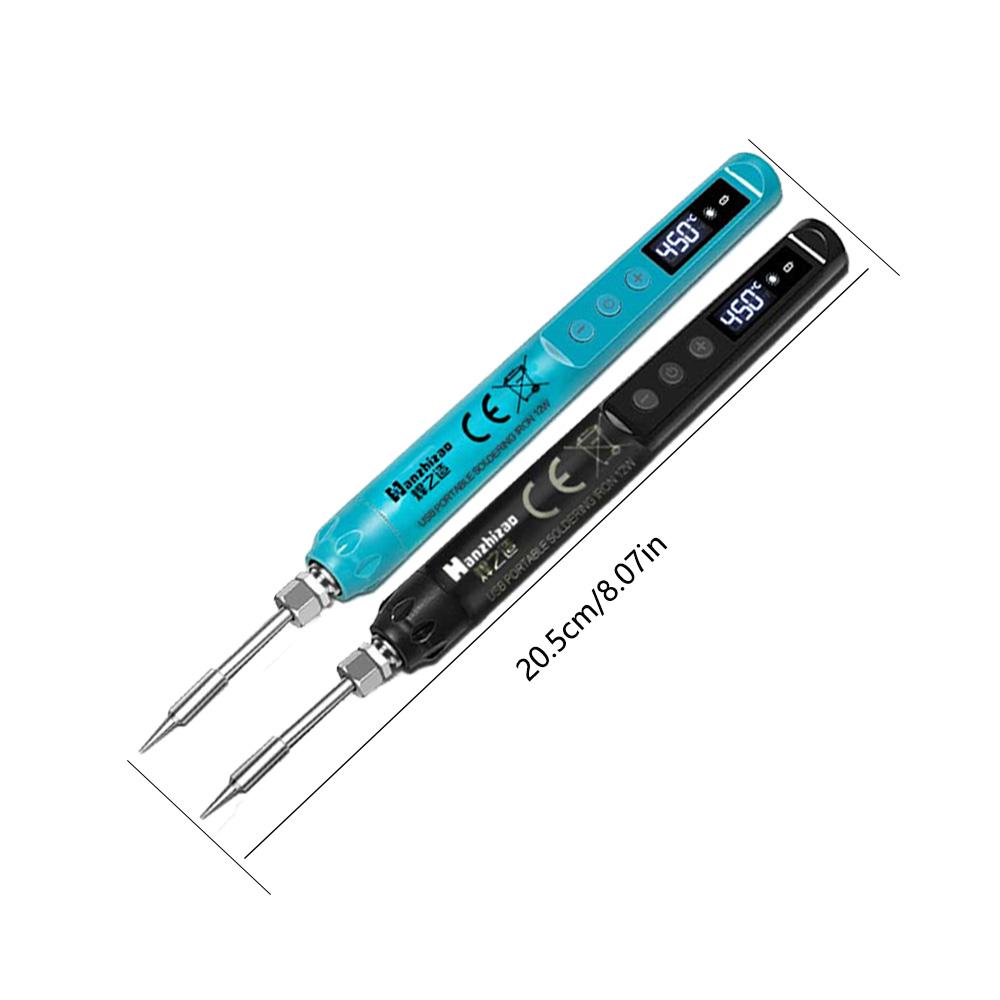
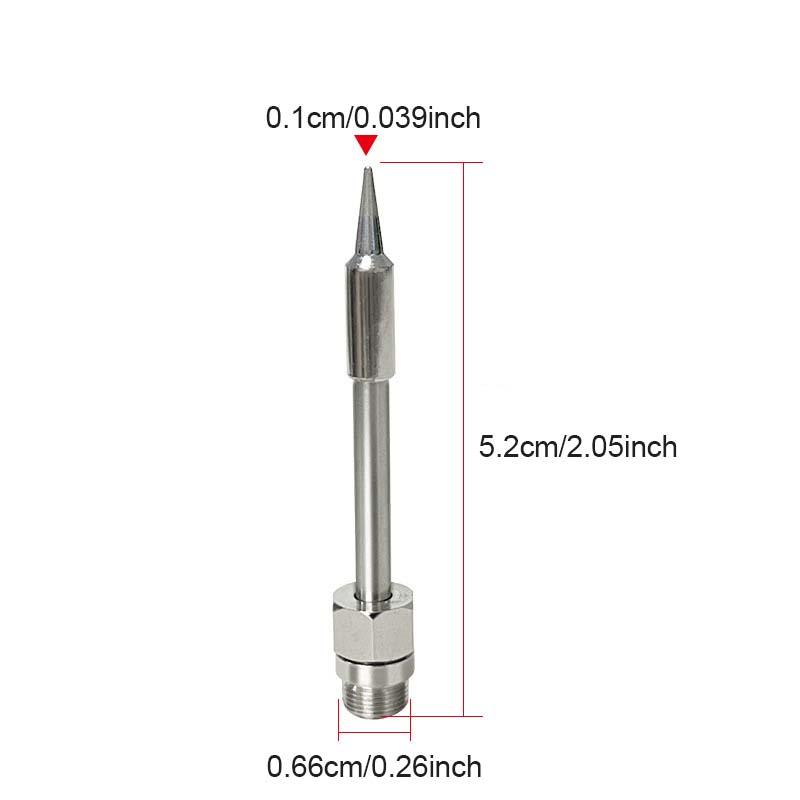
Product Model: USB Portable Soldering Iron
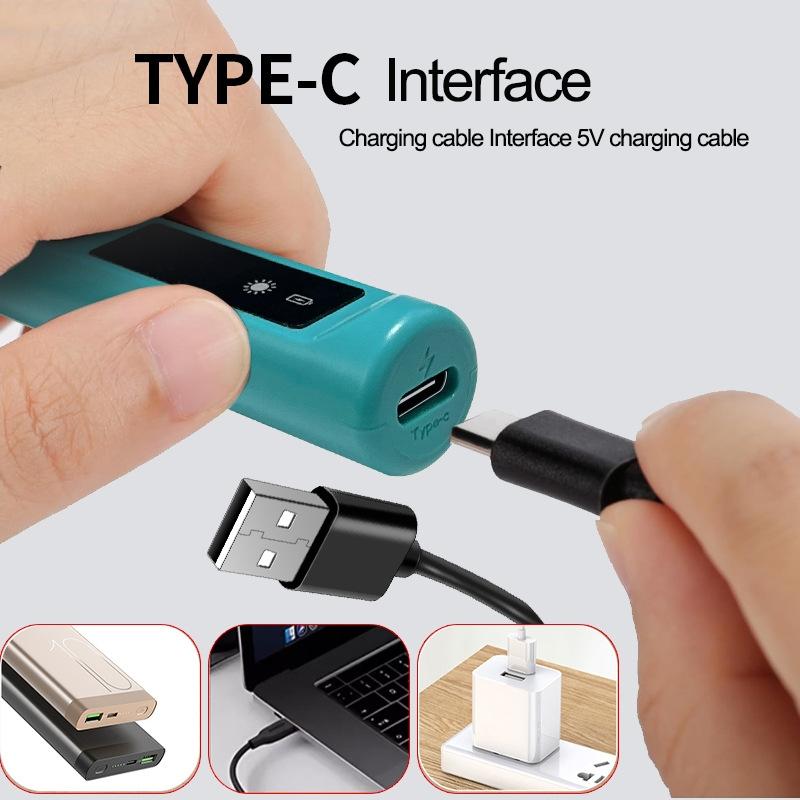
Input Voltage: 5 Volts
Operating Current: 1.8 Amperes
Temperature Range: 200-450 (℃) / 392-842 (℉)
Interface Type: Type-C Interface
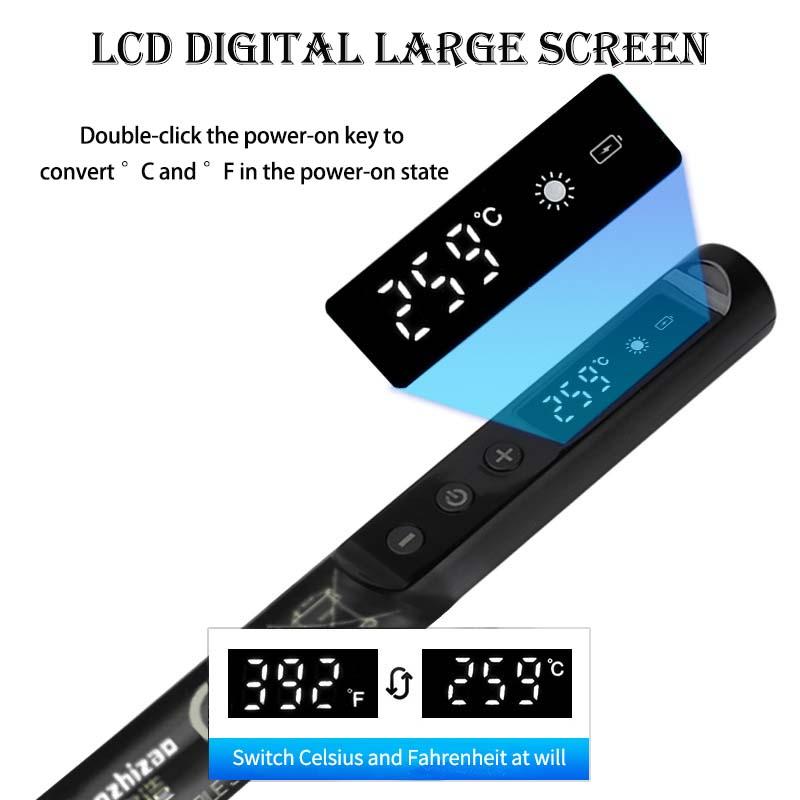
[Power-On Operation]
In the power-off state, long-press the "Power On / Main Power Switch" for 3 seconds to turn on the device. The display screen will show the real-time temperature change until the set temperature is reached.
[Power-Off Operation]
In the power-on state, long-press the "Power On / Main Power Switch" for 3 seconds to turn off the device. The display screen will show "OFF" (indicating shutdown).
[Temperature Indication]
After power-on, the temperature icon remains on; when the temperature reaches the set value, the icon starts to flash. Short-press or long-press the "+" key or "-" key to adjust the temperature.
[Unit Conversion]
In the power-on state, double-click the "Power On / Main Power Switch" to switch between Celsius (℃) and Fahrenheit (℉).
[Sleep Mode]
In the power-off state, press the "+" key and "-" key simultaneously to enter the sleep mode setting interface:
Press the "+" key to enable sleep mode (the display shows "S-0");
Press the "-" key to disable sleep mode (the display shows "S-F").
After sleep mode is enabled, the soldering iron will automatically enter sleep mode (heating stops, and the display shows the sleep symbol) if it works continuously for 10 minutes. Press any key to wake up the device; if there is no operation within 5 minutes after waking up, the device will shut down automatically.
[Low Battery Reminder]
When the display flashes "L-0", it indicates that the device has low battery and needs to be charged in time.
[Heating Element Fault]
When the display flashes "888", it indicates that the heating element is not installed correctly or may be damaged.
View more
$18.35
$7.99 shipping on this order
Mini USB Soldering Iron Kit, Portable Home Use, Type-C Interface, 800mah Battery, Adjustable Temperature, Compact Design
0 sold
Specification:New USB Blue & Black
New USB Blue & Black
Color:Black
Black
Blue
Quantity:
Coupon center
Log in to check your coupons
View and claim any available offers once you're logged in.
Shipping & returns
Shipping & delivery
Many items qualify for free shipping or become eligible once the order threshold is met.
Returns made easy
Most items are eligible for free returns within 30 days of delivery for a refund. Some items, including ingestibles, hygiene products, and pre-owned goods, are non-returnable. Final sale items cannot be returned or replaced. Please log in to view this item's specific return policy.
About this shop

Iron Master
38 Sold
Visit
Shop review


Explore more from Iron Master


You may also like



Bell and Howell
4.2
1.2K sold
-41%$32.00$53.93


SEESE Store
4.6
23.7K sold
-47%$57.10$107.80
Granitestone
4.1
1.6K sold
-24%$24.30$32.00


People also searched for