Results for "monitor rotate screen"
Monitor screen rotation refers to the ability to adjust the display orientation of a computer monitor, allowing users to switch between landscape and portrait modes. This feature enhances usability and is particularly useful for tasks that require viewing long documents or coding.


MOUNT-IT!

5.0
3 sold
-10%$40.01$44.46


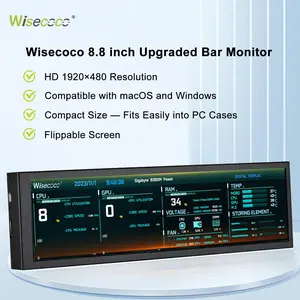


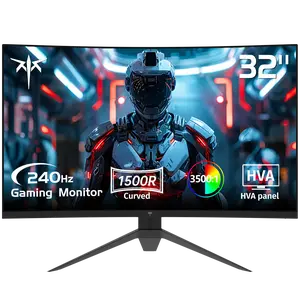
4.7
783 sold
-48%$173.99$337.64


Related Searches
Related Categories
Introduction
Monitor rotation is a valuable feature that enhances user experience by allowing you to change the orientation of your screen. Whether you are working on spreadsheets, coding, or simply browsing the web, being able to rotate your monitor can significantly improve your productivity. With the ability to switch between landscape and portrait modes, you can tailor your workspace to suit your needs.
Here are some benefits of using a monitor that can rotate:
To rotate your monitor, simply access the display settings on your computer. Most modern operating systems offer straightforward options to switch between orientations. Remember, not all monitors have this capability, so check your monitor’s specifications before purchasing. Trusted by thousands of users, the ability to rotate your monitor is a proven quality feature that enhances any workspace.
Here are some benefits of using a monitor that can rotate:
- Improved Viewing Experience: Rotating your monitor can provide a better view of long documents or web pages, reducing the need for excessive scrolling.
- Space Optimization: A portrait mode can help you save desk space, making it easier to fit multiple monitors or other equipment.
- Enhanced Collaboration: Rotating your screen can make it easier to share content with colleagues during meetings or presentations.
- Customizable Setup: Adjusting your monitor’s orientation allows you to create a more personalized and comfortable workspace.
To rotate your monitor, simply access the display settings on your computer. Most modern operating systems offer straightforward options to switch between orientations. Remember, not all monitors have this capability, so check your monitor’s specifications before purchasing. Trusted by thousands of users, the ability to rotate your monitor is a proven quality feature that enhances any workspace.