monitor height ergonomics
Monitor height ergonomics refers to the optimal positioning of computer monitors to promote comfort and reduce strain on the eyes, neck, and back. Proper monitor height ensures that the top of the screen is at or just below eye level.
Featured brands
Authenticated productsVerified shops





Related Searches
Related Categories
Introduction
When it comes to working long hours at a computer, understanding monitor height ergonomics is essential for maintaining comfort and productivity. Proper monitor height can significantly impact your posture and overall well-being. Ideally, your monitor should be positioned so that the top of the screen is at or slightly below eye level. This allows your neck to remain in a neutral position, reducing the risk of strain and discomfort.
Here are some key points to consider for optimal monitor height ergonomics:
Here are some key points to consider for optimal monitor height ergonomics:
- **Eye Level:** The top of your monitor should be at or just below your eye level. This helps to keep your neck in a neutral position.
- **Distance:** Your monitor should be about an arm's length away to reduce eye strain.
- **Tilt:** The monitor should be tilted slightly backward (about 10-20 degrees) to enhance viewing comfort.
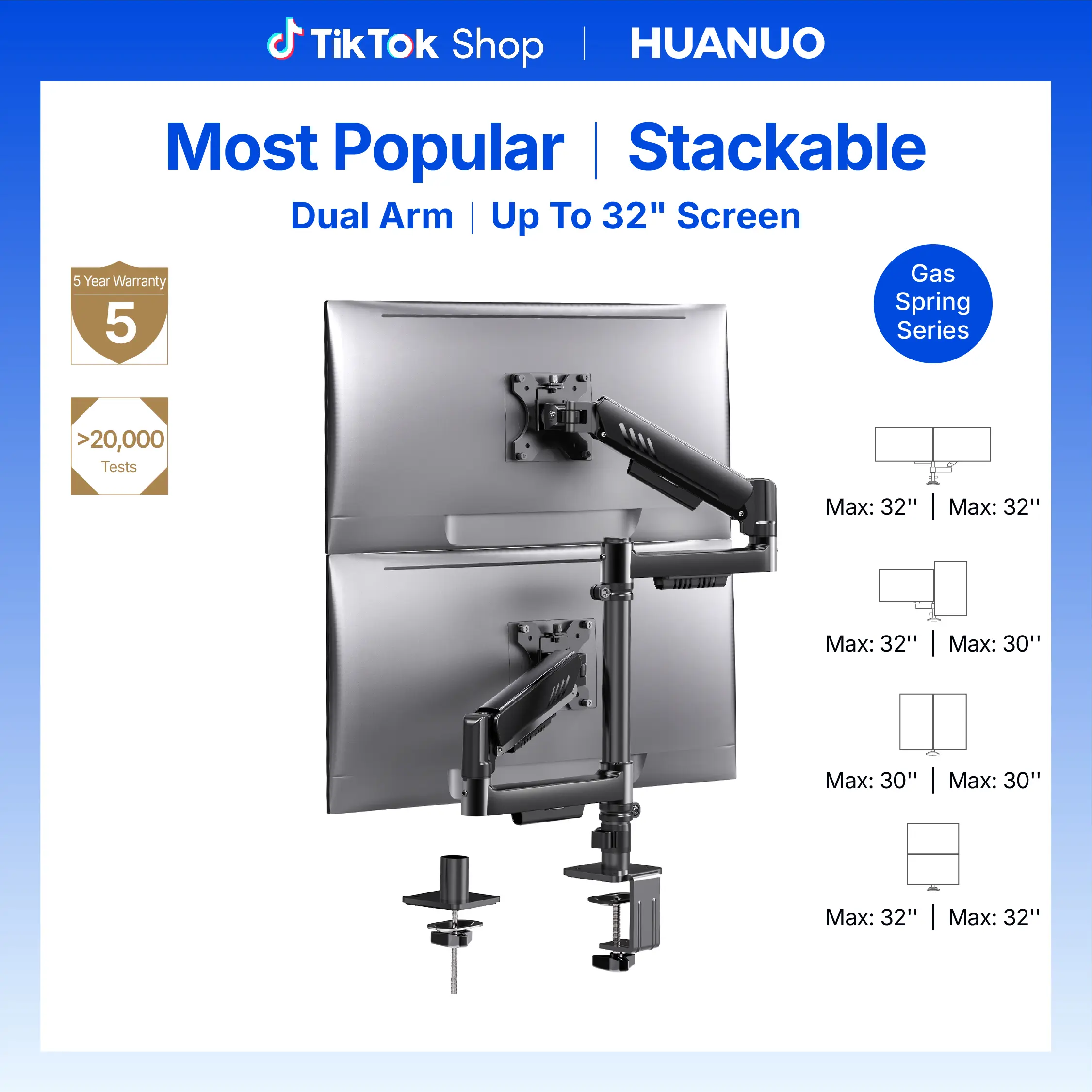
- **Adjustability:** Consider using adjustable monitor stands or arms to customize the height and angle easily.