Results for "lg ultragear overclock"
LG UltraGear Overclock refers to the capability of LG UltraGear gaming monitors to enhance their refresh rates beyond the standard settings, providing smoother gameplay and a competitive edge.


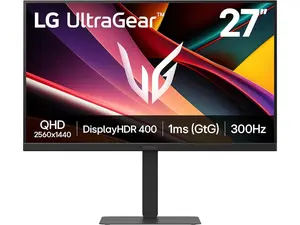

Newegg, Inc.

-23%$730.47$946.63
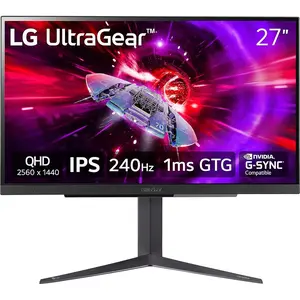


4.4
171 sold
-35%$207.63$319.44


Dowinx.Furniture
4.5
2.5K sold
-22%$214.91$274.61


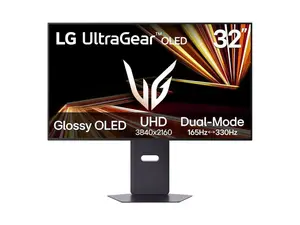
Newegg, Inc.
-37%$1,012.49$1,609.48


Related Searches
Related Categories
Introduction
The LG UltraGear Overclock feature is designed for gamers seeking an edge in performance and responsiveness. By allowing users to push the refresh rates of their monitors beyond the factory settings, this feature enhances the gaming experience significantly. Gamers can enjoy smoother visuals and reduced motion blur, which are crucial for fast-paced gaming. The technology behind LG UltraGear is rooted in proven quality, trusted by thousands of gamers worldwide.
Here are some key benefits of LG UltraGear Overclock:
Here are some key benefits of LG UltraGear Overclock:
- Improved Refresh Rates: Experience refresh rates that can exceed the standard, leading to more fluid motion in games.
- Reduced Input Lag: Enjoy faster response times, which can be a game-changer in competitive gaming scenarios.
- Enhanced Visual Quality: With higher refresh rates, visuals are clearer and more vibrant, enhancing your overall gaming experience.
- Versatile Compatibility: LG UltraGear monitors are designed to work seamlessly with various gaming consoles and PCs.
- Customer Approved: Many users report significant improvements in their gaming performance after utilizing the overclock feature.