Results for "how to vertically mount gpu"
Vertically mounting a GPU refers to the installation of a graphics card in a vertical position within a computer case, often for aesthetic purposes and improved airflow.


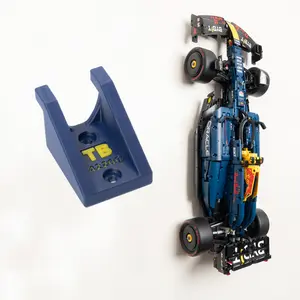


MOUNT-IT!

3.9
237 sold
-10%$42.32$47.02

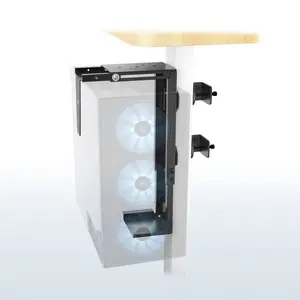




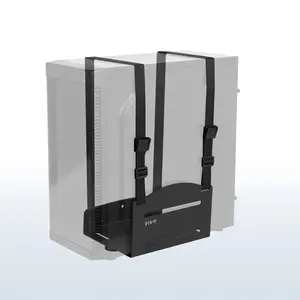
$35.27


4.6
324 sold
-20%$37.62$47.02


Related Searches
Related Categories
Introduction
If you're looking to enhance the visual appeal of your gaming rig or workstation, vertically mounting your GPU can be an excellent choice. This method not only showcases your graphics card but can also improve airflow within your case. To start, ensure that your case supports vertical GPU mounting; many modern cases come with dedicated slots for this purpose.
Here are some key considerations when vertically mounting your GPU:
Here are some key considerations when vertically mounting your GPU:
- Check Compatibility: Not all cases support vertical mounting, so confirm that yours does before proceeding.
- Use a PCIe Riser Cable: A high-quality PCIe riser cable is essential for a stable connection between your motherboard and the GPU.
- Manage Cables Wisely: Keep your cables organized to maintain airflow and aesthetics.
- Ensure Proper Cooling: Make sure your case has adequate cooling solutions, as vertical mounting can sometimes restrict airflow.
- Secure Your GPU: Use screws or brackets to ensure that your GPU is securely mounted to prevent any damage.