Results for "how to sync controller to ps5"
Syncing a controller to a PS5 is the process of connecting your DualSense controller to your PlayStation 5 console for seamless gaming.


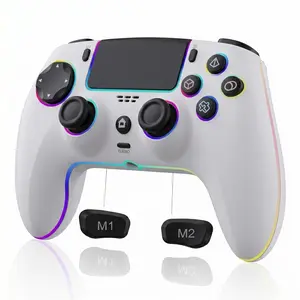


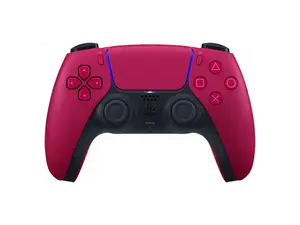
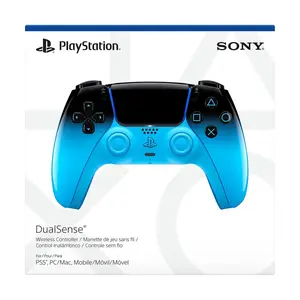


![Sony PlayStation 5 DualSense Wireless Controller - Icon Blue [Special Edition]](https://p19-oec-general-useast5.ttcdn-us.com/tos-useast5-i-omjb5zjo8w-tx/a66657b0ea9345e4a0c9760a4cd31ba9~tplv-fhlh96nyum-crop-webp:300:300.webp?dr=12190&t=555f072d&ps=933b5bde&shp=8dbd94bf&shcp=a6e80448&idc=useast5&from=2378011839 "Sony PlayStation 5 DualSense Wireless Controller - Icon Blue [Special Edition]")
5.0
20 sold
-17%$124.15$149.99
Newegg, Inc.

5.0
17 sold
$79.49


Related Searches
Related Categories
Introduction
Syncing a controller to your PS5 is essential for an optimal gaming experience. Whether you're setting up a new controller or reconnecting an existing one, the process is straightforward and user-friendly.
To sync your controller, follow these simple steps:
This method not only allows you to connect a new controller but also helps in reconnecting any previously synced controllers. If you encounter issues, ensure that your controller is charged and the console is updated to the latest software version. Syncing is crucial for multiplayer gaming sessions, as it allows multiple controllers to be connected simultaneously.
Remember, syncing your controller to the PS5 is a quick and easy process that enhances your gaming experience. By following these steps, you can ensure that your controller is ready for action in no time. Enjoy gaming with trusted quality and performance from your DualSense controller, which is designed to deliver immersive gameplay and responsiveness. Don't forget to check for any firmware updates for your controller to ensure optimal performance.
To sync your controller, follow these simple steps:
- First, ensure your PS5 is powered on.
- Connect your DualSense controller to the console using the USB cable that came with it.
- Press the PS button on the controller to turn it on. The light bar will start to glow, indicating it's connected.
- Once synced, you can disconnect the USB cable and use the controller wirelessly.
This method not only allows you to connect a new controller but also helps in reconnecting any previously synced controllers. If you encounter issues, ensure that your controller is charged and the console is updated to the latest software version. Syncing is crucial for multiplayer gaming sessions, as it allows multiple controllers to be connected simultaneously.
Remember, syncing your controller to the PS5 is a quick and easy process that enhances your gaming experience. By following these steps, you can ensure that your controller is ready for action in no time. Enjoy gaming with trusted quality and performance from your DualSense controller, which is designed to deliver immersive gameplay and responsiveness. Don't forget to check for any firmware updates for your controller to ensure optimal performance.