Results for "how to refresh airtag location"

An AirTag is a small tracking device developed by Apple that helps users locate their belongings using Bluetooth technology and the Find My app.

Featured brands
Authenticated productsVerified shops

Apple AirTag with Software Suite and Keychain
Free shipping
Apple AirTag 4-Pack Bundle
Free shipping
QVC, Inc
5.014 sold
$161.00
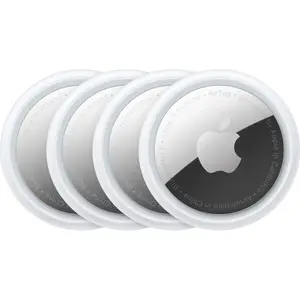
Apple - AirTag (4-Pack) - Silver
Free shipping
4.7330 sold
-5%$92.66$97.54
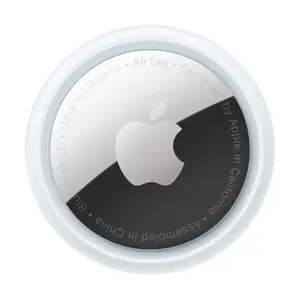
Apple - AirTag (1-Pack) - Silver
Free shipping
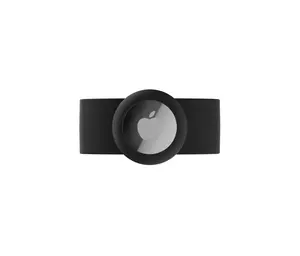
AIRTAG STRAP
Free shipping
5.013 sold
-50%$11.64$23.33

Introduction

If you're wondering how to refresh AirTag location, you're not alone! Many users want to ensure their items are easily locatable. AirTags work by connecting to nearby Apple devices, which relay the location back to your Find My app. To refresh the location of your AirTag, follow these simple steps:
  • Open the Find My app on your iPhone or iPad.
  • Select the Items tab to view your AirTags.
  • Tap on the specific AirTag you want to refresh.
  • Swipe down on the screen to refresh the location manually.
Additionally, make sure your AirTag is within Bluetooth range of your Apple devices for the best results. If your AirTag is out of range, the last known location will be displayed until it comes back into range. Regularly checking the location can help you keep track of your belongings effectively. Remember, the more Apple devices around your AirTag, the more accurate and timely the location updates will be! With proven quality and customer-approved features, AirTags are trusted by thousands to keep their valuables secure. So, whether you’re tracking your keys, bag, or any other item, refreshing your AirTag location is just a few taps away!

FAQs

How can I choose the best AirTag for my needs?

Choosing the best AirTag involves considering what items you want to track and how often you need to check their location. For everyday items like keys or bags, a standard AirTag is sufficient.

What are the key features to look for when selecting products in the Charms & Pendants category?

Look for durability, design, and compatibility with your Apple devices. Ensure the charm or pendant can securely hold the AirTag if you’re using it as a tracker.

Are there any common mistakes people make when purchasing an AirTag?

Common mistakes include not checking compatibility with their devices or overlooking the need for a protective case for outdoor use.

How often do I need to refresh my AirTag location?

You can refresh your AirTag location as often as you like, but it typically updates automatically when in range of Apple devices.

Can I use AirTags with non-Apple devices?

AirTags are designed to work exclusively with Apple devices and the Find My app, so they are not compatible with non-Apple devices.