glowforge cut cardstock
Glowforge is a brand of laser cutter and engraver that can effectively cut and engrave materials like cardstock, making it a popular choice for crafting and DIY projects.
Featured brands
Authenticated productsVerified shops

![[LIVE] xTool M2 Color Craft Laser Cutter & Engraver | Full-Color CMYK Inkjet & 10W/20W Diode Laser](https://p16-oec-general-useast5.ttcdn-us.com/tos-useast5-i-omjb5zjo8w-tx/bef923f00a474bf8b4df97d5dac08a77~tplv-fhlh96nyum-crop-webp:800:800.webp?dr=12190&t=555f072d&ps=933b5bde&shp=8dbd94bf&shcp=a6e80448&idc=useast5&from=2378011839)
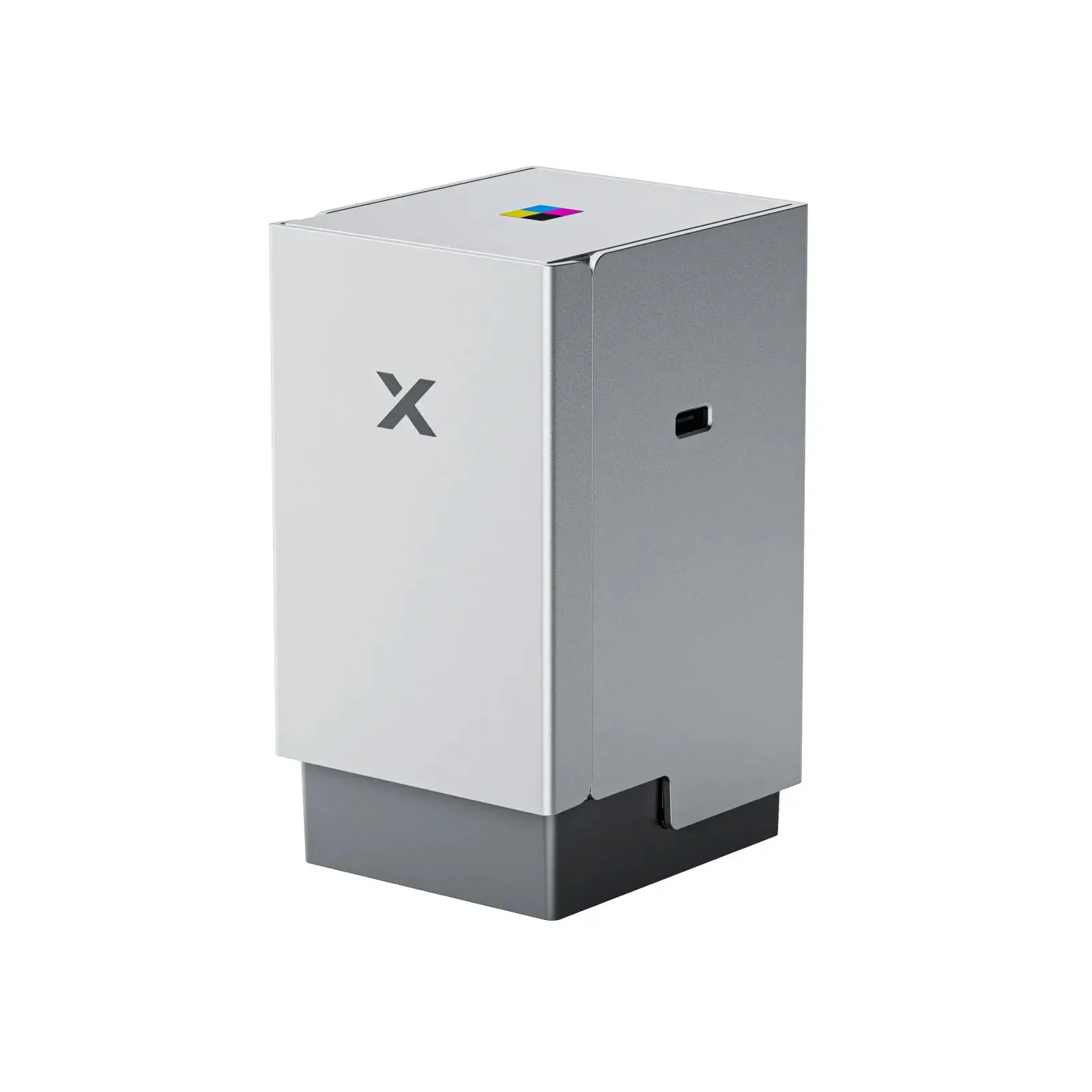


![[LIVE] xTool M2 Color Craft Laser Cutter & Engraver | Full-Color CMYK Inkjet & 10W/20W Diode Laser](https://p16-oec-general-useast5.ttcdn-us.com/tos-useast5-i-omjb5zjo8w-tx/bef923f00a474bf8b4df97d5dac08a77~tplv-fhlh96nyum-resize-webp:600:600.webp?dr=12190&t=555f072d&ps=933b5bde&shp=8dbd94bf&shcp=a6e80448&idc=useast5&from=2378011839 "[LIVE] xTool M2 Color Craft Laser Cutter & Engraver | Full-Color CMYK Inkjet & 10W/20W Diode Laser")
xTool Official US

4.4
88 sold
$699.00
Related Searches
Related Categories
Introduction
If you're looking to create unique and personalized items, using a Glowforge to cut cardstock is an excellent choice. The Glowforge laser cutter offers precision and versatility, allowing you to turn your creative ideas into reality. Cardstock is a thick paper that is commonly used for various projects, including invitations, greeting cards, and, of course, non-sports trading cards. With the Glowforge, you can easily cut intricate designs, shapes, and patterns in cardstock that would be difficult to achieve by hand.
Here are some reasons why using a Glowforge for cardstock projects is beneficial:
Here are some reasons why using a Glowforge for cardstock projects is beneficial:
- Precision Cutting: The Glowforge cuts with exceptional accuracy, ensuring clean edges and intricate details.
- Versatile Designs: You can create a wide range of designs, from simple shapes to complex illustrations.
- Time-Saving: The laser cutting process is quick, allowing you to complete projects faster than traditional methods.
- Customizable: Personalize your cardstock projects easily, making them perfect for gifts or special occasions.