Results for "card reader old"

A card reader is a device that allows you to access data from memory cards, commonly used in cameras and mobile devices. An 'old' card reader typically refers to older models that may not support the latest card formats or connection standards.

Featured brands
Authenticated productsVerified shops

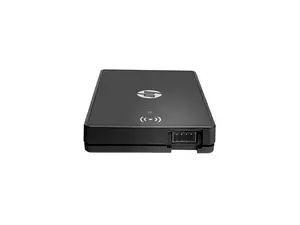
HP Keystroke Card Reader Y7C05B
Free shipping
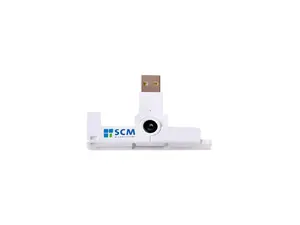
SCM SCR3500 USB 2.0 Portable ID1 Contact smart Card Reader
Free shipping
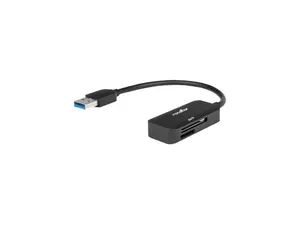
Verbatim Pocket Card Reader, USB 3.0 - Black
Free shipping
SCM SCR3310V2 1 card USB 1.1 USB Smart Card Reader
Free shipping
Adesso SCR-200 Smart Card Reader SCR200
Free shipping

Introduction

If you're looking for a way to access your photos, videos, or files stored on memory cards, a card reader is an essential tool. An old card reader, while perhaps lacking some of the modern features, can still serve its purpose effectively. These devices connect to your computer via USB and allow you to read various types of memory cards, such as SD cards, microSD cards, and CompactFlash cards.

Here are some key points to consider when using an old card reader:
  • Compatibility: Ensure that your old card reader supports the type of memory card you are using. Many older models may not support newer card formats.
  • Transfer Speed: While older card readers may have slower transfer speeds compared to newer models, they can still be effective for transferring smaller files.
  • Durability: Many old card readers are built to last and can be a reliable option for accessing your data.
  • Cost-Effective: If you already own an old card reader, it can save you money instead of purchasing a new one.
Overall, while technology has advanced, an old card reader can still be a valuable tool for accessing your data. Just be mindful of its limitations and ensure it meets your needs. Remember, proven quality and customer-approved devices can help you make the right choice, even in older models. Regularly updating your knowledge about the latest card formats and reader capabilities is essential to stay informed.

FAQs

How can I choose the best card reader for my needs?

Consider the types of memory cards you use, the speed of data transfer you need, and the compatibility with your devices. Look for a card reader that supports the latest formats if you plan to use it long-term.

What are the key features to look for when selecting a card reader?

Key features include compatibility with various card formats, USB connection type, transfer speed, and additional functionalities like built-in storage or multiple card slots.

Are there any common mistakes people make when purchasing a card reader?

Common mistakes include not checking compatibility with their memory cards, overlooking transfer speed specifications, and not considering future needs for newer card formats.

Can I use an old card reader with new memory cards?

It depends on the card reader's compatibility. Some old card readers may not support newer card formats, so it's essential to check before using them.

What should I do if my old card reader is not working?

Try connecting it to a different USB port or computer, check for any visible damage, and ensure the memory card is properly inserted. If it still doesn't work, it may be time to consider a replacement.