Results for "brother ptouch editor"
Brother P-Touch Editor is a versatile label design software that allows users to create customized labels for various applications. It offers a range of features including templates, fonts, and graphics to enhance label creation.





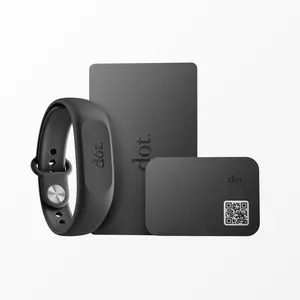
dot. cards

4.6
1.9K sold
-35%$66.08$102.00


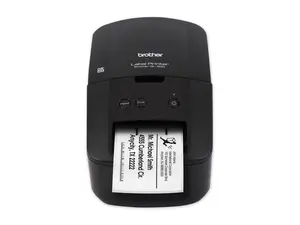

-26%$43.45$58.65
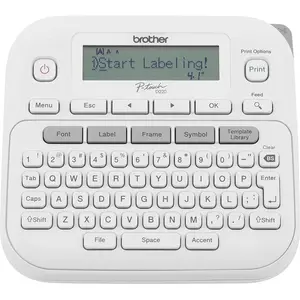


Newegg, Inc.
-25%$151.37$202.21

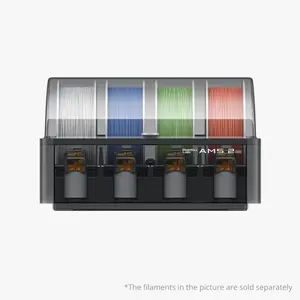


-26%$64.00$86.93





Related Searches
Related Categories
Introduction
Brother P-Touch Editor is an essential tool for anyone looking to create high-quality, customized labels. With this software, users can easily design labels for home organization, office use, or even crafting projects. The Brother P-Touch Editor supports a wide variety of label printers, making it a go-to choice for creating labels that are both functional and visually appealing.
Whether you need to label files, shelves, or personal items, the Brother P-Touch Editor offers numerous features to meet your needs. Here are some highlights:
Whether you need to label files, shelves, or personal items, the Brother P-Touch Editor offers numerous features to meet your needs. Here are some highlights:
- User-Friendly Interface: The software is designed to be intuitive, making it easy for users of all skill levels to navigate and create labels quickly.
- Customizable Templates: Choose from a library of pre-designed templates or create your own from scratch to suit your specific labeling needs.
- Variety of Fonts and Graphics: Enhance your labels with a selection of fonts, symbols, and images, allowing for creative expression.
- Print Preview: Before printing, users can see a preview of their labels, ensuring everything looks perfect.
- Trusted by Thousands: Brother products are known for their proven quality, making them a reliable choice for label creation.