Results for "best laptop ram"
Best laptop RAM refers to the highest quality and most suitable memory modules for laptops, enhancing performance and multitasking capabilities.
Featured brands
Authenticated productsVerified shops


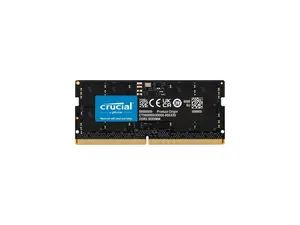
Newegg, Inc.

5.0
8 sold
$258.33


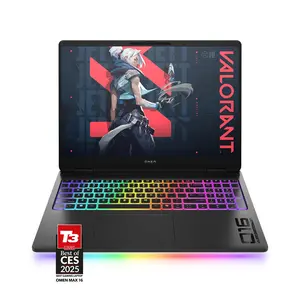

HYPERX
5.0
3 sold
-40%$1,707.11$2,845.20




Related Searches
Introduction
When it comes to optimizing your laptop's performance, upgrading to the best laptop RAM is crucial. Laptop RAM is the memory that your computer uses to store data temporarily for fast access. Choosing the right RAM can significantly boost your laptop's speed, improve multitasking, and enhance overall productivity.
Here are some key points to consider when looking for the best laptop RAM:
Regularly updating your knowledge about the latest RAM trends and specifications can help you stay ahead in the tech game.
Here are some key points to consider when looking for the best laptop RAM:
- Capacity: Aim for at least 8GB for everyday tasks, while 16GB or more is ideal for gaming and heavy applications.
- Type: DDR4 is currently the standard for most laptops, offering better performance and efficiency.
- Speed: Look for RAM with higher MHz ratings for faster data transfer rates.
- Brand: Opt for reputable brands like Corsair, Kingston, or Crucial, known for their proven quality and reliability.
Regularly updating your knowledge about the latest RAM trends and specifications can help you stay ahead in the tech game.