Results for "motherboard ram"
A motherboard is a crucial component of a computer that connects all other parts, including the RAM, CPU, and storage devices, allowing them to communicate with each other.

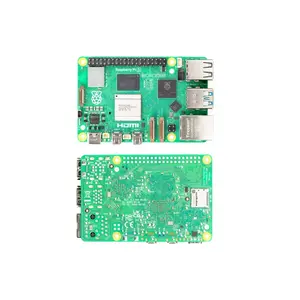
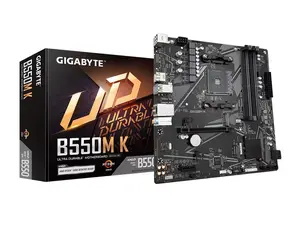
Newegg, Inc.

5.0
46 sold
-29%$88.35$123.93

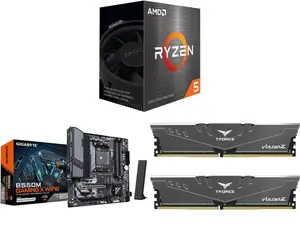
Newegg, Inc.
5.0
5 sold
-28%$348.68$487.43
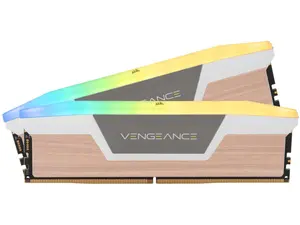

Newegg, Inc.
5.0
35 sold
-13%$488.63$560.00






Newegg, Inc.
-7%$145.79$156.67
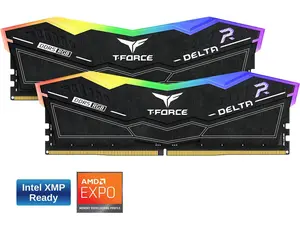
Newegg, Inc.
5.0
18 sold
$280.16


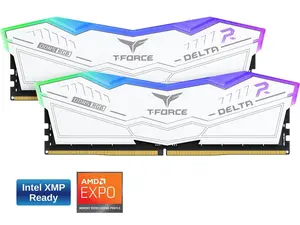
Newegg, Inc.
5.0
34 sold
$280.16


Newegg, Inc.
3.0
22 sold
-5%$224.13$235.01

Newegg, Inc.
5.0
40 sold
-16%$165.37$198.02

Newegg, Inc.
5.0
27 sold
-11%$168.09$189.85

Related Searches
Related Categories
Introduction
When building or upgrading a computer, understanding the relationship between the motherboard and RAM is essential. The motherboard serves as the backbone of your system, housing the RAM slots where your memory modules are installed. Choosing the right motherboard for your RAM is vital for optimal performance.
Here are some key points to consider:
Here are some key points to consider:
- Compatibility: Ensure that the motherboard supports the type and speed of RAM you plan to use. Most modern motherboards support DDR4 or DDR5 RAM, but always check the specifications.
- Capacity: Different motherboards have varying limits on how much RAM can be installed. Consider your needs, whether for gaming, content creation, or general use, and choose accordingly.
- Slots: The number of RAM slots on the motherboard determines how many memory modules you can install. More slots allow for easier upgrades in the future.
- Overclocking: If you plan to overclock your RAM for better performance, ensure your motherboard supports this feature.