apple watch personalized
Apple Watch personalized refers to customizing the Apple Watch to suit individual preferences, including watch faces, bands, and apps.
Featured brands
Authenticated productsVerified shops


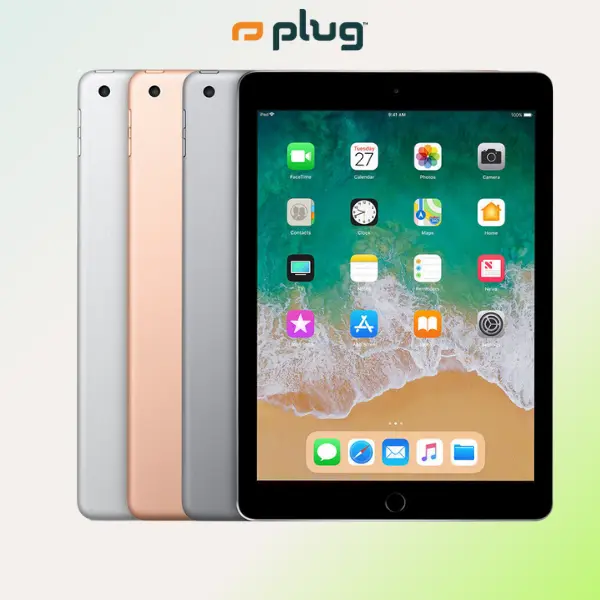


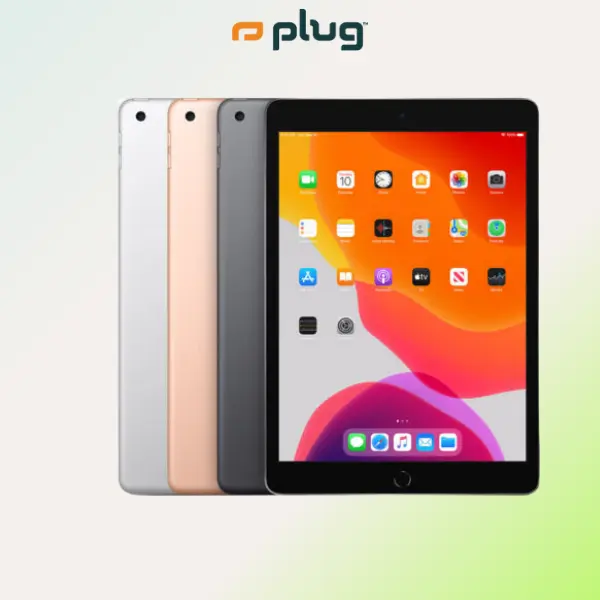
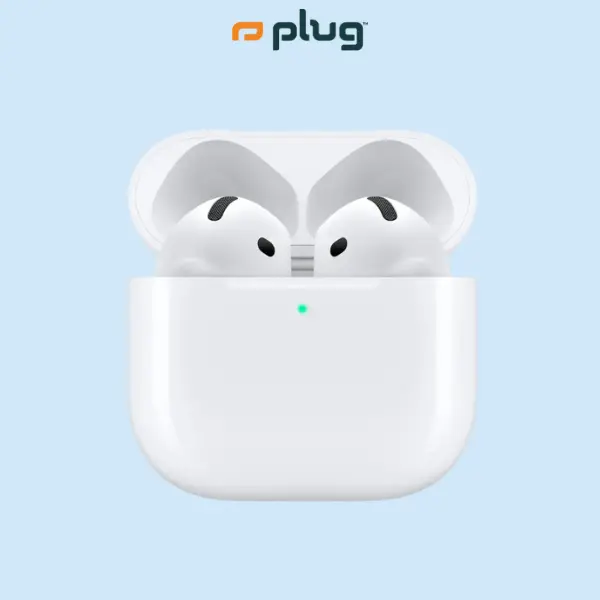


plug - shop tech

4.7
268 sold
$349.99


plug - shop tech
4.2
55 sold
$219.99

plug - shop tech
4.7
300 sold
-36%$139.99$219.99


plug - shop tech
5.0
18 sold
-36%$339.99$529.99


plug - shop tech
4.8
140 sold
$529.99

Related Searches
Related Categories
Introduction
The Apple Watch personalized experience allows users to tailor their device to reflect their style and needs. With a wide array of options available, you can choose from various watch faces that display time, notifications, and health metrics in ways that resonate with your lifestyle. Personalization goes beyond aesthetics; it also encompasses functionality. You can select apps that cater to your daily activities, whether it’s fitness tracking, messaging, or music control. Additionally, the choice of bands is extensive, ranging from sporty silicone to elegant leather, ensuring that your watch complements any outfit or occasion.
Here are some key aspects of personalizing your Apple Watch:
Here are some key aspects of personalizing your Apple Watch:
- Watch Faces: Choose from a variety of designs, including modular, photo, and activity-focused faces.
- Custom Bands: Switch out bands easily to match your style or activity, with options available for every taste.
- Apps: Download apps that fit your lifestyle, from fitness trackers to productivity tools.
- Health Monitoring: Customize health settings to track specific metrics important to you, such as heart rate or sleep patterns.