Results for "access linksys router"
Accessing a Linksys router involves connecting to its web-based interface to configure settings such as network name, password, and security options.


-26%$195.83$264.40


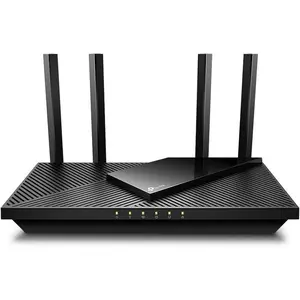


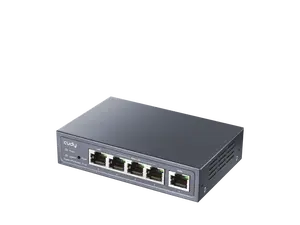


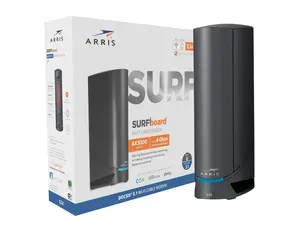


Newegg, Inc.

-27%$316.85$436.41


Newegg, Inc.
-11%$1,009.99$1,129.09
![[SIM Card Required] JOYTUTUS 4G LTE WiFi Router — 150Mbps USB Modem (Unlocked) — Portable In-Car WiFi Adapter](https://p19-oec-general-useast5.ttcdn-us.com/tos-useast5-i-omjb5zjo8w-tx/97a735ed2b41485eaf276762b0415c40~tplv-fhlh96nyum-crop-webp:300:300.webp?dr=12190&t=555f072d&ps=933b5bde&shp=8dbd94bf&shcp=a6e80448&idc=useast5&from=2378011839 "[SIM Card Required] JOYTUTUS 4G LTE WiFi Router — 150Mbps USB Modem (Unlocked) — Portable In-Car WiFi Adapter")


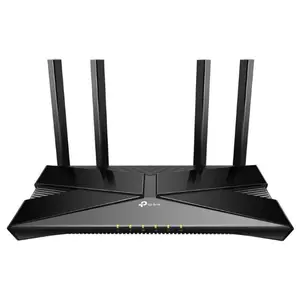


$73.99


$119.00
Related Searches
Related Categories
Introduction
Accessing your Linksys router is essential for managing your home network effectively. By accessing the router, you can make important adjustments to improve your internet experience. Whether you need to change your Wi-Fi password, set up guest access, or update firmware, knowing how to access your Linksys router is crucial. To get started, ensure your computer is connected to the router via Ethernet or Wi-Fi. Then, follow these steps:
- Open a web browser.
- Type in the router's default IP address, usually 192.168.1.1 or 192.168.0.1.
- Enter your login credentials (default username is usually 'admin' and the password is either 'admin' or left blank).