Results for "access netgear router"
Accessing a Netgear router involves connecting to the router's web interface to manage settings and configurations.


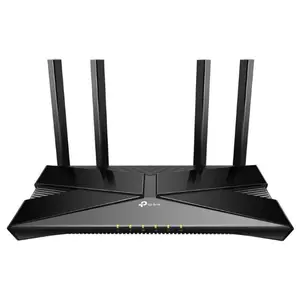


-26%$186.74$252.10


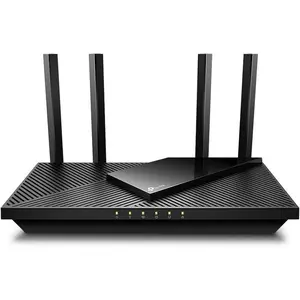




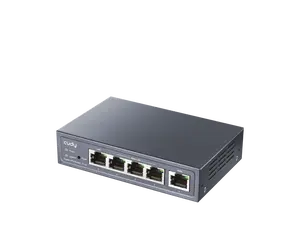


![[SIM Card Required] JOYTUTUS 4G LTE WiFi Router — 150Mbps USB Modem (Unlocked) — Portable In-Car WiFi Adapter](https://p16-oec-general-useast5.ttcdn-us.com/tos-useast5-i-omjb5zjo8w-tx/97a735ed2b41485eaf276762b0415c40~tplv-fhlh96nyum-crop-webp:300:300.webp?dr=12190&t=555f072d&ps=933b5bde&shp=8dbd94bf&shcp=a6e80448&idc=useast5&from=2378011839 "[SIM Card Required] JOYTUTUS 4G LTE WiFi Router — 150Mbps USB Modem (Unlocked) — Portable In-Car WiFi Adapter")


Newegg, Inc.

-27%$300.09$413.33


$70.35


Related Searches
Related Categories
Introduction
Accessing your Netgear router is essential for managing your home network effectively. Whether you need to change the Wi-Fi password, update firmware, or adjust security settings, knowing how to access your Netgear router is the first step. To begin, ensure your device is connected to the router, either via Wi-Fi or an Ethernet cable. Open a web browser and type in the default IP address, which is usually 192.168.1.1 or 192.168.0.1. Enter your username and password; the default credentials are often 'admin' and 'password' unless you've changed them. Once logged in, you will have access to various settings including:
- Network settings
- Security options
- Parental controls
- Guest network setup
- Firmware updates