- TikTok Shop
- Phones & Electronics
- Audio & Video
- Headphones, Earphones & Accessories
- MINISO X25 TWS Bluetooth Headphones,Earbuds with Full Color Display, ANC Noise Cancelling , in-Ear Earphone for iPhone Andriod Sport/Workout/Running Audio


4.3
123 global reviews
5
86
4
12
3
10
2
3
1
12
Photos from reviews


😻**y J**😻

😻**y J**😻

😻**y J**😻

😻**y J**😻

😻**y J**😻

😻**y J**😻

M**️


L**Y v**3


s**u
Sort by
Recommended
Filter by
All
Displaying 123 of 123 reviews
Reset filters
😻**y J**😻
·
Verified purchase
US
I love the style, sound quality, I love my music loud, and I can't even get past level 13 without blowing my ear drums out! Performance rivals my beats solo 4, the fit is perfect and I love the color! I got the white set. . I would recommend these to anyone who wants a great product at a great price
Item:
White2024-10-02
M**️
·
Verified purchase
US
Utile 😍
Item:
White2025-10-28

b**l
·
Verified purchase
US
Opened straight from the box and they never held a charge or turned on.

Item:
Black2025-06-25

C**i N**e
·
Verified purchase
US
Great for the price!! My son loves these things! The touch screeen is so nice to have! Can’t beat $28 !!
Item:
Khaki2024-08-17

K**e K**e
·
Verified purchase
US
Style perfect, Good performance 👏, the white color is amazing 👏, the size is comfortable in my ear , Good Product
Item:
White2024-07-06
L**Y v**3
·
Verified purchase
US
Love it sounds qualit sounds clear loud
Item:
Black2024-11-05
s**u
·
Verified purchase
US
Item:
White2024-08-09

R** R**l
·
Verified purchase
US
I love them, loud volume comfortable in my ear and long battery life.
Item:
Black2025-12-30
K**💜
·
Verified purchase
US
The music sounds great but it tends to fall out of your ear and it static really bad when talking on the phone so I would say it’s not as good quality as it seems
Item:
Black2025-09-26

🇨**️
·
Verified purchase
US
Se ven de buena calidad. Se escuchan muy bien y les dura la carga muchísimo. A demás son hermosos y cómodos
Item:
Black2025-06-23
j**❌
·
Verified purchase
US
The design was a little off. You can’t even adjust it in your ear without it going off. The quality of the sound was not good. It also broke apart. Had to reattach it together all in all they’re OK. May have to go back to the drawing board.
Item:
Black2025-06-04

W**a G**a
·
Verified purchase
US
Me encantaron se escuchan muy bien a comparación de otros que he comprado… Gracias
Item:
Black2025-05-29

L**a
·
Verified purchase
US
No sirvieron mis audífonos no sirven no prenden nada
Item:
White2025-05-01
A**i
·
Verified purchase
US
There exactly like the videos, they are at a affordable price, and there very comfortable
Item:
Khaki2025-04-23

r**9
·
Verified purchase
US
The ear buds are great. You would never know they cost only $12.99 plus fees. Great sound!!
Item:
Black2025-04-15

I** M**n
·
Verified purchase
US
No matter what I tried, they would not turn on. I was really excited to try this product. I am thoroughly disappointed, Probably the biggest letdown that I’ve come across on this app Saturday😔
Item:
Black2025-04-08

M**a S**🔥
·
Verified purchase
US
Lo mandaron a otra dirección y no me quisieron dar un reembolso 👎
Item:
White2025-04-03

@**😎
·
Verified purchase
US
Excelente servicio mando las fotos de la entrega y todo muy bien 👍
Item:
White2025-04-02

S**l S**r
·
Verified purchase
US
Very good quality best in my option and very comfortable
Item:
Black2025-03-27
S**n
·
Verified purchase
US
The sound quality is bad. My wife said that I sound like I’m in a tunnel when I talk to her on the phone
Item:
Black2025-03-21
About this product 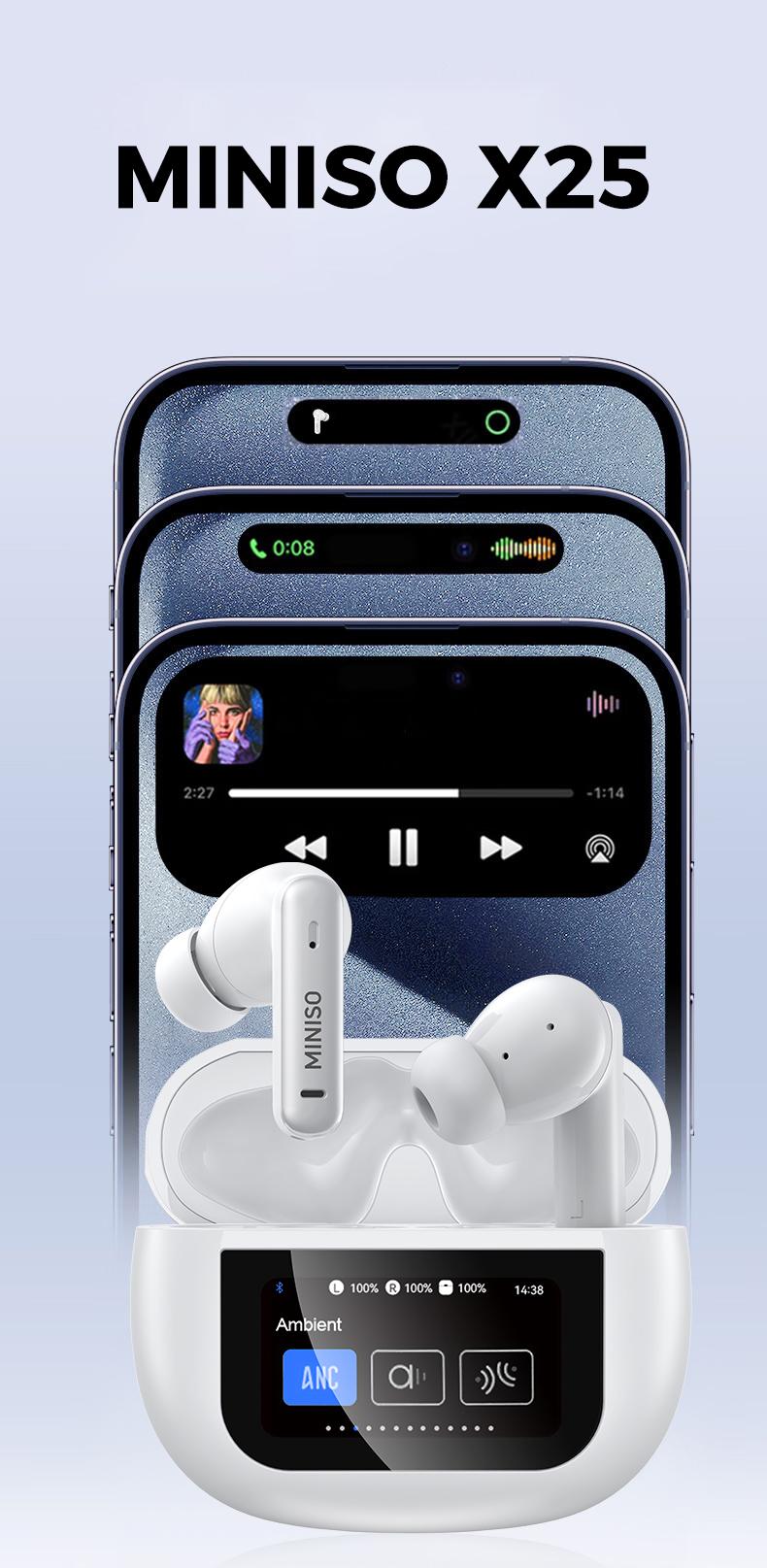
Product description
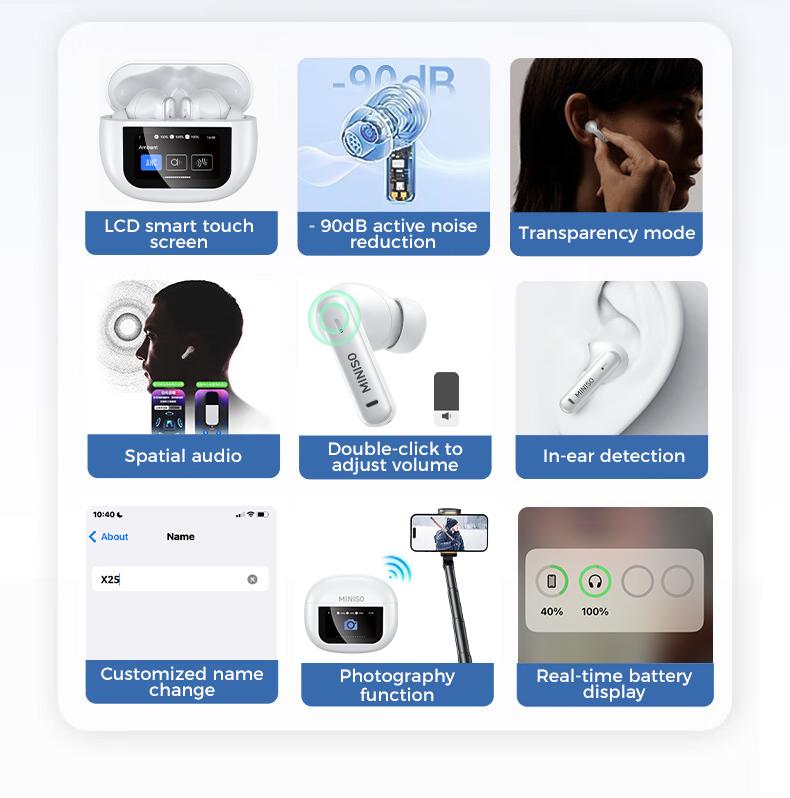
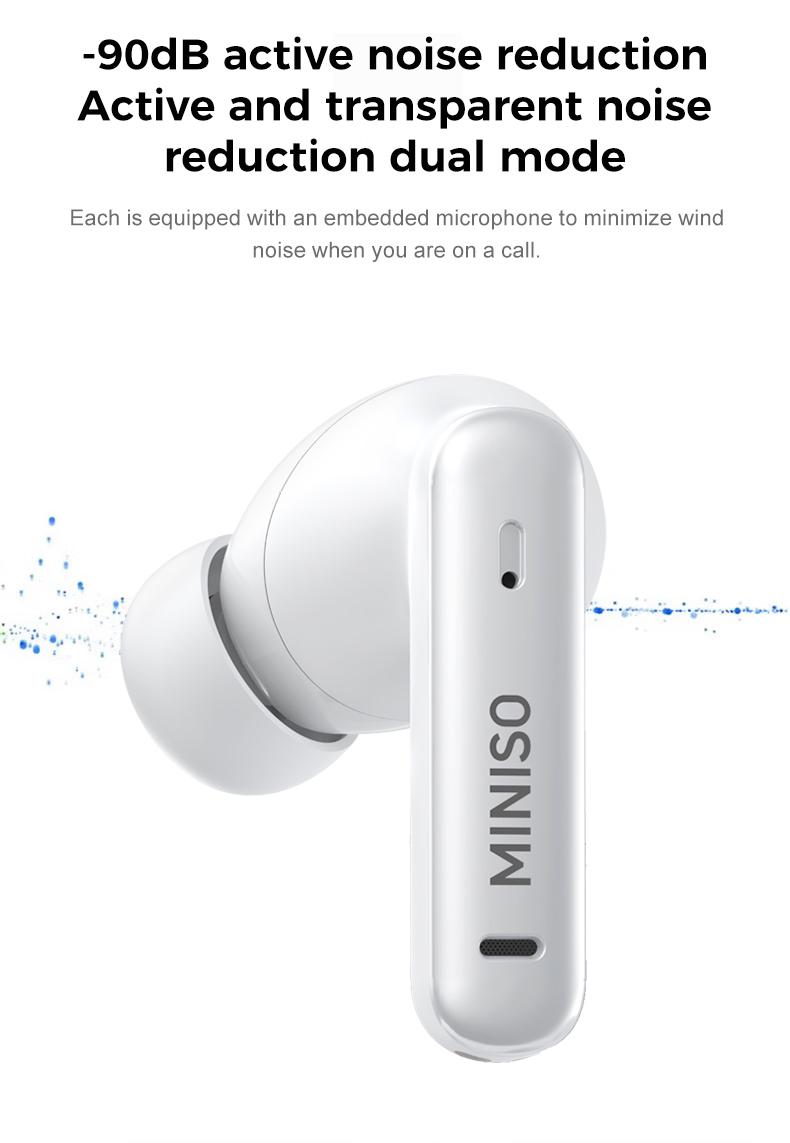
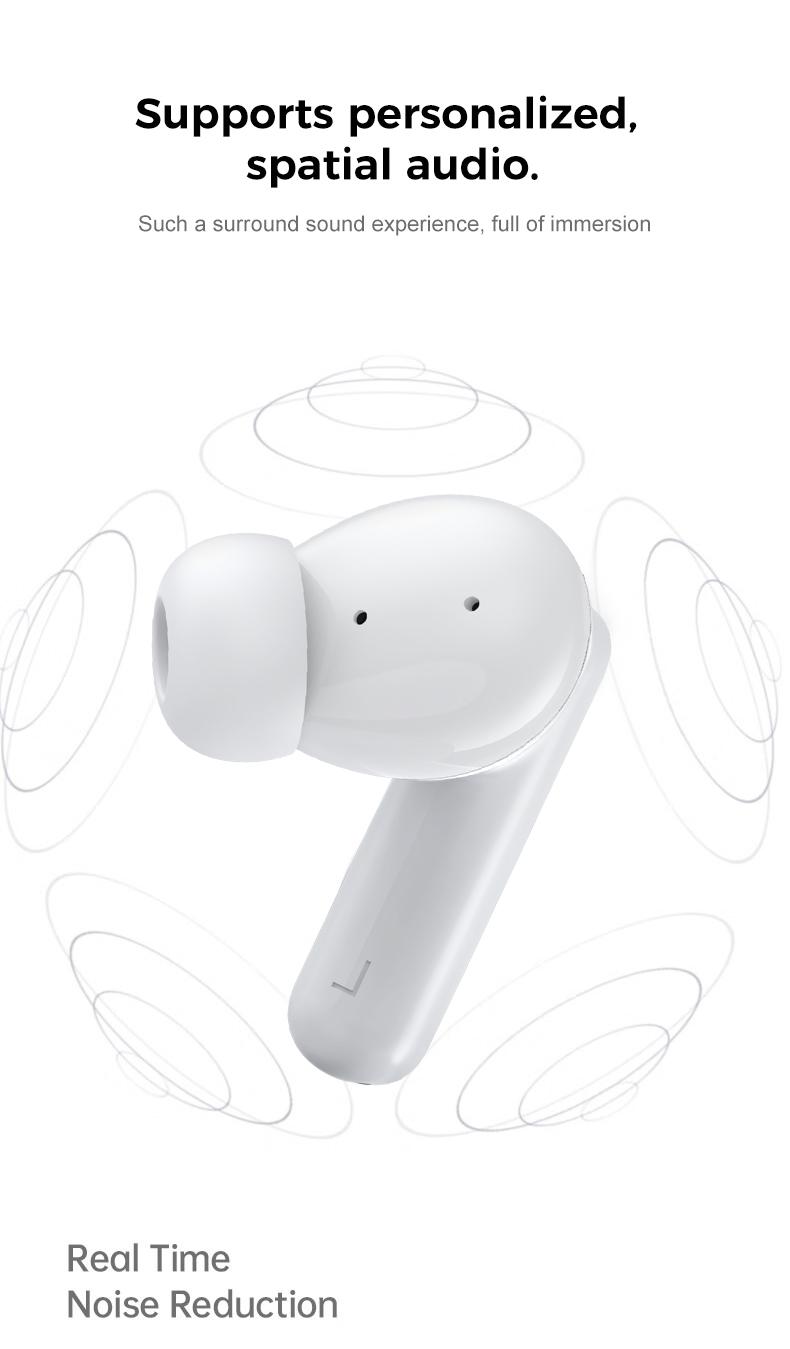
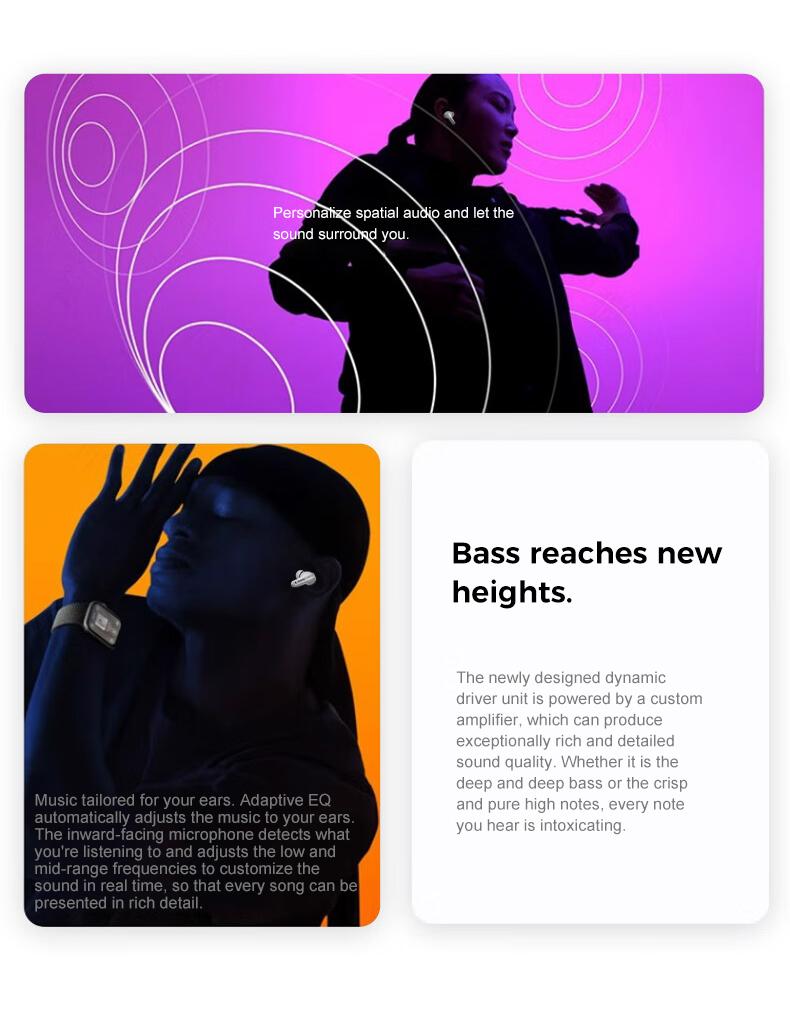
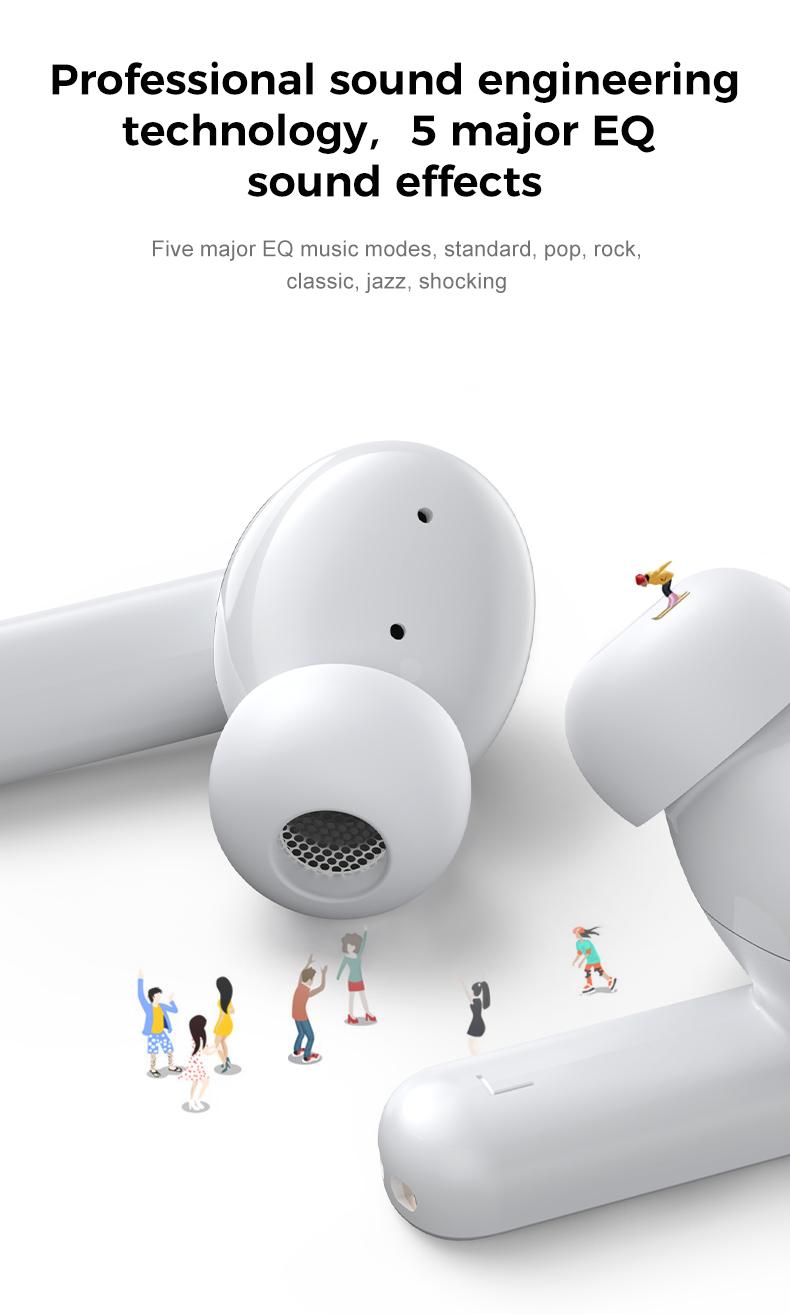
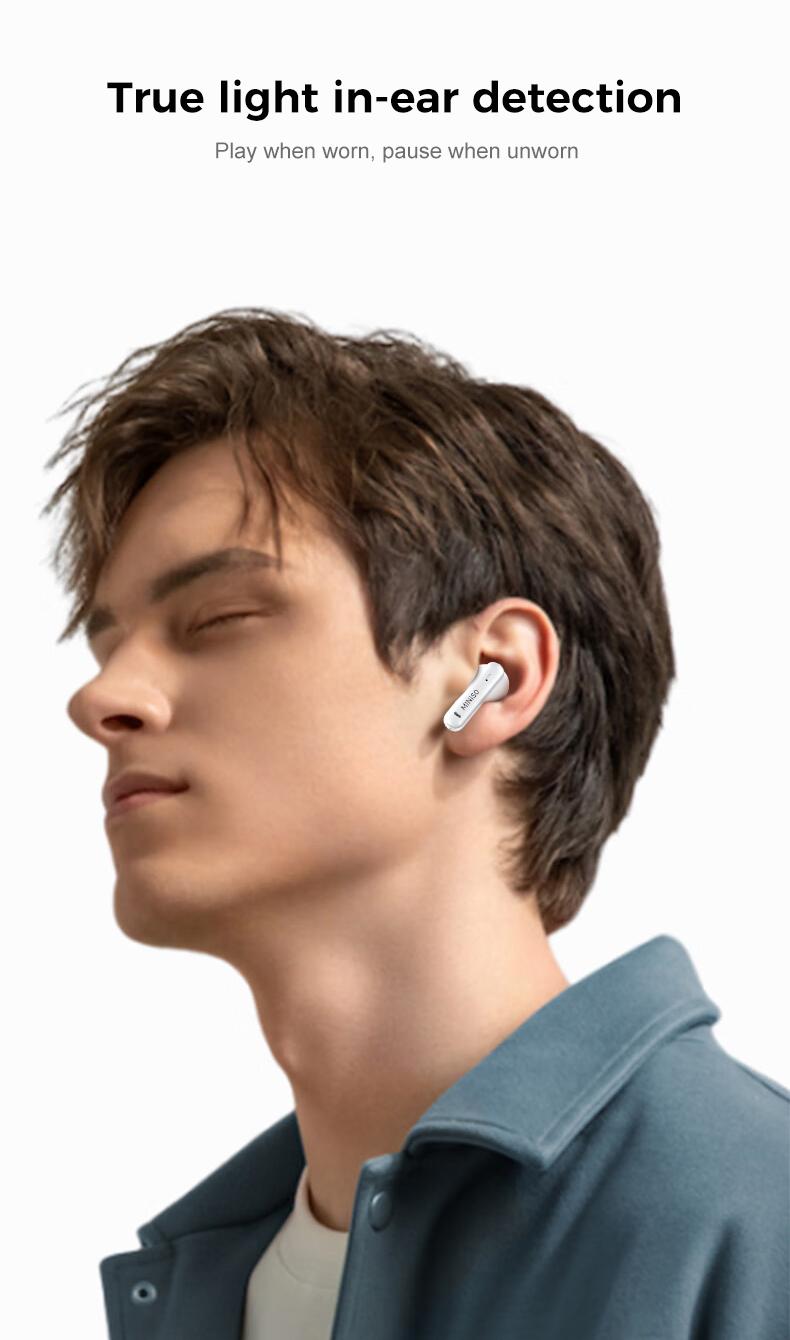
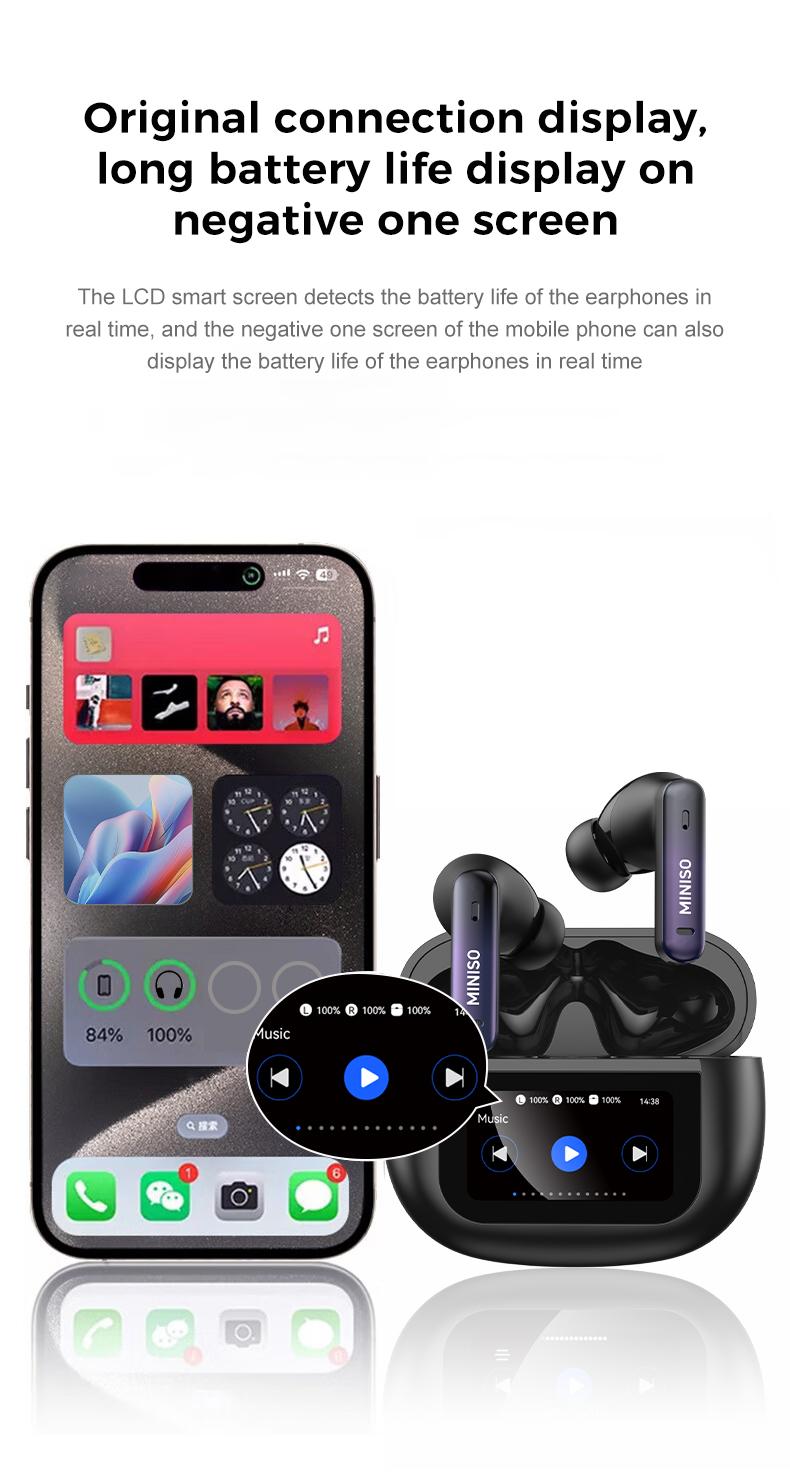
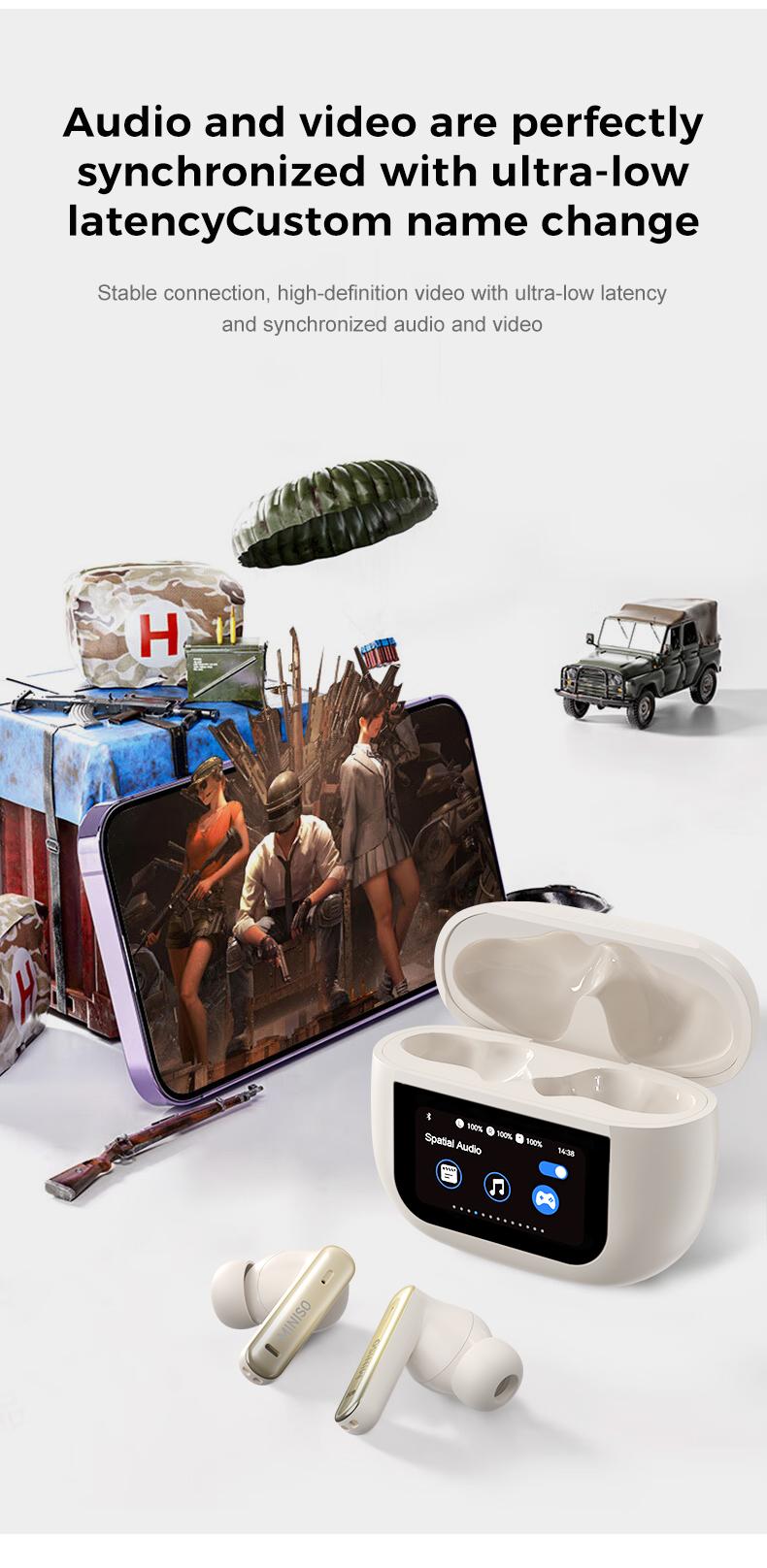
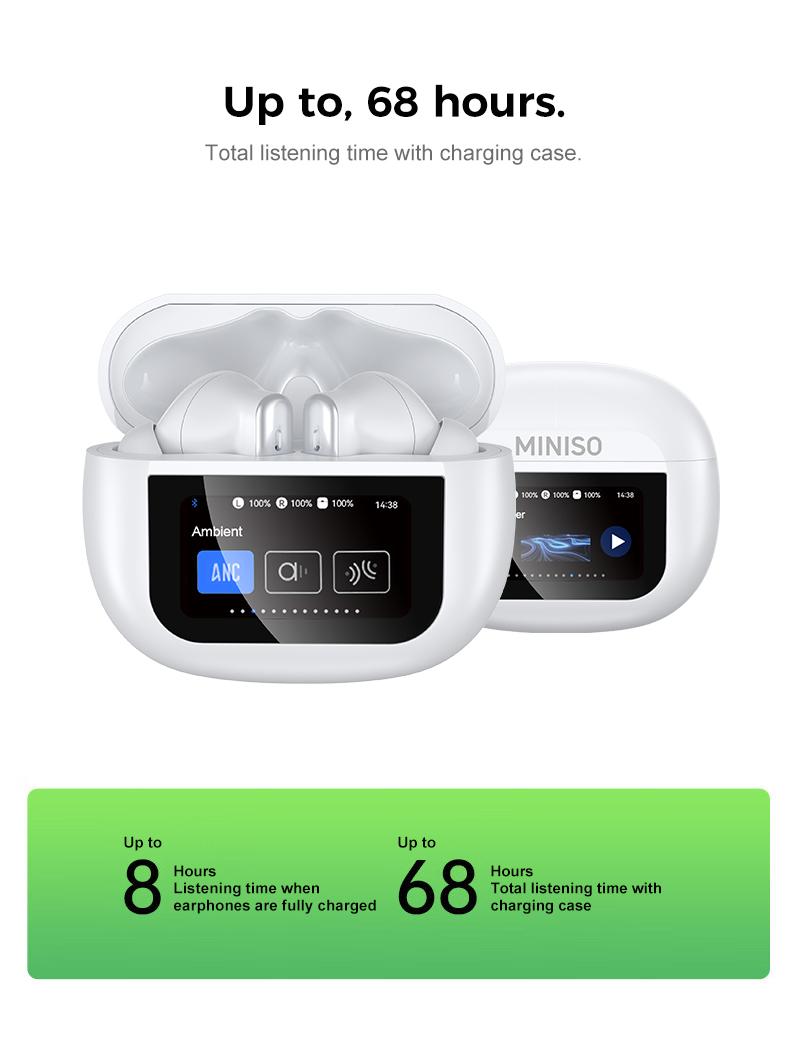
MINISO X25 ANC noise cancellation technology eliminates distractions so you can enjoy your favorite audio, even the sound of silence, immersing you in superior spatial audio anytime, anywhere. The unique smart charging case gives you direct access to all key earbuds features without the need for a smartphone app. All app functions can be accessed through the smart case, even from non-smartphone devices such as laptops, PCs, TVs, etc. Control key earbud app functions without using your phone, just touch the charging case screen for a truly seamless experience. Immerse yourself in up to 48 hours of spatial audio on a single charge with the innovative Bluetooth-enabled smart charging case. Microphone technology ensures superior call quality in any conditions.
Color screen warehouse operation:
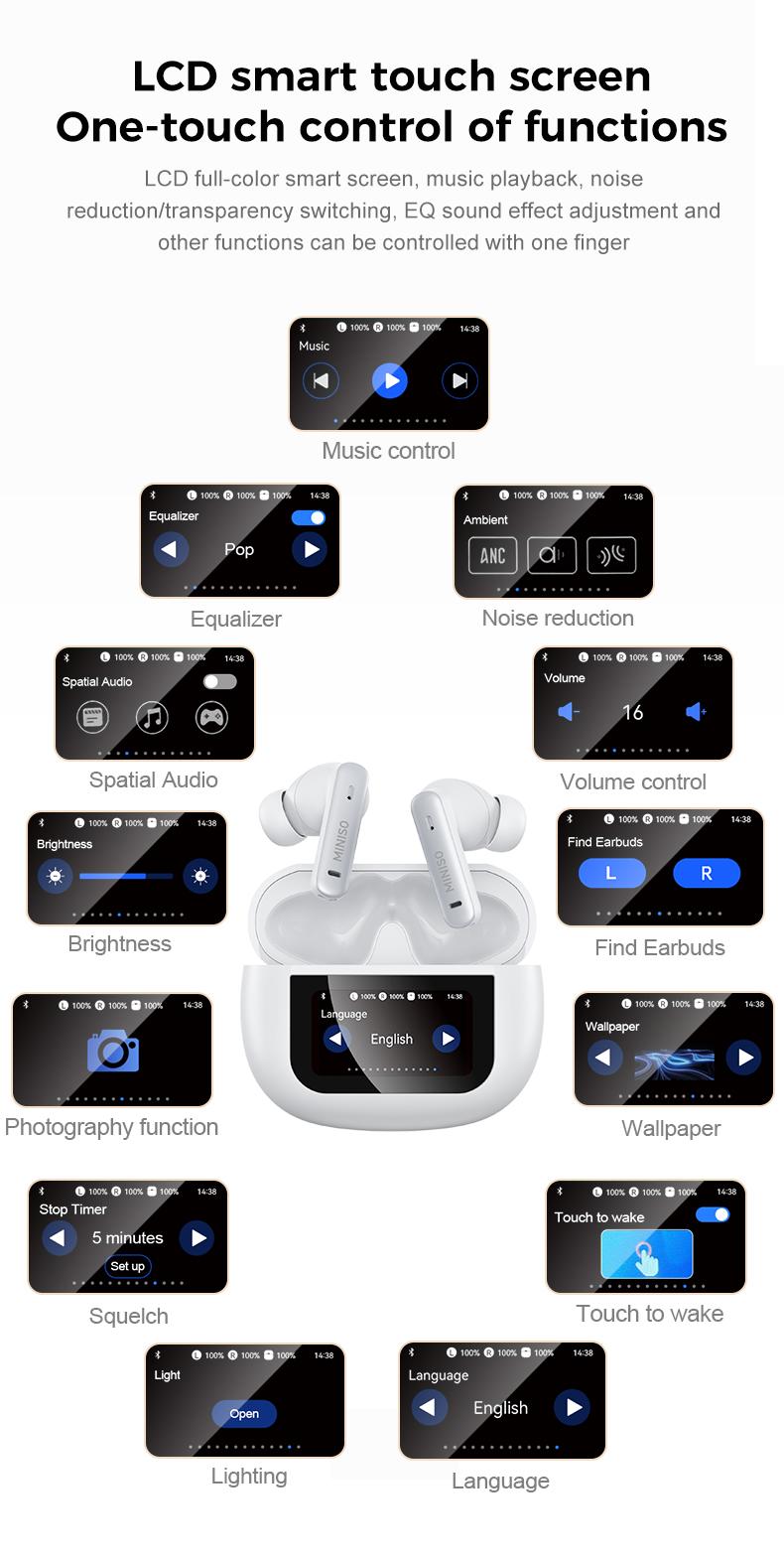
① Music interface: control the music playback function of the headset (need to be connected to a mobile phone or other Bluetooth device)
② Volume interface: control the volume increase and decrease of the headset (need to be connected to a mobile phone or other Bluetooth device)
③ Ambient sound interface: control the transparency of the headset, ANC noise reduction, and normal (need to be connected to a mobile phone or other Bluetooth device)
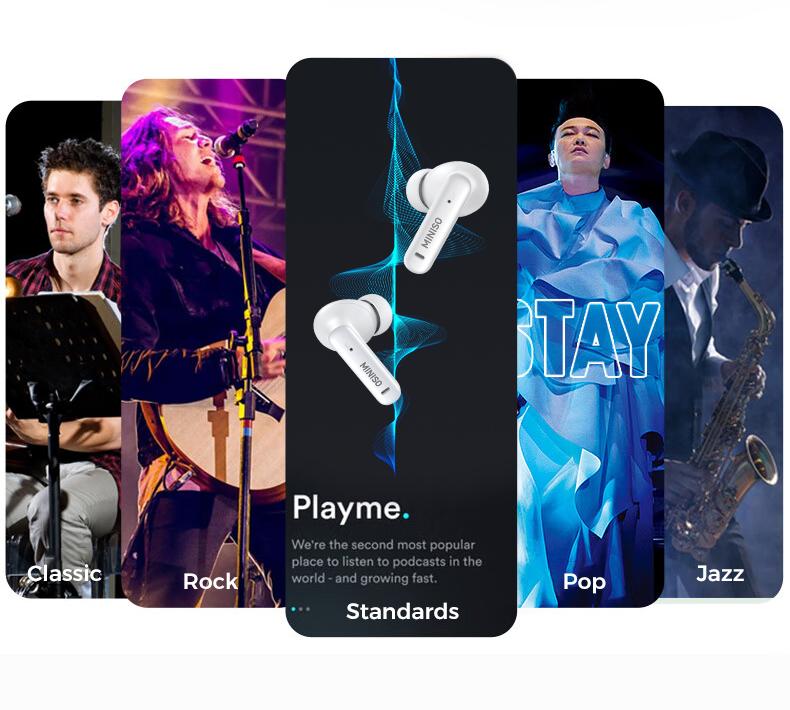
④) Equalizer interface: switch sound effects: jazz, vocal, bass, club, studio, custom sound effects (need to be connected to a mobile phone or other Bluetooth device)
⑤ Brightness adjustment interface: control the brightness level of the charging compartment: low, medium, high, three levels are optional
⑥ Wallpaper switching interface: there are 6 lock screen wallpapers to choose from
⑦ Space sound switching interface: control the headset to switch movie mode, music mode, and game mode
⑧ Find headset interface: find the headset through the charging compartment to make the headset sound (need to be connected to the headset,When using this function, please do not wear the headset to avoid damage caused by excessive sound)
⑨ Flashlight function: turn on the flashlight lighting
⑩ Language switching: switch the charging compartment language display: English/German/Spanish/Portuguese/French
⑪ Countdown function interface: turn on the countdown function ⑪Countdown function interface: turn on the countdown function
⑫ Turn off touch wake-up interface: after turning off touch wake-up, press the button to wake up the display screen and then operate. This function prevents the human body from touching the display screen to wake up the display screen and cause power loss
⑬ Forced connection between the compartment and the earphones: long press the button for 5S to enter the forced connection (operate with the charging compartment cover open and the earphones in the compartment)
⑭ Restart: long press the button at the bottom of the charging compartment for about 10 seconds. (display the boot screen)
Shipping mode: press the button twice in a row and long press for 5s the second time to enter the interface to select shipping mode
Activate shipping mode: short press the bottom button for about 1 second, and the display screen will display the boot screen
When the display screen is off, you can open the upper cover of the charging compartment to activate it, or short press the button at the bottom of the charging compartment to light up the display screen
(If clicking the bottom button does not activate the display screen, please long press the bottom button for about 10 seconds to turn on)
⑮Compartment charging icon (when the compartment icon shows 100% power, wait 15 minutes before unplugging the charger)
⑯Photographing function: (need to connect to a mobile phone or other Bluetooth device)
Product specifications:
◾ Bluetooth: v5.4
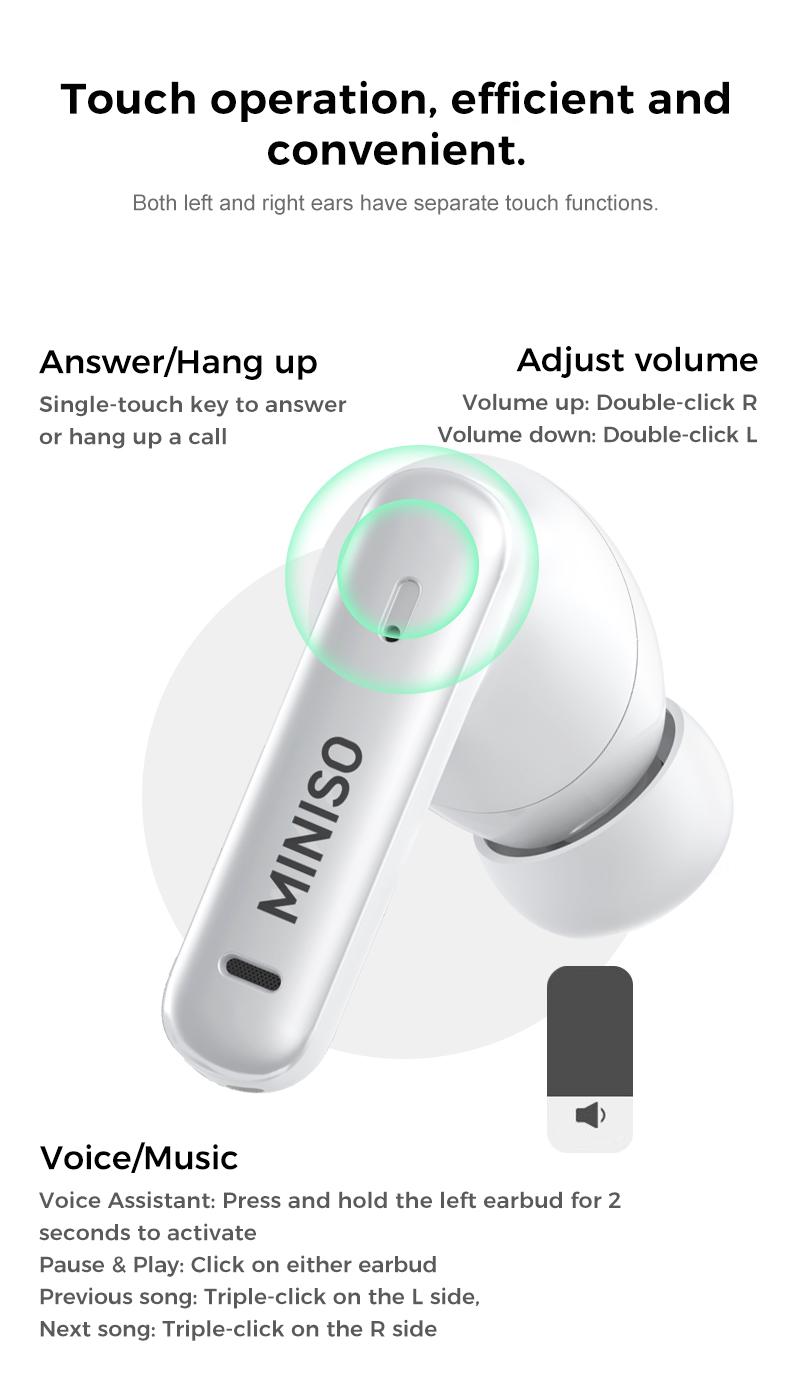
◾ Control method: touch operation
◾ Bluetooth effective distance: 10m
◾ Earphone usage time: 3.5hours
◾ Charging time: 1.5hours
Package:
1x Earphones
1x Type-C
1x User manual
3x Spare earplugs
View more
$20.99
From $5.99 shipping on this order
MINISO X25 TWS Bluetooth Headphones,Earbuds with Full Color Display, ANC Noise Cancelling , in-Ear Earphone for iPhone Andriod Sport/Workout/Running Audio
4.3(123)
826 sold
Color:White
White Black
Black Khaki
KhakiQuantity:
Coupon center
Log in to check your coupons
View and claim any available offers once you're logged in.
Shipping & returns
Shipping & delivery
Many items qualify for free shipping or become eligible once the order threshold is met.
Returns made easy
Most items are eligible for free returns within 30 days of delivery for a refund. Some items, including ingestibles, hygiene products, and pre-owned goods, are non-returnable. Final sale items cannot be returned or replaced.
About this shop

MINISO Electronic Audio
3.8
850.8K Sold
19.3K+ Followers
99%24h response rate
81%Ships within 2 days
67%Positive feedback
Visit
Shop review


Videos for this product

KATE👸🏽🤍backup101🤍
1.7K
Creator earns commission

Chloe Crush
1.4K
Creator earns commission

dayoulanena
700
Creator earns commission

Chema venegas
315
Creator earns commission
Chema venegas
307

Katie bell
226
Creator earns commission

Zgam3s
106

MINISO Electronic Audio
96
Creator earns commission

FLORES
78
Creator earns commission

Lucas Shop
76
Creator earns commission

Kike Villalobos Calderon
73
Creator earns commission
Lucas Shop
66
MINISO Electronic Audio
58
Creator earns commission

Cool Thingies
54
Paid partnership

𝔼𝕝𝕤𝕪 𝔸𝕪𝕒𝕝𝕒
49
Explore more from MINISO Electronic Audio


You may also like

People also searched for