- TikTok Shop
- Phones & Electronics
- Audio & Video
- Headphones, Earphones & Accessories
- Picun G2 Over Ear Wireless Gaming Headset with Mic - Gaming Accessories, Bluetooth 5.4 Headphones, 7.1 Virtual Immersive Sound, 2.4GHz/Wired Connectivity, 5ms Lagfree Play, ENC Noise-Canceling Retractable Mic, RGB Lighting, PC Accessories for PC, PS5, PS4


3.5
4 global reviews
5
2
4
0
3
0
2
2
1
0
Photos from reviews


👸**🌴

👸**🌴

👸**🌴
Sort by
Recommended
Filter by
All
Displaying 4 of 4 reviews
Reset filters
👸**🌴
·
Verified purchase
US
Item:
Black-blue2026-08-15
T**9
·
Verified purchase
US
I didn't even get my order it ever came in I feel like it would be a good headset but it ever came in
Item:
BLACK-RED2026-06-23

**
·
Verified purchase
US
Item:
BLACK-RED2026-08-20

j**e
·
Verified purchase
US
Item:
WHITE-GRAY2026-07-28
About this product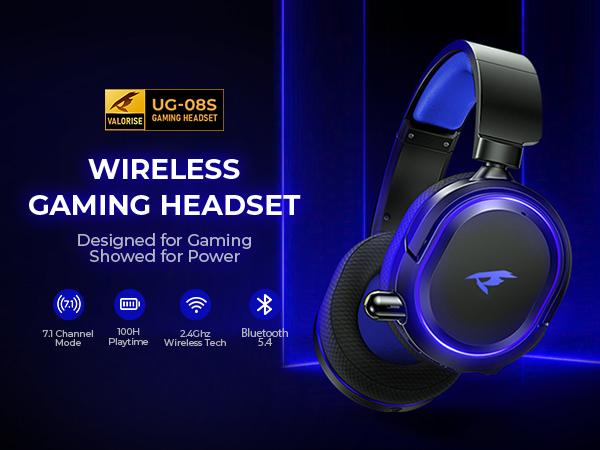
Product description
Picun G2 Bluetooth Gaming Headset – Immersive Sound, Unmatched Performance
Product Overview:
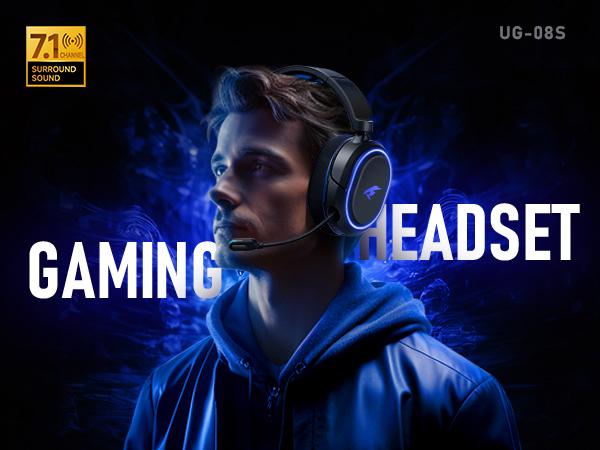
Experience next-level gaming audio with the Picun G2 Bluetooth Gaming Headset. Featuring 7.1 Surround Sound, retractable earbuds, and a 5ms low latency ENC microphone, it ensures precise sound positioning and seamless communication. Designed for comfort and endurance, this headset is perfect for PC, PS4, PS5, XBoxand more.
Key Features:
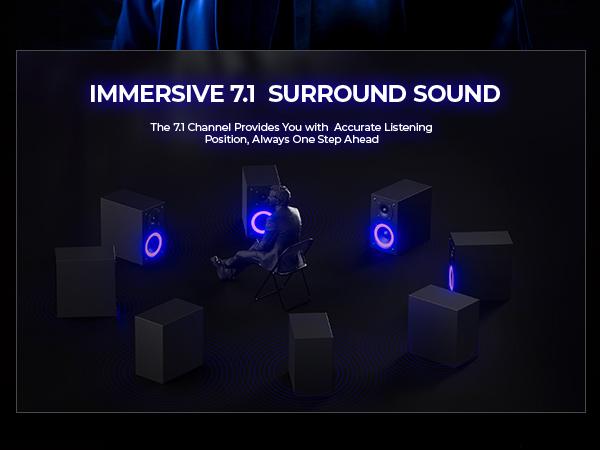
·7.1 Surround Sound: Immerse yourself in cinematic audio with crystal-clear precision for every step, shot, and command.
·Retractable Earbud: Conveniently switch between headset and earbud for on-the-go or casual use.
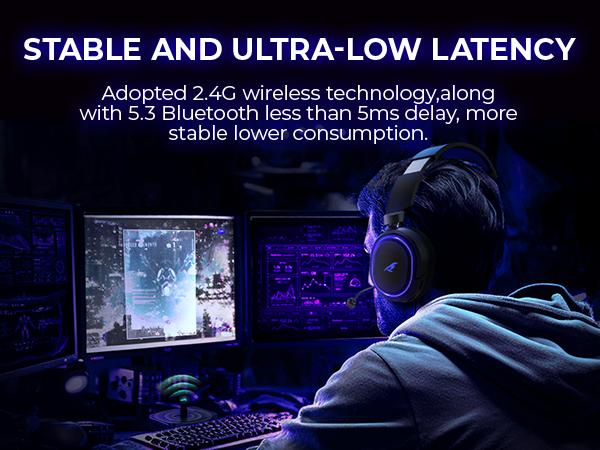
·Low-Latency Gaming: Enjoy a 5ms ultra-fast connection, ensuring lag-free gaming for serious gamers.
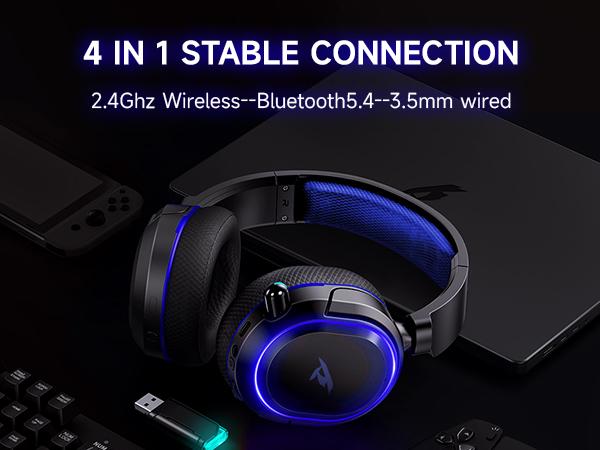
·Versatile 4-in-1 Audio Cable: Seamlessly connect via Bluetooth or wired modes, giving you flexible options for any device.
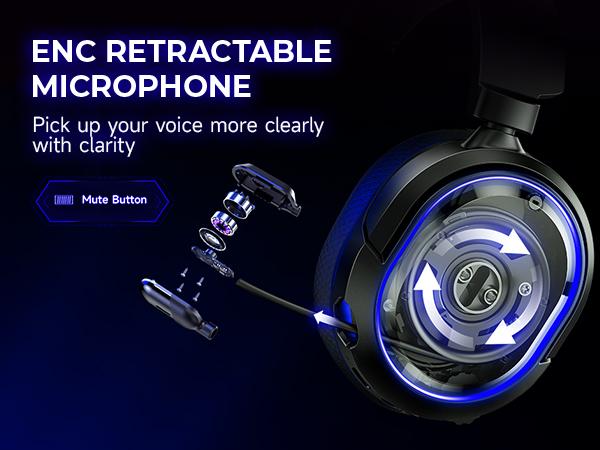
·Rechargeable ENC Microphone: Crystal-clear voice pickup with noise cancellation, perfect for intense gaming sessions or calls.
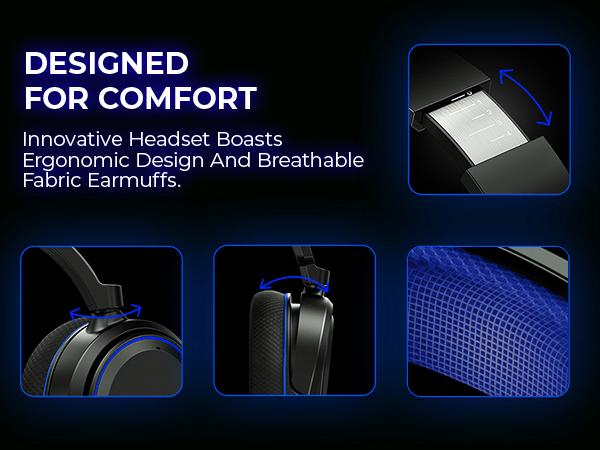
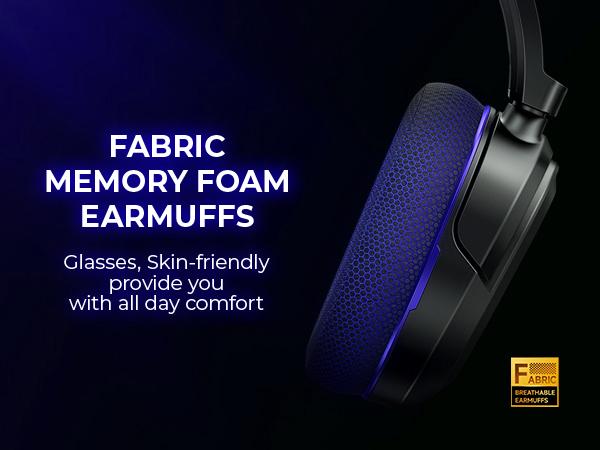
·All-Day Comfort: Lightweight design with ergonomic ear cushions ensures hours of pain-free gaming.
Specifications:
·Audio Quality: 7.1 Surround Sound with 40mm drivers
·Bluetooth Version: 5.4, stable up to 30+ ft
·Latency: 5ms low-latency connection
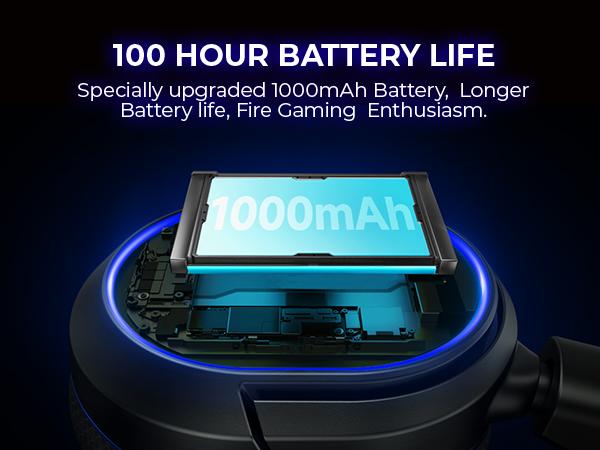
·Battery Life: Up to 50 hours of playtime
·Connectivity: Bluetooth + Wired with 4-in-1 Audio Cable
·Microphone: ENC noise-canceling, rechargeable
·Compatibility: PC, PS4, PS5, mobile devices
Q&A
1.Why the volume is low while connect to the PS5?
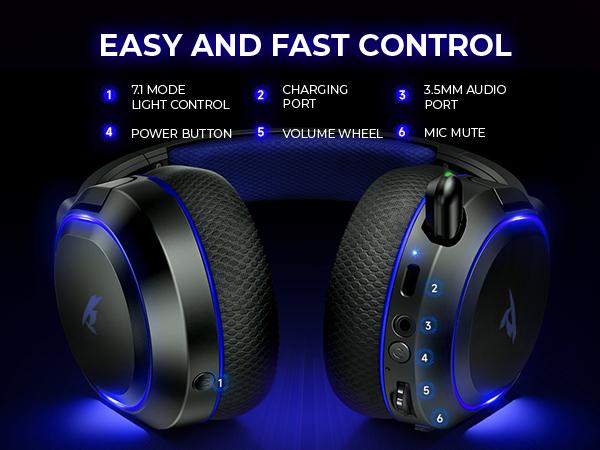
·First: Roll the volume control wheel to adjust the volume.
·Second: Set up-Sound- -Audio Output--Output Device--Choose USB Headset(Picun G2)
·Third: Volume Headphones
2.When connected to the PS5, No sound from the microphone? Microphone sound too low?
·First: Set up--Sound--Microphone--Input Device--Choose USB Headset(Picun G2)
·Second: Adjust Microphone Level
·Third: Mircophone Status When Logged in
·Fourth: Mircophone Status When Starting Voice
·Fifth: Volume--Controller Speaker
3.The Picun G2 wireless mode can not compatible with an XBOX!!!
·Sure, The headset's wireless function not compatible with any xbox series.
4.How to switch between 2.4GHz dongle modes and Bluetooth modes to pair with gaming devices
·You can switch between 2.4GHz dongle modes and Bluetooth modes by pressing the power button three times.
This product is shipped directly from the official TikTok warehouse. Actual battery life depends on your specific usage habits and the features you frequently enable. If the packaging is damaged or the product itself is defective, please contact our online customer service immediately to arrange a return and refund.
View more
-30%$69.99$99.99
Free shipping
Picun G2 Over Ear Wireless Gaming Headset with Mic - Gaming Accessories, Bluetooth 5.4 Headphones, 7.1 Virtual Immersive Sound, 2.4GHz/Wired Connectivity, 5ms Lagfree Play, ENC Noise-Canceling Retractable Mic, RGB Lighting, PC Accessories for PC, PS5, PS4
4(4)
54 sold
Color:Black-blue
Black-blue BLACK-RED
 WHITE-GRAY
 White-Black
 Gray-Pink
Quantity:
Coupon center
Log in to check your coupons
View and claim any available offers once you're logged in.
Shipping & returns
Shipping & delivery
Many items qualify for free shipping or become eligible once the order threshold is met.
Returns made easy
Most items are eligible for free returns within 30 days of delivery for a refund. Some items, including ingestibles, hygiene products, and pre-owned goods, are non-returnable. Final sale items cannot be returned or replaced. Please log in to view this item's specific return policy.
About this shop

Picun US

Gold Star Seller
4.4
124.2K Sold
20.8K+ Followers
100%24h response rate
0%Ships within 2 days
83%Positive feedback
Visit
Shop review


Videos for this product
Creator earns commission

JFGAMEZ
11
Creator earns commission
JFGAMEZ
13
Creator earns commission
JFGAMEZ
10

nmydx0
5
Creator earns commission

Dude Math
3
Creator earns commission

OKKQX
1
Explore more from Picun US


![[back to school haul] Picun G2 Wireless Gaming Headset , 7.1 Surround Precision Audio, 5ms Lagfree Play, Retractable Earbuds, Rechargeable ENC Microphone, for PC PS4 PS5, Call of Duty/FPS Gamers, Triple Mode All Devices Compatible,Not for Xbox](https://p16-oec-general-useast5.ttcdn-us.com/tos-useast5-i-omjb5zjo8w-tx/797c94840e1d47ce8ca15cddc8faf6a9~tplv-fhlh96nyum-resize-webp:600:600.webp?dr=12190&t=555f072d&ps=933b5bde&shp=8dbd94bf&shcp=607f11de&idc=useast5&from=2378011839 "[back to school haul] Picun G2 Wireless Gaming Headset , 7.1 Surround Precision Audio, 5ms Lagfree Play, Retractable Earbuds, Rechargeable ENC Microphone, for PC PS4 PS5, Call of Duty/FPS Gamers, Triple Mode All Devices Compatible,Not for Xbox")


You may also like


