- TikTok Shop
- Phones & Electronics
- Audio & Video
- Speakers
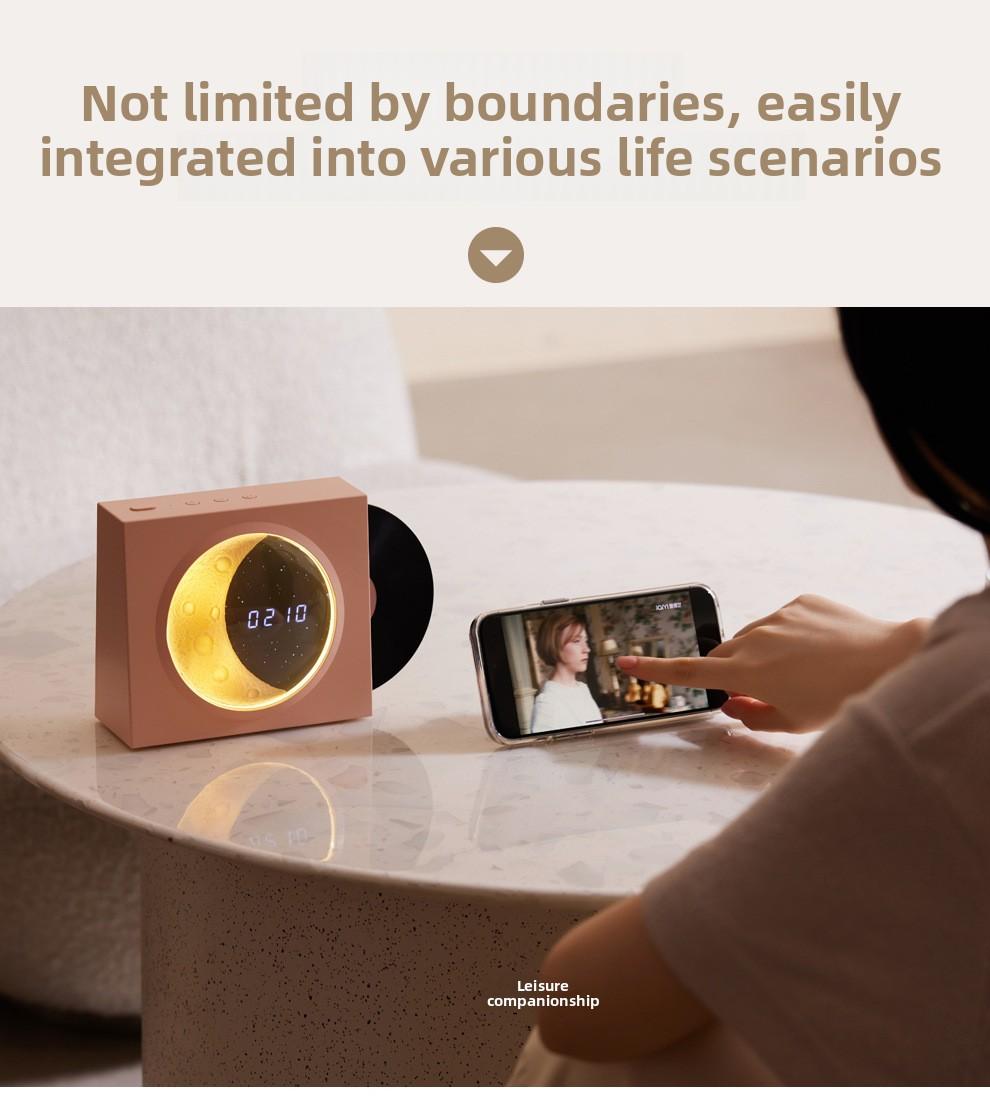
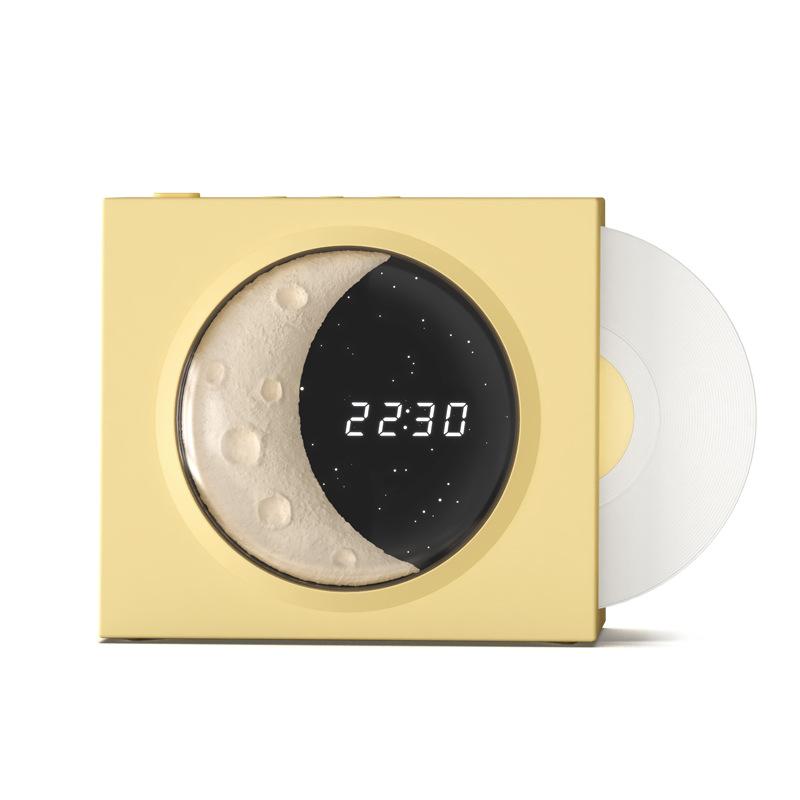
- Retro vinyl record player Bluetooth speaker, starry sky light music Bluetooth speaker, creative home desktop speaker


About this product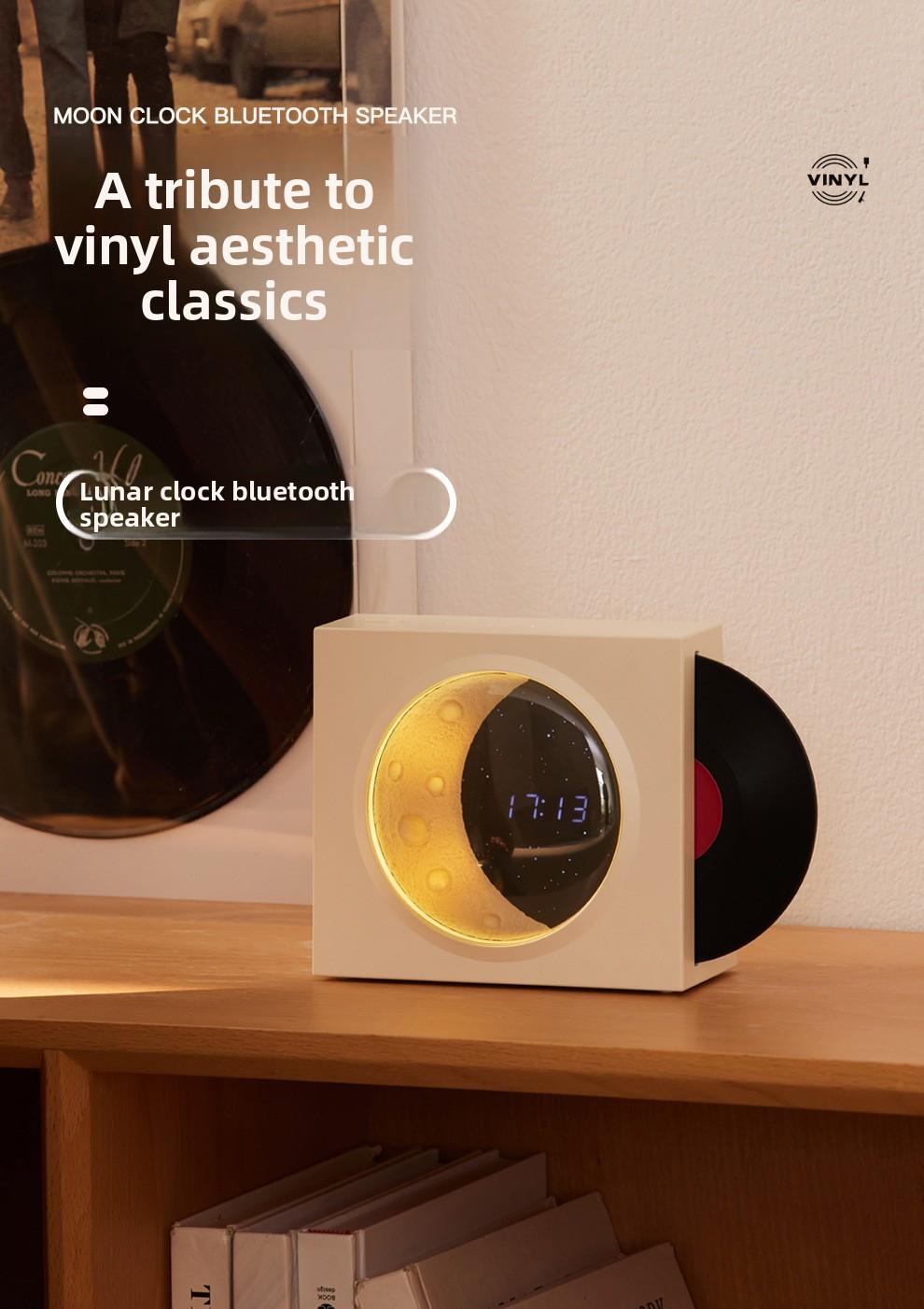





Product description
Retro vinyl record player Bluetooth speaker, starry sky light music Bluetooth speaker, creative home desktop speaker
Open key:
Long press the power button (turn on/off)
Addition and subtraction keys:
Long press to adjust the volume.
Click to adjust the up and down tracks.
Mode key:
Click to switch playback modes: Bluetooth mode/AUX audio mode/TF card mode.
Long press to change lighting mode: The default mode is full on when the device is turned on.Each long press switches the lighting mode, which is the Moon Starry Sky Lighting Mode - Starry Sky Lighting Mode - Atmosphere Light Circle Mode - Light Off Mode.
Bluetooth pairing:
After turning on the device, adjust the mode to Bluetooth mode, open the phone's Bluetooth search, click on the Bluetooth pairing name: Round-X09, and click to connect.
Charging status:
When charging, the red light stays on and the blue light stays on when fully charged (there will be a prompt sound when the battery is low)
Clock function:
After connecting Bluetooth to the mobile device, the time is automatically calibrated and the clock stays on continuously. After disconnecting/pausing playback for 20 minutes, the clock brightness decreases. To activate Bluetooth/playback, double-click the power button.
View more
$95.00
$7.74 shipping on this order
Retro vinyl record player Bluetooth speaker, starry sky light music Bluetooth speaker, creative home desktop speaker
0 sold
Color:White
White Yellowblack
 Pink
PinkQuantity:
Coupon center
Log in to check your coupons
View and claim any available offers once you're logged in.
Shipping & returns
Shipping & delivery
Many items qualify for free shipping or become eligible once the order threshold is met.
Returns made easy
Most items are eligible for free returns within 30 days of delivery for a refund. Some items, including ingestibles, hygiene products, and pre-owned goods, are non-returnable. Final sale items cannot be returned or replaced. Please log in to view this item's specific return policy.
About this shop

Haiqing Audiovisual Digital
3.7
43 Sold
Visit
Shop review


Explore more from Haiqing Audiovisual Digital

$31.00


You may also like




Bell and Howell
4.5
23.3K sold
-50%$32.45$64.90


Loop Earplugs US
4.4
5.0K sold
$64.86


Sweetcrispy Official
4.1
54 sold
-53%$56.24$119.00
Sweetcrispy Official
4.8
93 sold
-35%$91.94$140.64
