- TikTok Shop
- Phones & Electronics
- Gaming & Consoles
- PC Gaming Accessories
- Attack Shark X11SE Esports Gaming Mouse, Equipped with Pixart Paw3311 Sensor, Supports Bluetooth-compatible/2.4g Wireless/wired Connection, Gaming Accessories


About this product
-51%$29.26$59.73
$7.99 shipping on this order
Attack Shark X11SE Esports Gaming Mouse, Equipped with Pixart Paw3311 Sensor, Supports Bluetooth-compatible/2.4g Wireless/wired Connection, Gaming Accessories
8 sold
Color:White
White
Hot Pink
Red
Black
Power Source:Battery-Powered
Battery-Powered
Quantity:
Coupon center
Log in to check your coupons
View and claim any available offers once you're logged in.
Shipping & returns
Shipping & delivery
Many items qualify for free shipping or become eligible once the order threshold is met.
Returns made easy
Most items are eligible for free returns within 30 days of delivery for a refund. Some items, including ingestibles, hygiene products, and pre-owned goods, are non-returnable. Final sale items cannot be returned or replaced. Please log in to view this item's specific return policy.
About this shop

HOOPOND
4.7
5403 Sold
30+ Followers
0%24h response rate
0%Ships within 2 days
93%Positive feedback
Visit
Shop review


Videos for this product

HOOPOND
2
HOOPOND
1
Explore more from HOOPOND


You may also like


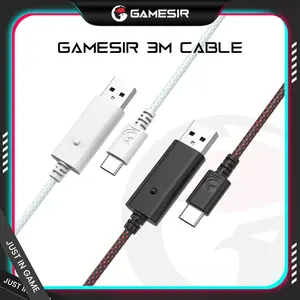


GameSir
4.4
8.2K sold
$33.86

GameSir
4.8
4.3K sold
$112.89

GameSir
4.8
2.0K sold
$14.67

Pixio
4.8
1.4K sold
-29%$112.89$158.06


Turtle Beach Gaming
4.7
1.3K sold
-18%$101.60$124.18