xbox controller buttons
Xbox controller buttons are the various input mechanisms found on Xbox game controllers, allowing users to interact with games and navigate menus. Each button serves a specific function, contributing to the overall gaming experience.
Featured brands
Authenticated productsVerified shops


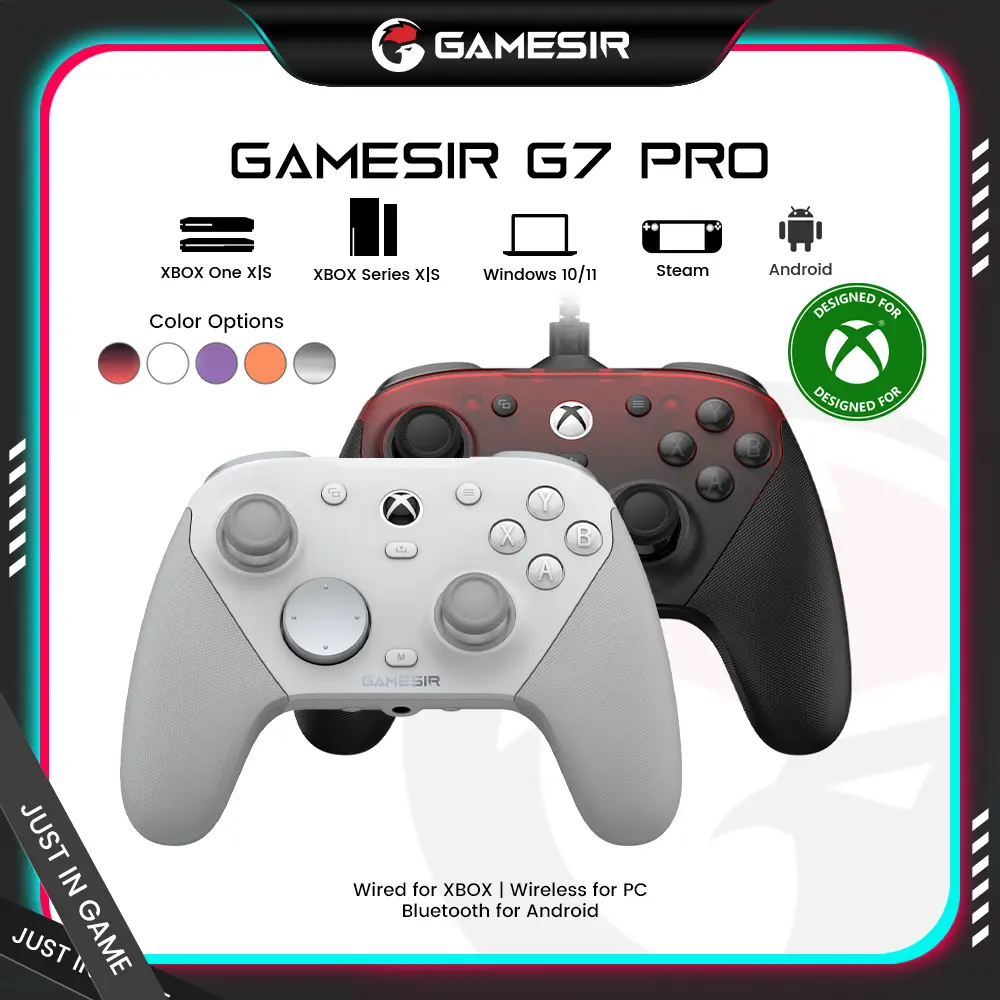

![[TT Exclusive]GameSir T7 Pro Floral Wired Controller for XBOX](https://p16-oec-general-useast5.ttcdn-us.com/tos-useast5-i-omjb5zjo8w-tx/ef361ae7454543d985d74636a836b606~tplv-fhlh96nyum-crop-webp:1000:1000.webp?dr=12190&t=555f072d&ps=933b5bde&shp=8dbd94bf&shcp=a6e80448&idc=useast5&from=2378011839)
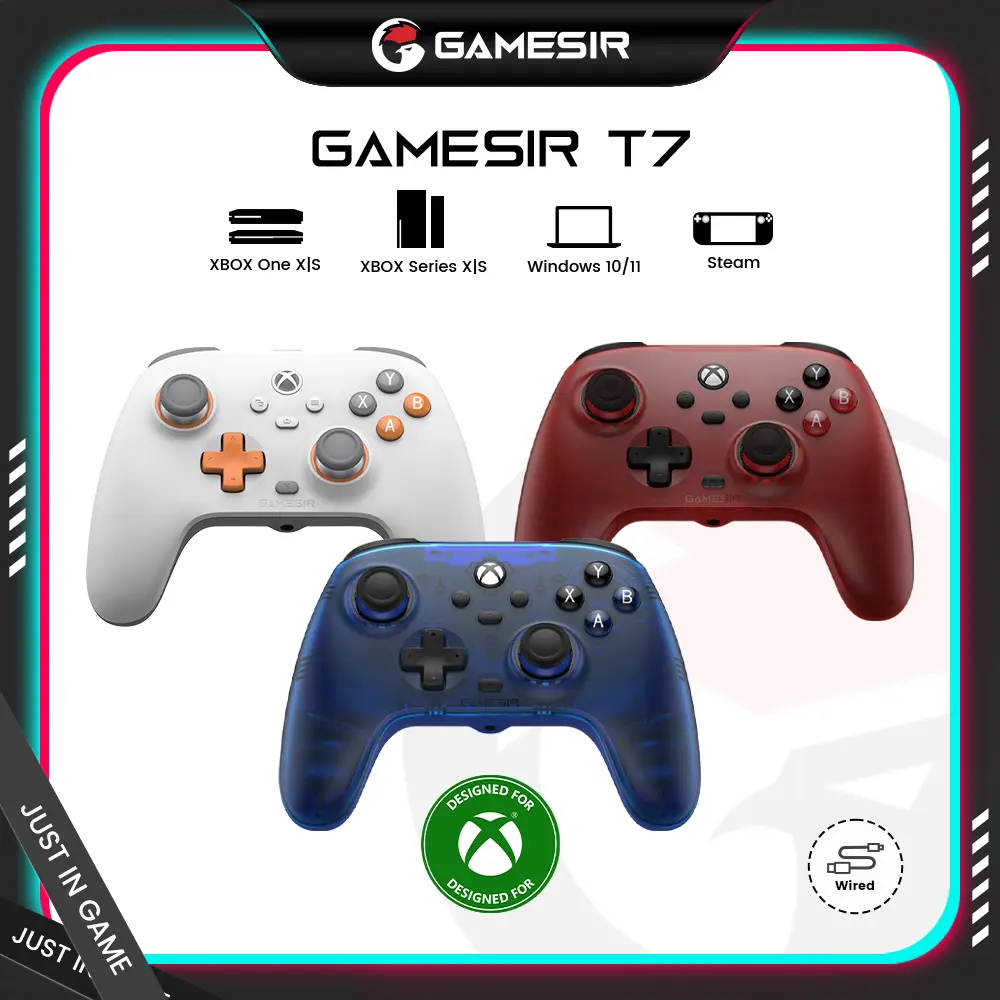


GameSir

4.7
7.0K sold
$129.99


GameSir
4.5
19.0K sold
$38.99


Related Searches
Related Categories
Introduction
The Xbox controller buttons are essential for gamers looking to maximize their gaming experience. These buttons, including A, B, X, Y, and the triggers, are designed to provide responsive feedback and intuitive control. Understanding the layout and function of each button can enhance your gameplay significantly.
Here’s a quick overview of the main buttons:
Each button is strategically placed for easy reach, allowing for quick reflexes during intense gaming sessions. The Xbox controller buttons are known for their durability and responsiveness, making them a trusted choice among gamers. Many players appreciate the ergonomic design that fits comfortably in hand, reducing fatigue during extended playtime. Whether you're a casual player or a competitive gamer, mastering the use of Xbox controller buttons can lead to improved performance and enjoyment. Remember, practice makes perfect, so spend time familiarizing yourself with each button's function to elevate your gaming skills.
Here’s a quick overview of the main buttons:
- A Button: Typically used for jumping or selecting items.
- B Button: Often used for canceling actions or going back.
- X Button: Commonly used for interacting with objects.
- Y Button: Usually assigned for special actions or changing weapons.
- Triggers: Used for acceleration in racing games or aiming in shooters.
Each button is strategically placed for easy reach, allowing for quick reflexes during intense gaming sessions. The Xbox controller buttons are known for their durability and responsiveness, making them a trusted choice among gamers. Many players appreciate the ergonomic design that fits comfortably in hand, reducing fatigue during extended playtime. Whether you're a casual player or a competitive gamer, mastering the use of Xbox controller buttons can lead to improved performance and enjoyment. Remember, practice makes perfect, so spend time familiarizing yourself with each button's function to elevate your gaming skills.