wireless dongle for android auto
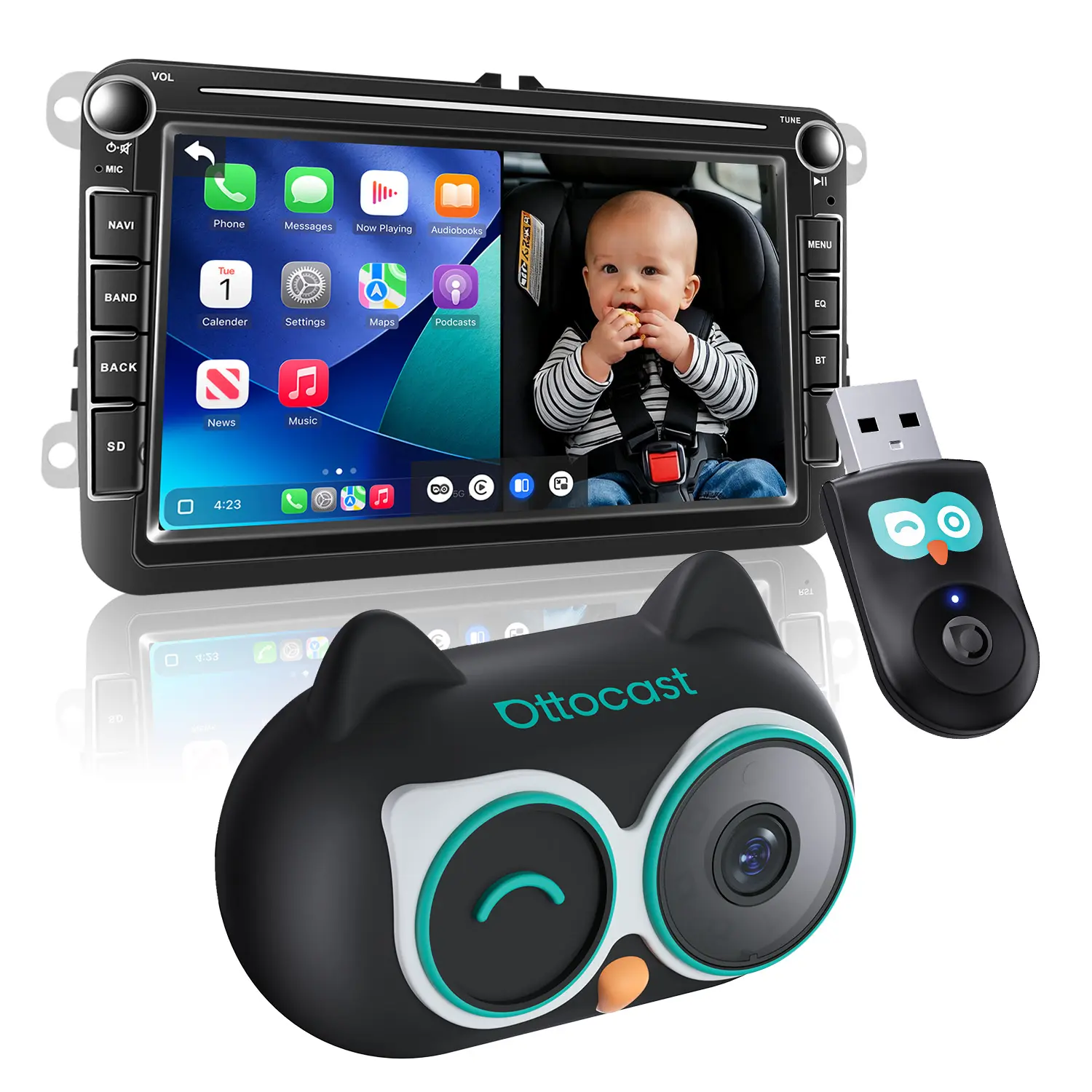
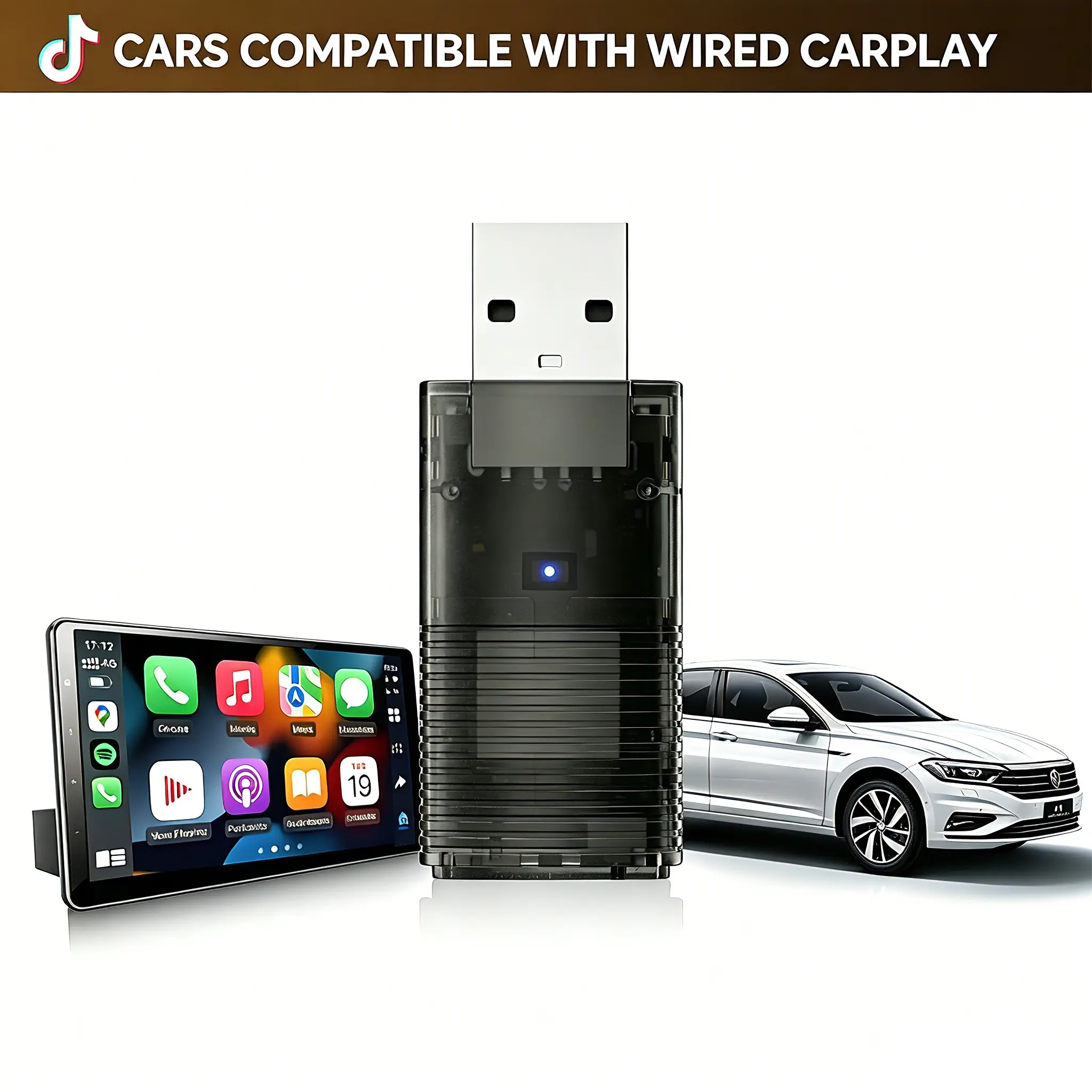
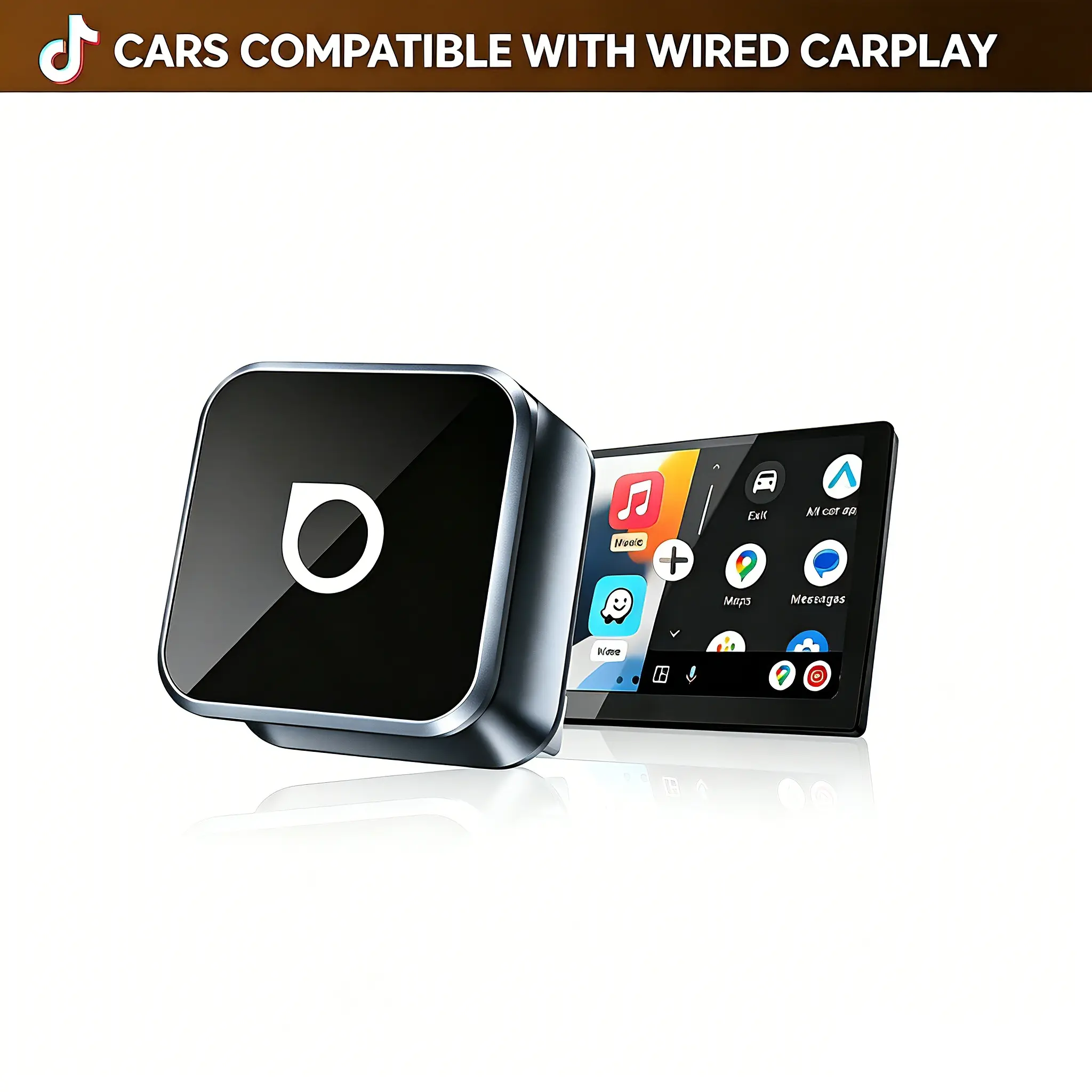
A wireless dongle for Android Auto is a device that allows users to connect their Android smartphones to their car's infotainment system wirelessly, enabling features like navigation, music streaming, and hands-free calls without the need for a USB cable.
Featured brands
Authenticated productsVerified shops







Ottocast.us

3.7
225 sold
$59.99


Ottocast.us
4.6
438 sold

-49%$24.99$49.00


![[Summervibes] MAKASRI 4-in-1 Wireless CarPlay and Android Auto Adapter, compatible with Netflix/YouTube/TikTok/screen mirroring links, CarPlay AI Box, suitable for vehicles equipped with original wired CarPlay.](https://p16-oec-general-useast5.ttcdn-us.com/tos-useast5-i-omjb5zjo8w-tx/8689920a95594558bbca5f89ef4aa612~tplv-fhlh96nyum-resize-webp:600:600.webp?dr=12190&t=555f072d&ps=933b5bde&shp=8dbd94bf&shcp=a6e80448&idc=useast5&from=2378011839 "[Summervibes] MAKASRI 4-in-1 Wireless CarPlay and Android Auto Adapter, compatible with Netflix/YouTube/TikTok/screen mirroring links, CarPlay AI Box, suitable for vehicles equipped with original wired CarPlay.")


Related Searches
Related Categories
Introduction
The wireless dongle for Android Auto is a game-changer for drivers who want to enjoy the convenience of wireless connectivity in their vehicles. This compact device connects your Android smartphone to the car's infotainment system, allowing you to access apps, navigation, and music without the hassle of cables. With a wireless dongle, you can experience the full functionality of Android Auto while keeping your phone charged and ready for use.
Here are some key benefits of using a wireless dongle for Android Auto:
Here are some key benefits of using a wireless dongle for Android Auto:
- Convenience: No more fumbling with cables every time you get in your car.
- Seamless Connectivity: Enjoy uninterrupted access to your favorite apps and features.
- Enhanced Safety: Keep your hands on the wheel and eyes on the road with voice commands and hands-free calling.
- Wide Compatibility: Most wireless dongles are compatible with a variety of Android devices and vehicle models.