Results for "what motherboard do i have windows 10"
To find out what motherboard you have on a Windows 10 system, you can use various methods such as using system information tools or command prompts.


4.2
159 sold
-22%$270.27$344.41
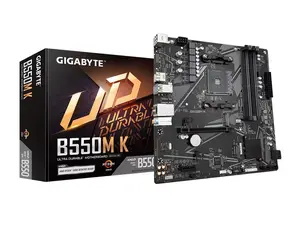
Newegg, Inc.

3.7
46 sold
-29%$85.53$119.97

Newegg, Inc.
5.0
40 sold
-16%$174.51$208.96
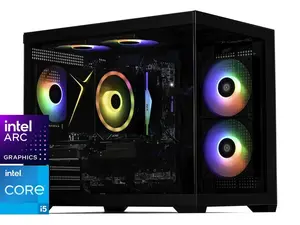
Newegg, Inc.
3.0
1 sold
-16%$1,056.32$1,262.99


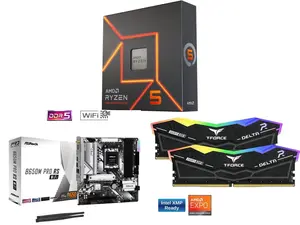
Newegg, Inc.
5.0
2 sold
-22%$535.62$683.72


Newegg, Inc.
5.0
14 sold
-18%$1,033.36$1,262.99


Newegg, Inc.
5.0
3 sold
-25%$160.34$214.32
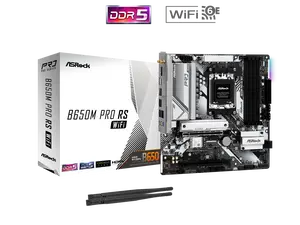


Newegg, Inc.
5.0
6 sold
-24%$171.67$225.66
Related Searches
Introduction
Knowing what motherboard you have is essential for various reasons, including upgrading hardware, ensuring compatibility, and troubleshooting. If you're running Windows 10 and want to identify your motherboard, there are several straightforward methods to do so. You can use built-in tools like System Information or Command Prompt, which provide detailed information about your system's hardware.
Here are some ways to find out your motherboard model:
Here are some ways to find out your motherboard model:
- System Information: Press 'Windows + R', type 'msinfo32', and hit 'Enter'. Look for 'BaseBoard Manufacturer' and 'BaseBoard Product' to see your motherboard details.
- Command Prompt: Open Command Prompt and type 'wmic baseboard get product, manufacturer'. This command will display your motherboard's manufacturer and model.
- Third-Party Software: You can also download software like CPU-Z or Speccy, which provide comprehensive information about your hardware, including the motherboard.