Results for "what is the best mouse sensitivity"
Mouse sensitivity refers to how far the cursor moves on the screen in relation to the physical movement of the mouse. It is an important factor for gamers and computer users, influencing precision and comfort.



REDRAGON

4.5
4.6K sold
-18%$14.67$17.89


![[New]AULA SC620 Wireless Gaming Mouse – Tri-Mode 2.4G/BT 5.3/USB-C, 12000 DPI RGB Programmable Mouse with Macro & Rapid Fire for PC, Laptop, Mac keyboards for gaming](https://p16-oec-general-useast8.ttcdn-us.com/tos-useast8-i-rt0ujvrtvp-tx2/aa9a7fc8db774756ab070f9885d705b5~tplv-fhlh96nyum-crop-webp:300:300.webp?dr=12190&t=555f072d&ps=933b5bde&shp=8dbd94bf&shcp=a6e80448&idc=useast5&from=2378011839 "[New]AULA SC620 Wireless Gaming Mouse – Tri-Mode 2.4G/BT 5.3/USB-C, 12000 DPI RGB Programmable Mouse with Macro & Rapid Fire for PC, Laptop, Mac keyboards for gaming")

REDRAGON
4.7
2.8K sold
-5%$13.00$13.68


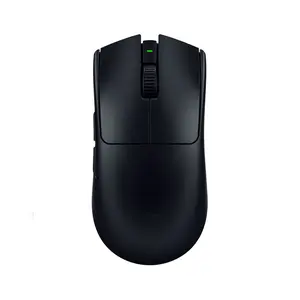

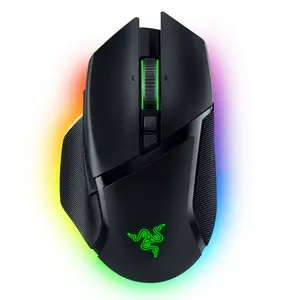


Turtle Beach Gaming
5.0
6 sold
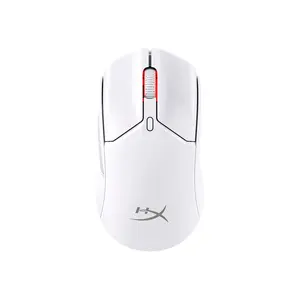
-50%$21.68$43.36



Related Searches
Related Categories
Introduction
Finding the best mouse sensitivity can greatly enhance your computing experience, whether you're gaming or working. Mouse sensitivity is typically measured in DPI (dots per inch), which indicates how many pixels the cursor moves on the screen for every inch the mouse is moved. A higher DPI means faster cursor movement, which can be beneficial for quick reflexes in gaming. However, too high of a sensitivity can lead to overshooting targets, while too low can make it difficult to navigate.
Here are some tips to help you determine the best mouse sensitivity for your needs:
Remember, the best mouse sensitivity is subjective and varies from person to person. It's essential to find a balance that suits your style and comfort level. Trusted by thousands of users, a well-calibrated mouse sensitivity can lead to improved accuracy and efficiency in your tasks.
Here are some tips to help you determine the best mouse sensitivity for your needs:
- Consider Your Use Case: Gamers may prefer a higher sensitivity for quick movements, while graphic designers may opt for lower sensitivity for precise control.
- Experiment: Try different DPI settings to find what feels comfortable. Most gaming mice allow you to adjust DPI on-the-fly.
- Consistency is Key: Once you find a sensitivity that works for you, stick with it to develop muscle memory.
- Test in Real Scenarios: Play your favorite games or use applications to see how your sensitivity translates in practical use.
Remember, the best mouse sensitivity is subjective and varies from person to person. It's essential to find a balance that suits your style and comfort level. Trusted by thousands of users, a well-calibrated mouse sensitivity can lead to improved accuracy and efficiency in your tasks.