Results for "webcam 30fps"
A webcam is a digital video camera that connects to a computer or network, allowing for video streaming and recording. The term '30fps' refers to the frame rate of the video, indicating that the webcam captures 30 frames per second, providing smooth video quality.
Featured brands
Authenticated productsVerified shops


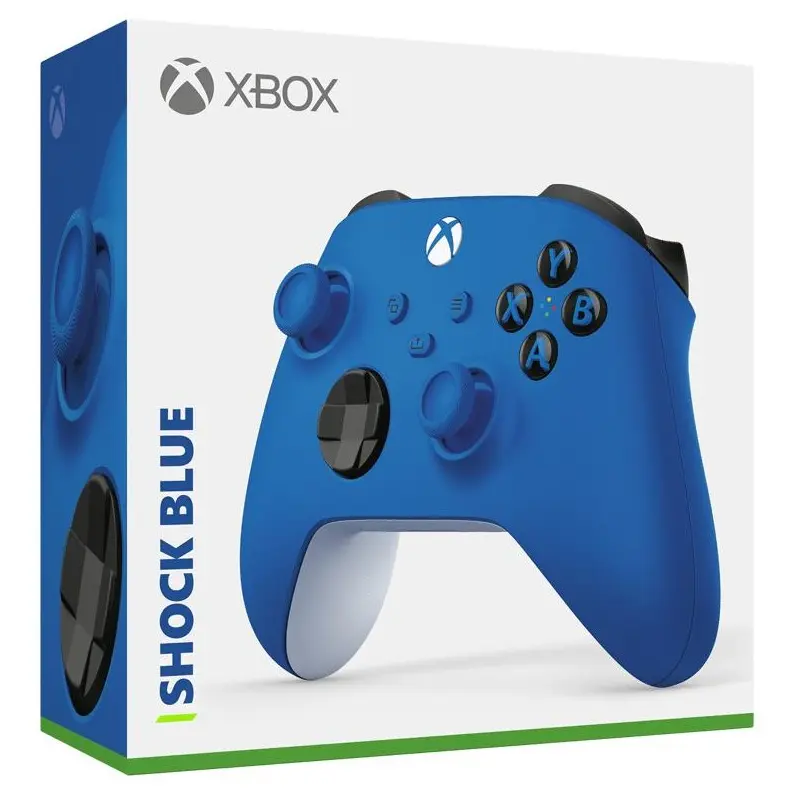
![[Price Drop] Microsoft Xbox Elite Series 2 Wireless Controller - White Accessories Game Console](https://p16-oec-general-useast5.ttcdn-us.com/tos-useast5-i-omjb5zjo8w-tx/26fd9d10f9d447d7a42b12046f863b6d~tplv-fhlh96nyum-crop-webp:1280:960.webp?dr=12190&t=555f072d&ps=933b5bde&shp=8dbd94bf&shcp=a6e80448&idc=useast5&from=2378011839)




Related Searches
Related Categories
Introduction
When it comes to online communication, gaming, or streaming, a webcam with a 30fps capability is essential for delivering smooth and clear video. Webcams are widely used for video conferencing, live streaming, and content creation, making them a vital tool in today's digital landscape. With a 30fps frame rate, these webcams provide a fluid visual experience that enhances engagement during video calls or broadcasts.
Here are some key points to consider when choosing a webcam with 30fps:
Here are some key points to consider when choosing a webcam with 30fps:
- Resolution: Look for webcams that offer at least 720p or 1080p resolution for better clarity.
- Field of View: A wider field of view can capture more of your surroundings, which is great for group calls.
- Microphone Quality: Integrated microphones should have noise-cancellation features for clearer audio.
- Compatibility: Ensure the webcam is compatible with your operating system and video conferencing software.
- Lighting Conditions: Some webcams perform better in low light, so consider your environment.