Results for "Usb30"
USB 3.0 is a universal serial bus standard that allows for faster data transfer rates compared to previous USB versions. It is commonly used for connecting various devices such as computers, external hard drives, and printers.


NOCO

5.0
46 sold
-24%$19.02$24.99


-50%$15.72$31.44


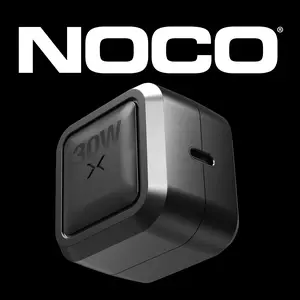
NOCO
4.4
232 sold
-24%$19.02$24.99


Newegg, Inc.
5.0
3 sold
-17%$17.00$20.40
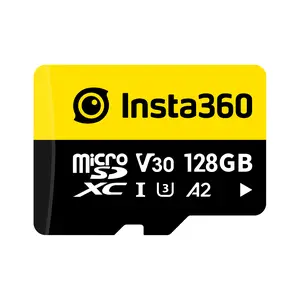
insta360 official

$68.03


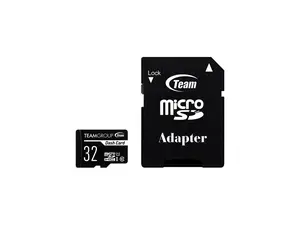
Newegg, Inc.
4.8
234 sold
-26%$15.86$21.54
Related Searches
Related Categories
Introduction
USB 3.0 cables are essential for anyone looking to optimize their device connectivity and data transfer speeds. With a transfer rate of up to 5 Gbps, USB 3.0 significantly outperforms its predecessors, making it the go-to choice for modern electronics. Whether you're transferring large files, backing up data, or charging devices, USB 3.0 cables provide proven quality and reliability that users trust.
Here are some key benefits of using USB 3.0 cables:
When selecting a USB 3.0 cable, consider the following:
Regularly updating your USB cables can enhance your device’s performance and extend its lifespan. Trust in USB 3.0 cables for all your connectivity needs.
Here are some key benefits of using USB 3.0 cables:
- High-Speed Data Transfer: Experience lightning-fast transfers, ensuring you spend less time waiting and more time enjoying your devices.
- Backward Compatibility: USB 3.0 cables work with all previous USB versions, providing versatility for your devices.
- Improved Power Management: These cables can deliver more power, allowing for faster charging of your devices.
When selecting a USB 3.0 cable, consider the following:
- Length: Choose a length that fits your setup without causing clutter.
- Connector Type: Ensure the connectors match your devices, such as USB-A, USB-B, or USB-C.
- Durability: Look for cables with reinforced connectors and sturdy materials for long-lasting use.
Regularly updating your USB cables can enhance your device’s performance and extend its lifespan. Trust in USB 3.0 cables for all your connectivity needs.