stream deck plus setup

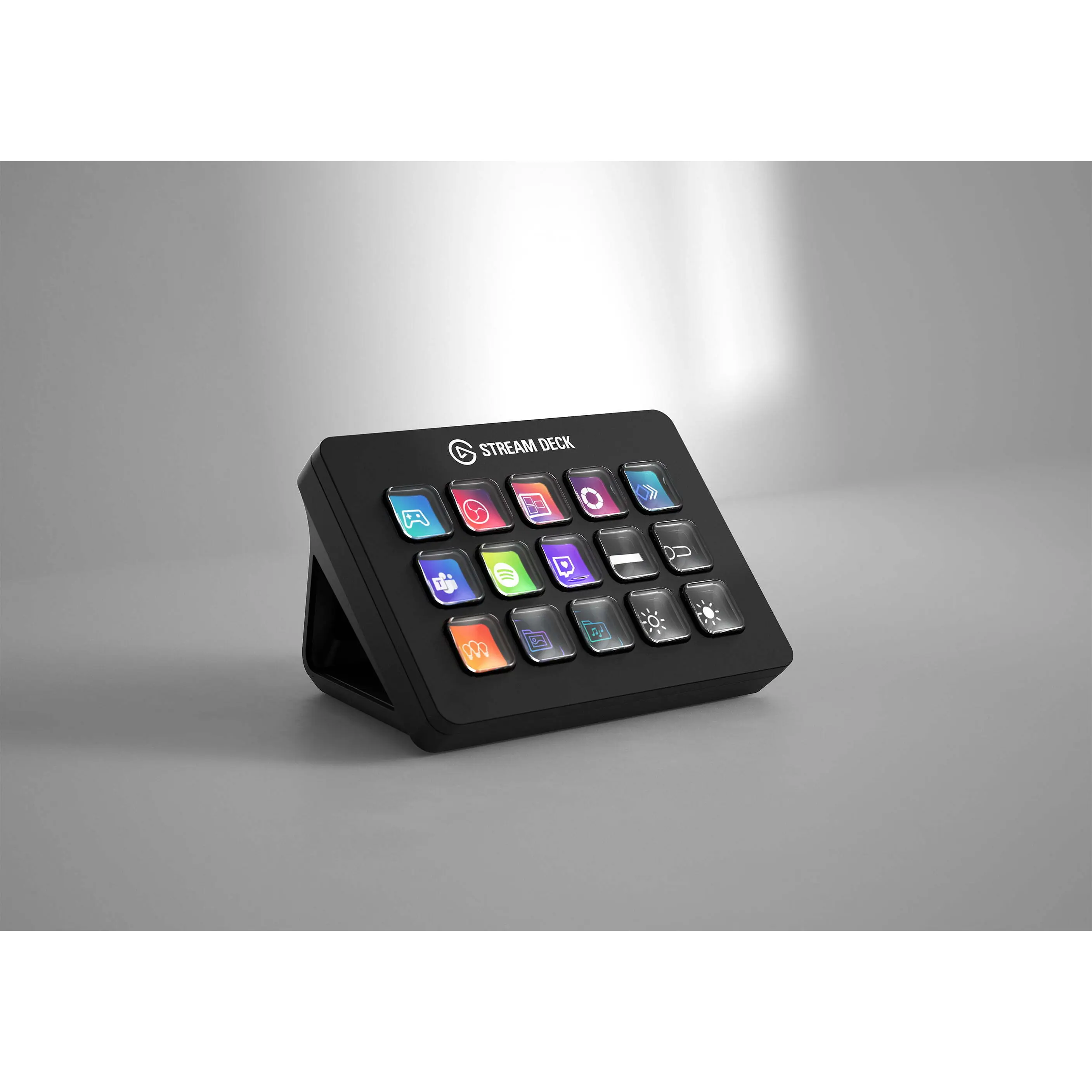
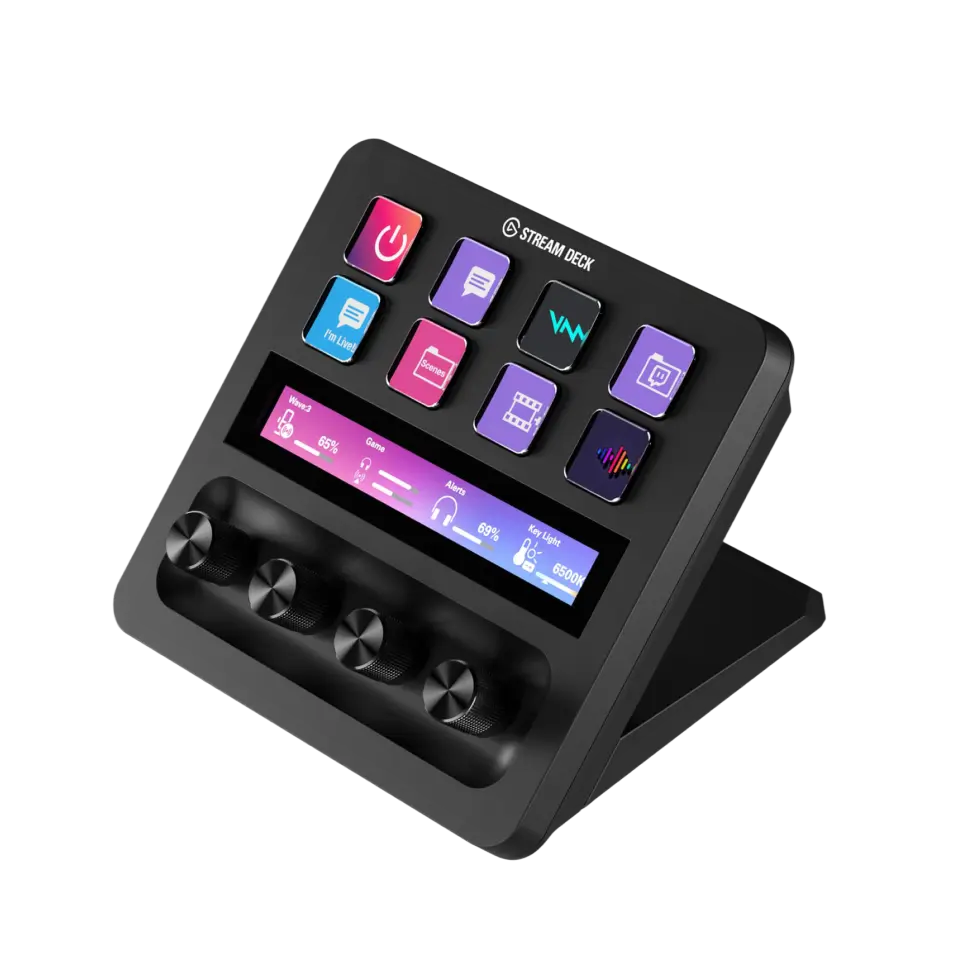
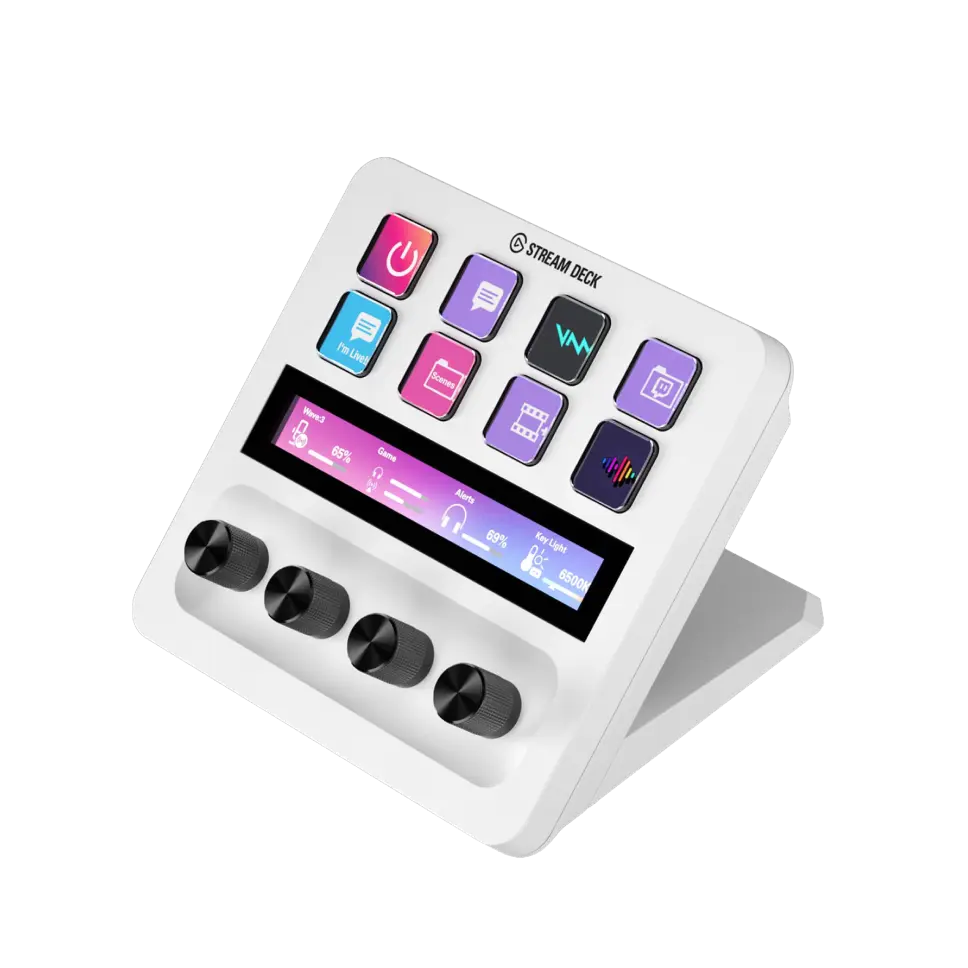
The Stream Deck Plus is a customizable control device designed for streamers and content creators, offering programmable buttons for quick access to various functions and applications.

Featured brands
Authenticated productsVerified shops

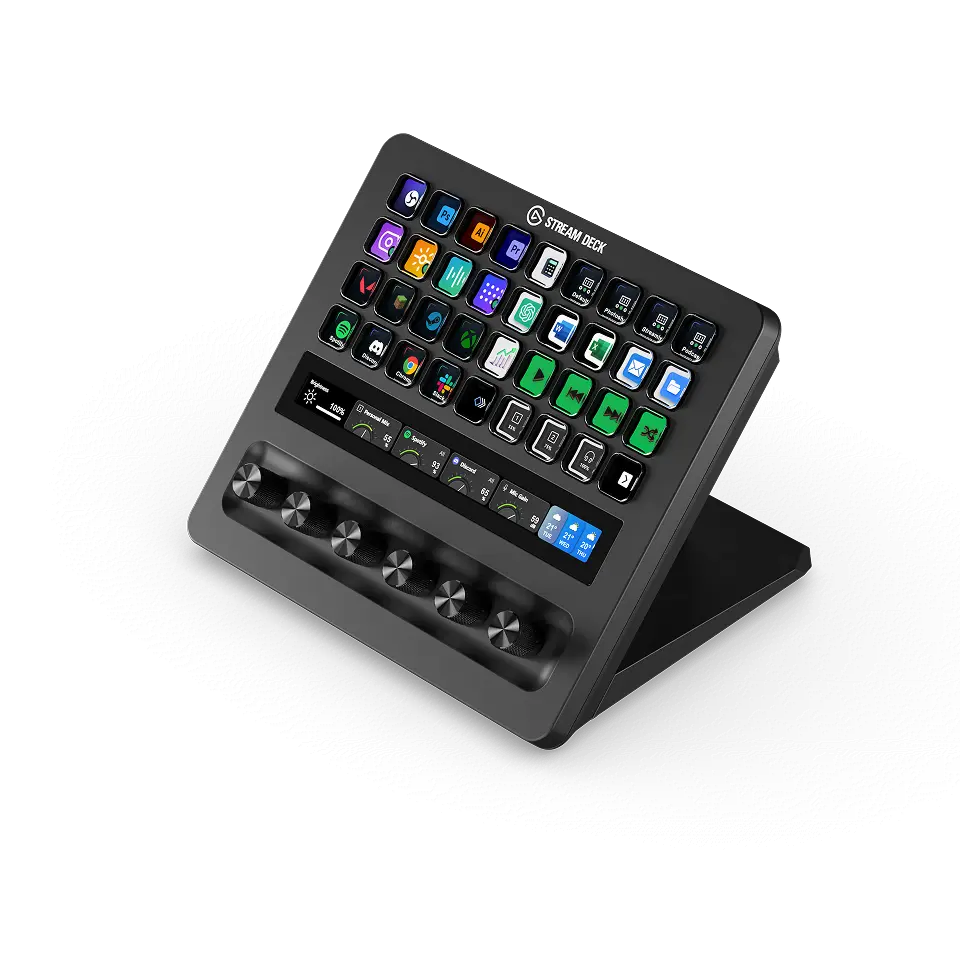
Stream Deck + XL
Free shipping
Elgato
7 sold
$349.99
Stream Deck
Free shipping
Elgato
20 sold
$194.99
Stream Deck +
Free shipping
Elgato
8 sold
$233.99
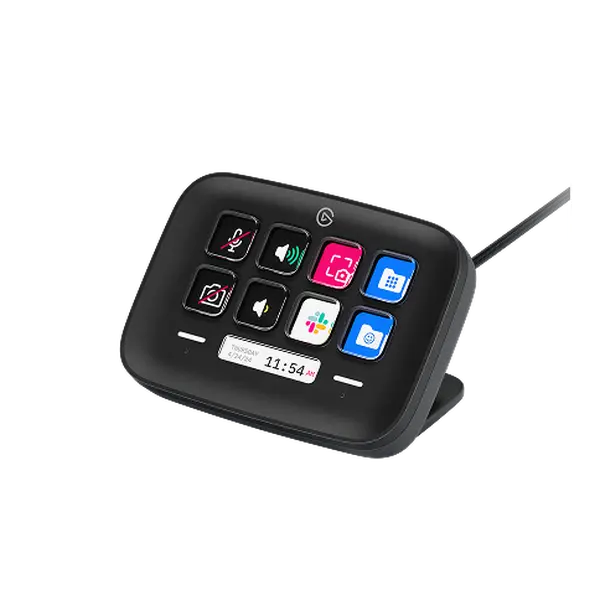
Stream Deck Neo - Black
Free shipping
Elgato
5.017 sold
$99.99
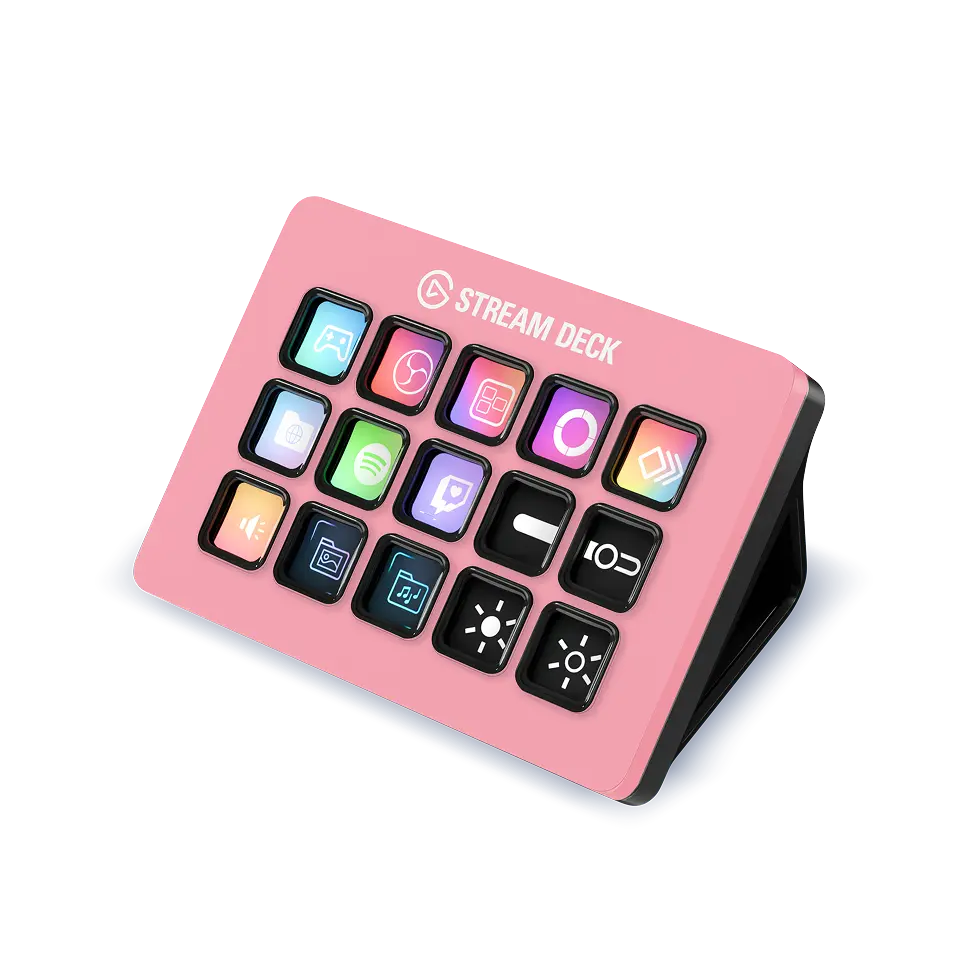
Stream Deck - Pink Petal
Free shipping
Elgato
5.07 sold
$194.99
Stream Deck - White
Free shipping
Elgato
5.03 sold
$149.99
Stream Deck Neo
Free shipping
Elgato
3 sold
$99.99
Stream Deck - Forest Green
Free shipping
Elgato
1 sold
$194.99
Stream Deck - Glacier Ice
Free shipping
Elgato
1 sold
$194.99
Stream Deck - Wild Lavender
Free shipping
Elgato
1 sold
$149.99
Stream Deck Module (32 Keys)
Free shipping
Stream Deck Studio
Free shipping
Elgato
$899.99

Introduction

Setting up the Stream Deck Plus can greatly enhance your streaming experience. This powerful tool allows content creators to control multiple applications and functions with the push of a button. With its customizable layout, you can assign different commands, shortcuts, and macros to each button, making it a versatile addition to your streaming setup. The Stream Deck Plus is particularly beneficial for those looking to streamline their workflow and improve productivity.

Here are some key features of the Stream Deck Plus:
  • Customizable buttons: Personalize your setup by assigning different functions to each button.
  • Intuitive interface: Easily navigate through your commands with a user-friendly design.
  • Integration with popular software: Seamlessly connect with streaming platforms, video editing software, and more.
To get started, simply download the Stream Deck software, connect the device to your computer, and follow the on-screen instructions to configure your buttons. Whether you're a seasoned streamer or just starting, the Stream Deck Plus can elevate your content creation game. With proven quality and features trusted by thousands of users, this device is a must-have for anyone serious about streaming.

FAQs

To set up your Stream Deck Plus, download the Stream Deck software, connect the device to your computer via USB, and follow the prompts to customize your button layout.

The Stream Deck Plus can integrate with various applications, including OBS Studio, Twitch, YouTube, and many others, allowing for seamless control during streaming.

Yes, you can customize the buttons on your Stream Deck Plus by assigning different commands, icons, and functions through the Stream Deck software.

Yes, the Stream Deck Plus is compatible with both Mac and Windows operating systems, providing flexibility for all users.

Common uses for the Stream Deck Plus include switching scenes in streaming software, controlling media playback, launching applications, and executing complex macros.