Results for "steam deck mouse"
The Steam Deck mouse is a peripheral designed to enhance the gaming experience on the Steam Deck handheld console, allowing for more precise control and navigation.





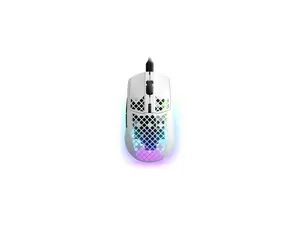


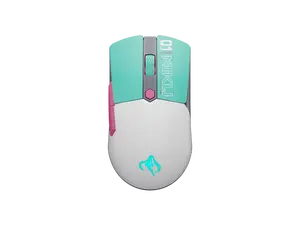



Phueut

4.2
103 sold
-60%$9.55$23.90


Related Searches
Related Categories
Introduction
The Steam Deck mouse is an essential accessory for gamers looking to maximize their gaming experience on the Steam Deck. This innovative device provides enhanced precision and control, making it ideal for a variety of gaming genres, from first-person shooters to strategy games. With a Steam Deck mouse, players can enjoy improved accuracy and responsiveness, giving them a competitive edge in their favorite titles.
When choosing a Steam Deck mouse, consider the following features:
The Steam Deck mouse is not just about gaming; it also improves navigation through the Steam interface, making it easier to browse games, manage settings, and interact with friends. With proven quality and customer-approved designs, investing in a Steam Deck mouse is a smart choice for any serious gamer.
Regularly updating your gaming setup with the latest peripherals can keep you competitive and enhance your overall gaming enjoyment. Explore various options and find the best Steam Deck mouse that fits your needs and preferences.
When choosing a Steam Deck mouse, consider the following features:
- Ergonomics: A comfortable design that fits your hand well can enhance long gaming sessions.
- Sensor Quality: Look for high-DPI sensors for better tracking and precision.
- Customizable Buttons: Extra buttons can provide shortcuts for in-game commands.
- Wired vs. Wireless: Decide which option suits your gaming setup better.
- Compatibility: Ensure the mouse is compatible with the Steam Deck for seamless performance.
The Steam Deck mouse is not just about gaming; it also improves navigation through the Steam interface, making it easier to browse games, manage settings, and interact with friends. With proven quality and customer-approved designs, investing in a Steam Deck mouse is a smart choice for any serious gamer.
Regularly updating your gaming setup with the latest peripherals can keep you competitive and enhance your overall gaming enjoyment. Explore various options and find the best Steam Deck mouse that fits your needs and preferences.