SSD SanDisk

SanDisk SSD drives for laptop upgrades, desktop storage, and portable file backups.

SanDisk Creator Phone SSD
Free shipping
SanDisk Technologies, Inc.
5.065 sold
$499.99
SANDISK Optimus GX 7100 NVMe SSD
Free shipping
SanDisk Technologies, Inc.
4.330 sold
$387.99
SANDISK Optimus GX PRO 850P NVMe™ SSD for PS5® consoles
Free shipping
SanDisk Technologies, Inc.
5.082 sold
$792.99
SANDISK Pokémon Portable SSD, Mewtwo Edition
Free shipping
SanDisk Technologies, Inc.
5.082 sold
$149.99
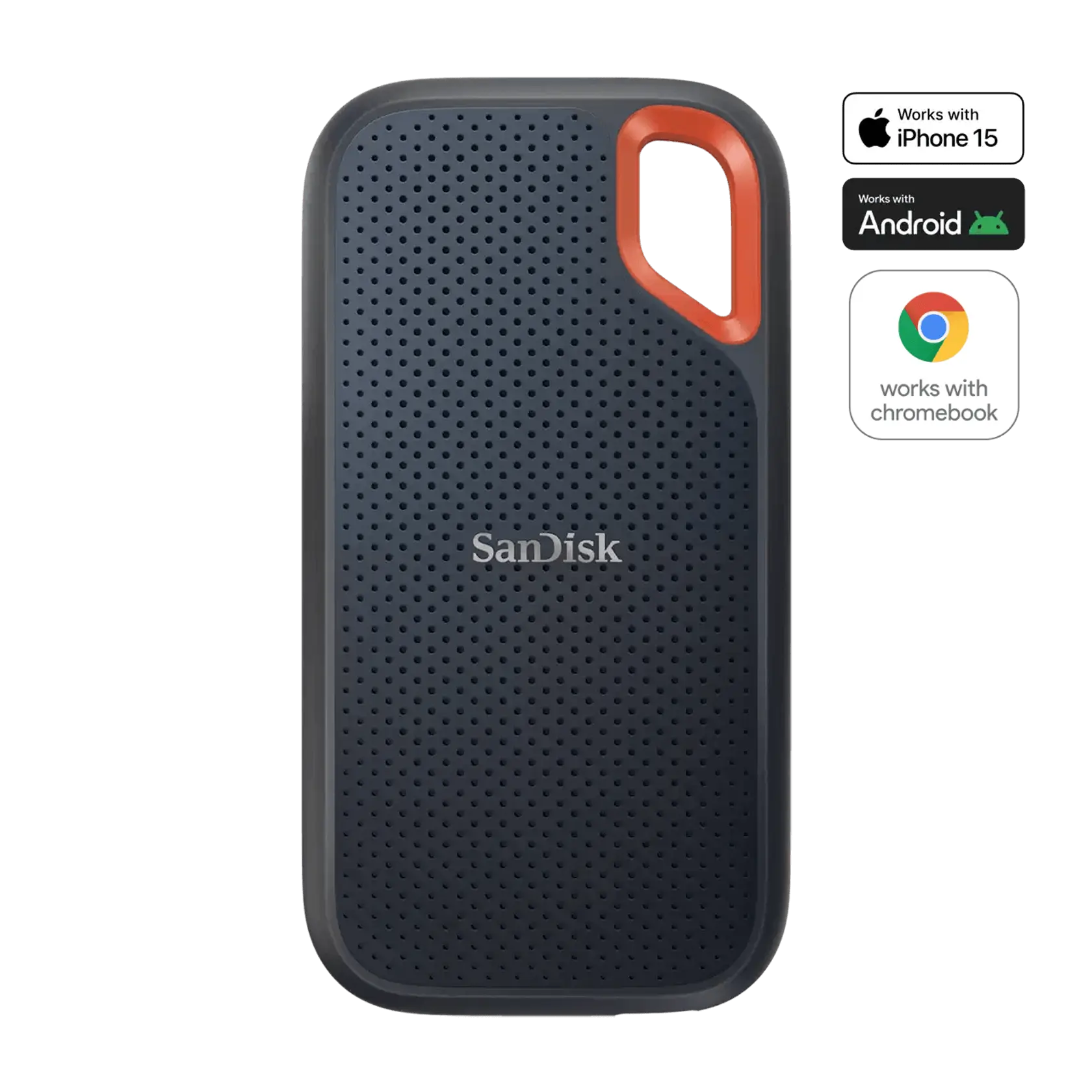
SANDISK Extreme Portable SSD V3
Free shipping
SanDisk Technologies, Inc.
5.063 sold
$199.99
SANDISK Portable SSD V3
Free shipping
SanDisk Technologies, Inc.
5.012 sold
$437.99
SanDisk Creator Pro Portable SSD
Free shipping
SanDisk Technologies, Inc.
5.045 sold
$287.99
SANDISK Optimus GX PRO 850X NVMe™ SSD
Free shipping
SanDisk Technologies, Inc.
5.05 sold
$512.99
SANDISK Extreme PRO Portable SSD V3
Free shipping
SanDisk Technologies, Inc.
5.01 sold
$687.99
SANDISK Optimus GX PRO 8100 NVMe™ SSD
Free shipping
SanDisk Technologies, Inc.
5.08 sold
$549.99
SanDisk SSD Plus
Free shipping
SanDisk Technologies, Inc.
2 sold
$401.69
SANDISK Optimus GX 7100M NVMe™ SSD
Free shipping
SanDisk Technologies, Inc.
1 sold
$387.99
Related Categories

Introduction

An SSD SanDisk search is about solid-state drives sold under that brand, not a generic flash stick. Open SSD listings and match the form factor first: 2.5-inch SATA, M.2 SATA, M.2 NVMe, or a USB portable enclosure, then confirm capacity and the interface your computer actually has.

  • Read the model string and interface so a SATA bay is not paired with an NVMe-only stick.
  • Check listed capacity and whether the seller quotes usable space after formatting.
  • Note warranty language and whether the package includes a data-migration hint or just the drive.

Compare sequential read and write numbers only as a ranking hint, then verify the connector photo against your laptop slot or USB port before you check out.

FAQs

Many thin laptops take an M.2 2280 NVMe module. Older machines may use a 2.5-inch SATA bay. Open the service manual or look at the empty slot before you choose a stick or a boxed drive.

Portable units sit in an enclosure and use USB-C or USB-A. Internal drives expose SATA or M.2 pins. Do not assume a pocket drive will slide into a motherboard slot.

Count the size of your current library and leave headroom for caches. A drive that barely fits today’s files will feel full after one trip. Listings show advertised gigabytes or terabytes, not guaranteed free space.

Some M.2 trays need a tiny mounting screw already in the chassis. Extra shields are optional unless your laptop runs hot. Check the listing contents so you are not missing only a cable.

Back up the old disk with the tool you already trust, then clone the system partition if you are replacing the boot volume. Keep the old drive until the new SSD boots cleanly.