Slim Bootcut
Shop Slim Bootcut as Overalls — check contents, size, and format.
Featured brands
Authenticated productsVerified shops


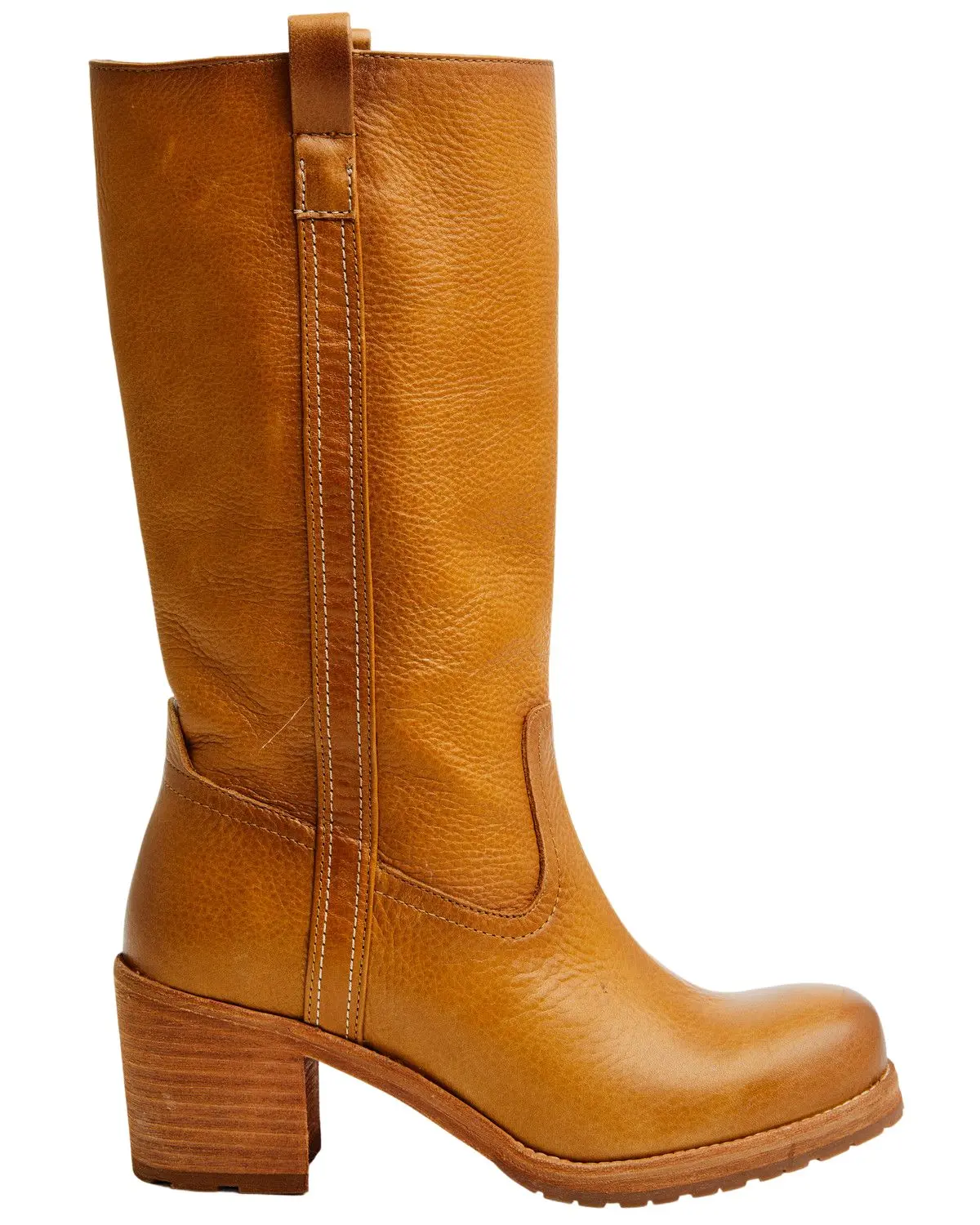
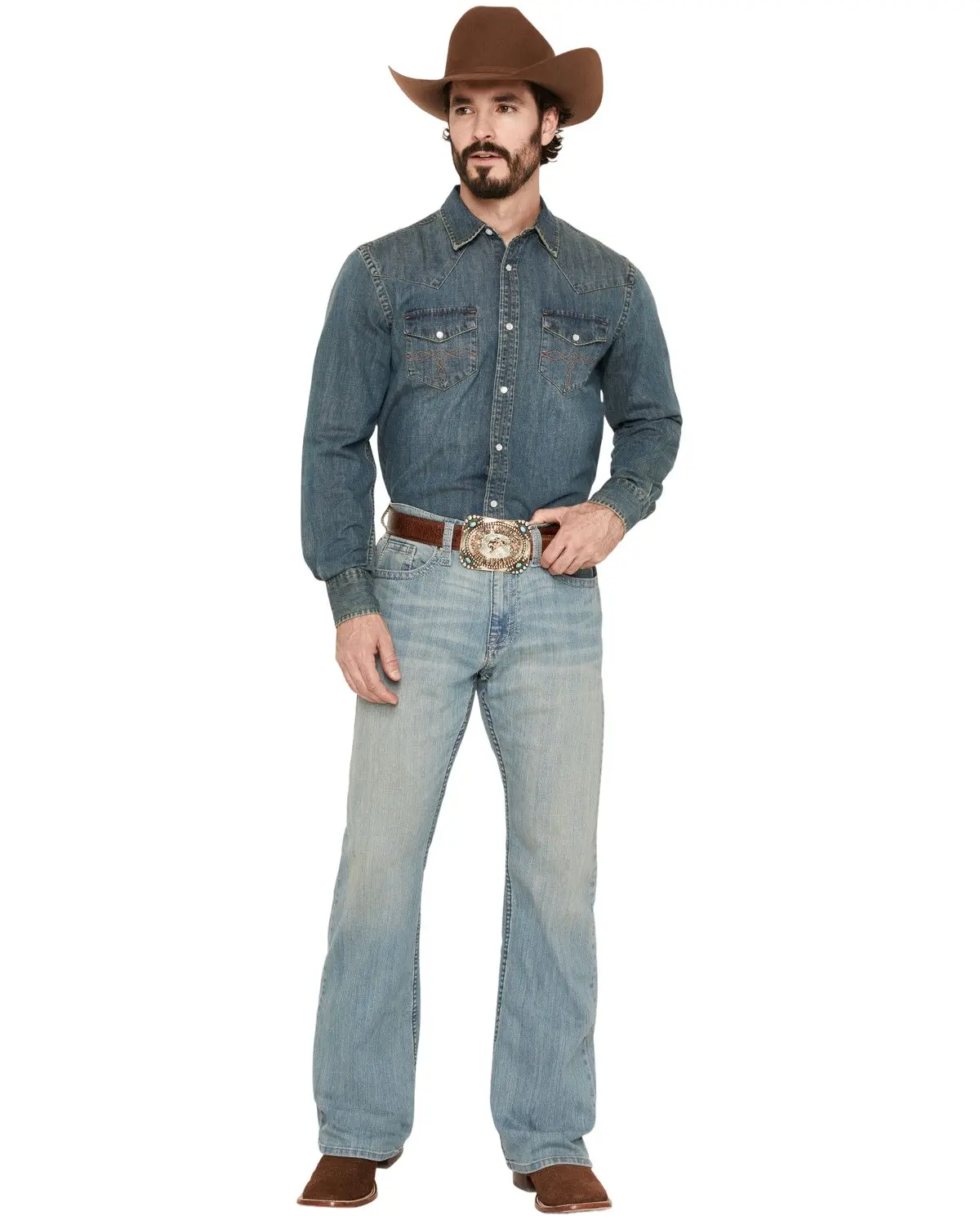



Boot-Barn

4.9
337 sold
$83.14

16 sold
-42%$11.42$19.69


Boot-Barn
4.1
430 sold
$101.34


Boot-Barn
4.6
51 sold
$81.94


Boot-Barn
5.0
9 sold
$132.59


Boot-Barn
4.4
1.8K sold
$83.14


5.0
22 sold
-5%$40.37$42.49

Boot-Barn
5.0
66 sold
$88.94


Related Searches
Related Categories
Introduction
For Slim Bootcut, stay with Overalls. Two cards can share a phrase and still be different products — read the contents line first.
- One printed spec: size, count, format, or model.
- Intended use in the photos versus a nearby lookalike. Make sure Bootcut refers to this overalls item, not a nearby type.
- What is in the box versus a title that only repeats the search, as listed for Overalls.
Shortlist two Overalls cards, confirm the overalls spec that matches how you will use it, then compare prices and ratings.