screen protector scratch
A screen protector scratch refers to the visible marks or damages on a screen protector that can occur from daily use or accidental contact with sharp objects. These scratches can compromise the clarity and protection offered by the screen protector.
Featured brands
Authenticated productsVerified shops


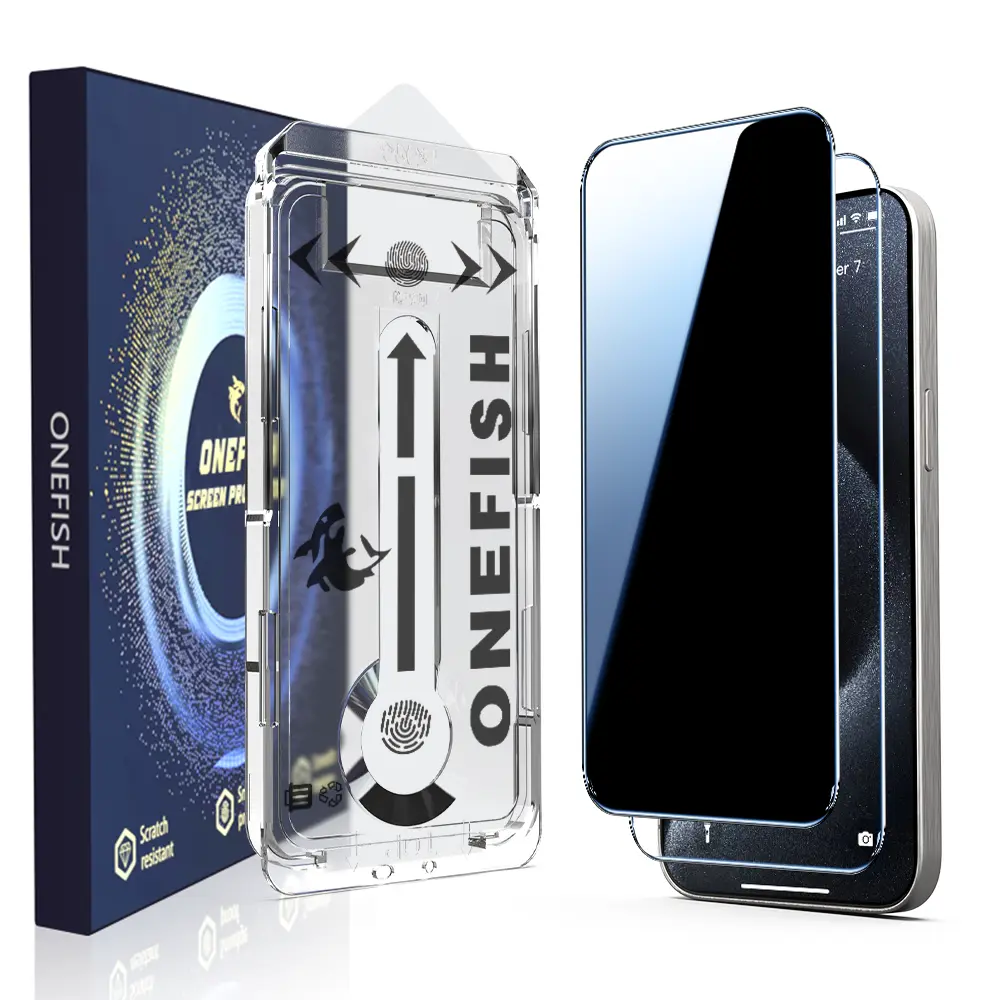
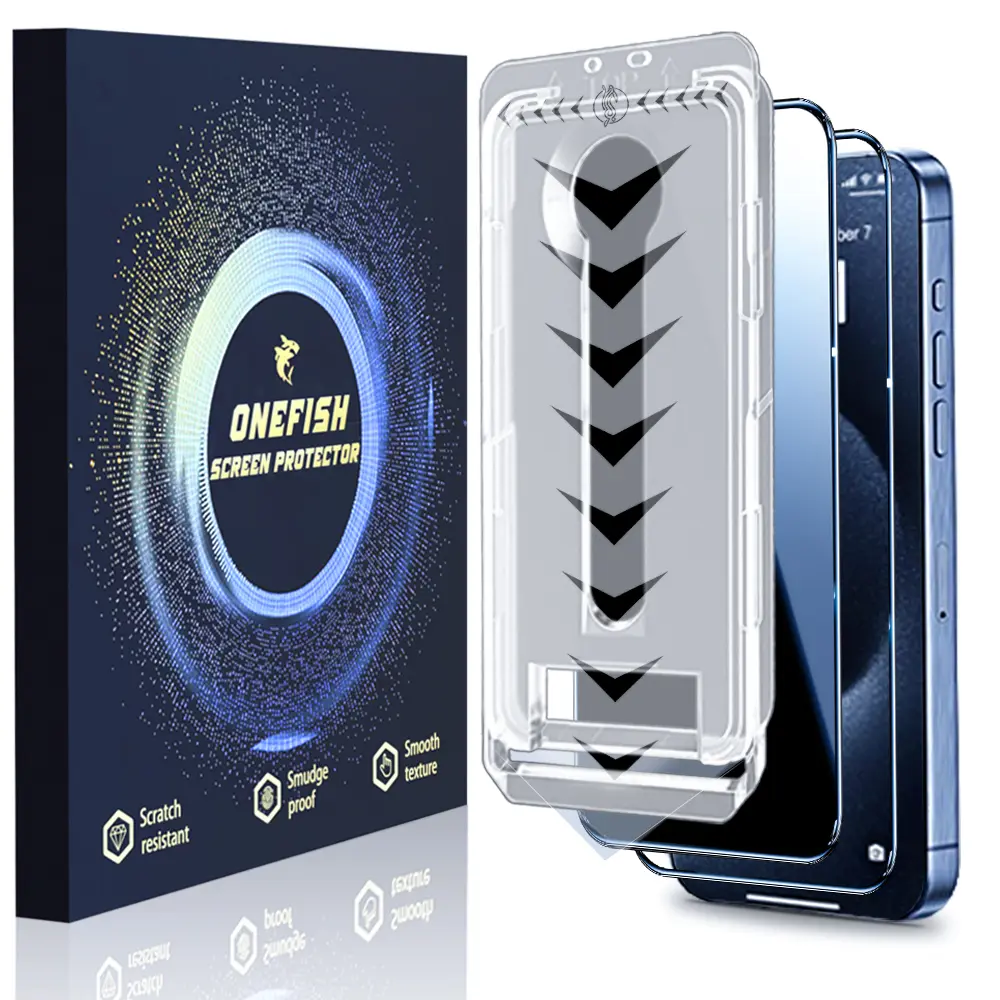
![[2PCS] One Fish Luxury Privacy Screen Protector for iPhone,Samsung -Crystal Clear, Fingerprint Proof, Scratch Resistant, Plasma Plating Process](https://p16-oec-general-useast5.ttcdn-us.com/tos-useast5-i-omjb5zjo8w-tx/9e36c1c8c69b45ffa3a8b3091f15d6a7~tplv-fhlh96nyum-crop-webp:1500:1500.webp?dr=12190&t=555f072d&ps=933b5bde&shp=8dbd94bf&shcp=a6e80448&idc=useast5&from=2378011839)
![One Fish[2PCS] 360° Privacy [4 sides Privacy] Screen Protector [UP, DOWN, LEFT, RIGHT] Anti-Spy, Tempered Glass, Full Protection.](https://p16-oec-general-useast5.ttcdn-us.com/tos-useast5-i-omjb5zjo8w-tx/8ee889704e574221bf1a166e275ade40~tplv-fhlh96nyum-crop-webp:1500:1500.webp?dr=12190&t=555f072d&ps=933b5bde&shp=8dbd94bf&shcp=a6e80448&idc=useast5&from=2378011839)


![Privacy screen protector for iPhone 17 16 15 14 13 12 11 Pro Max [ 2-piece set+2 camera lens protectors ] Anti peeping tempered glass film,9H hardness, scratch resistant, shell friendly.](https://p16-oec-general-useast5.ttcdn-us.com/tos-useast5-i-omjb5zjo8w-tx/b8e3ee57149c4a7a89b2dbce86f2091c~tplv-fhlh96nyum-resize-webp:600:600.webp?dr=12190&t=555f072d&ps=933b5bde&shp=8dbd94bf&shcp=a6e80448&idc=useast5&from=2378011839 "Privacy screen protector for iPhone 17 16 15 14 13 12 11 Pro Max [ 2-piece set+2 camera lens protectors ] Anti peeping tempered glass film,9H hardness, scratch resistant, shell friendly.")


OneFish Screenpro USA

4.4
57.7K sold
$6.99


![[2+2Pack] iPhone 17/16/15/14/13/12/11 Privacy Screen & Camera Lens Protector - 28° Anti-Peeping 9H Scratch-Resistant Tempered Glass 2.5D Curved Edges 10-Second Bubble-Free Installation Protect Your Phone with Shock-Resistant Cases for Smartphones](https://p16-oec-general-useast5.ttcdn-us.com/tos-useast5-i-omjb5zjo8w-tx/377fb35c546b49cf80a82b959b916f20~tplv-fhlh96nyum-resize-webp:600:600.webp?dr=12190&t=555f072d&ps=933b5bde&shp=8dbd94bf&shcp=a6e80448&idc=useast5&from=2378011839 "[2+2Pack] iPhone 17/16/15/14/13/12/11 Privacy Screen & Camera Lens Protector - 28° Anti-Peeping 9H Scratch-Resistant Tempered Glass 2.5D Curved Edges 10-Second Bubble-Free Installation Protect Your Phone with Shock-Resistant Cases for Smartphones")


![[3 Pack] Designed for G play (2024) Screen Protector. Tempered glass film specially .anti-breakage. anti-scratch .no bubbles .9H hardness .with for G play (2024) phone flim](https://p16-oec-general.ttcdn-us.com/tos-maliva-i-o3syd03w52-us/0b21877f405b4cdfa091d41dc6925171~tplv-fhlh96nyum-resize-webp:600:600.webp?dr=12190&t=555f072d&ps=933b5bde&shp=8dbd94bf&shcp=a6e80448&idc=useast5&from=2378011839 "[3 Pack] Designed for G play (2024) Screen Protector. Tempered glass film specially .anti-breakage. anti-scratch .no bubbles .9H hardness .with for G play (2024) phone flim")


![ESR 3 Pack for iPhone 17 Pro Max /17 Pro /17 Air/17(iPhone 17/16/15 All Models)Screen Protector, [9H Hardness] [Military Grade Shatterproof] Full Coverage Tempered Glass Film with Easy Installation Tool, HD Clear, Scratch Resistant](https://p16-oec-general-useast5.ttcdn-us.com/tos-useast5-i-omjb5zjo8w-tx/bad44624f2384896a553cea58978b06f~tplv-fhlh96nyum-resize-webp:600:600.webp?dr=12190&t=555f072d&ps=933b5bde&shp=8dbd94bf&shcp=a6e80448&idc=useast5&from=2378011839 "ESR 3 Pack for iPhone 17 Pro Max /17 Pro /17 Air/17(iPhone 17/16/15 All Models)Screen Protector, [9H Hardness] [Military Grade Shatterproof] Full Coverage Tempered Glass Film with Easy Installation Tool, HD Clear, Scratch Resistant")


![One Fish [2-Pack] Screen Protector for iPhone 17 Pro Max / 17 Pro, Samsung & Google | Privacy Protection, Polarized Eye Care, Scratch-Resistant, Easy Install](https://p16-oec-general-useast5.ttcdn-us.com/tos-useast5-i-omjb5zjo8w-tx/cb5c2803063c4db59aca6a69e10162e5~tplv-fhlh96nyum-resize-webp:600:600.webp?dr=12190&t=555f072d&ps=933b5bde&shp=8dbd94bf&shcp=a6e80448&idc=useast5&from=2378011839 "One Fish [2-Pack] Screen Protector for iPhone 17 Pro Max / 17 Pro, Samsung & Google | Privacy Protection, Polarized Eye Care, Scratch-Resistant, Easy Install")


Related Searches
Related Categories
Introduction
When it comes to safeguarding your devices, a screen protector is an essential accessory that provides a barrier against scratches, dust, and other potential damage. However, even the best screen protectors can develop scratches over time, which can affect the overall appearance and functionality of your device. Understanding how to manage and prevent screen protector scratches is crucial for maintaining your device's pristine condition.
Here are some important points to consider about screen protector scratches:
By being proactive about the care of your screen protector, you can extend its life and ensure your device remains in excellent condition. Remember, a well-maintained screen protector not only enhances the appearance of your device but also contributes to its longevity. Protect your investment and enjoy a clear, scratch-free screen with the right precautions.
Here are some important points to consider about screen protector scratches:
- Material Matters: Different materials, such as tempered glass or plastic, have varying levels of scratch resistance. Tempered glass protectors tend to offer better protection against scratches.
- Daily Usage: Regular activities like placing your laptop in a bag with other items can lead to scratches. Always ensure your device is stored safely.
- Cleaning Techniques: Use a microfiber cloth for cleaning your screen protector to avoid scratching it further. Avoid using rough materials that can cause more harm.
- Replacement Options: If your screen protector is scratched beyond usability, consider replacing it promptly to maintain your device's protection.
- Invest in Quality: Opt for high-quality screen protectors that come with scratch-resistant features to minimize the risk of damage.
By being proactive about the care of your screen protector, you can extend its life and ensure your device remains in excellent condition. Remember, a well-maintained screen protector not only enhances the appearance of your device but also contributes to its longevity. Protect your investment and enjoy a clear, scratch-free screen with the right precautions.