Plus Size Outfits
Pants for Plus Size Outfits compared by listed specs on TikTok Shop.
Featured brands
Authenticated productsVerified shops


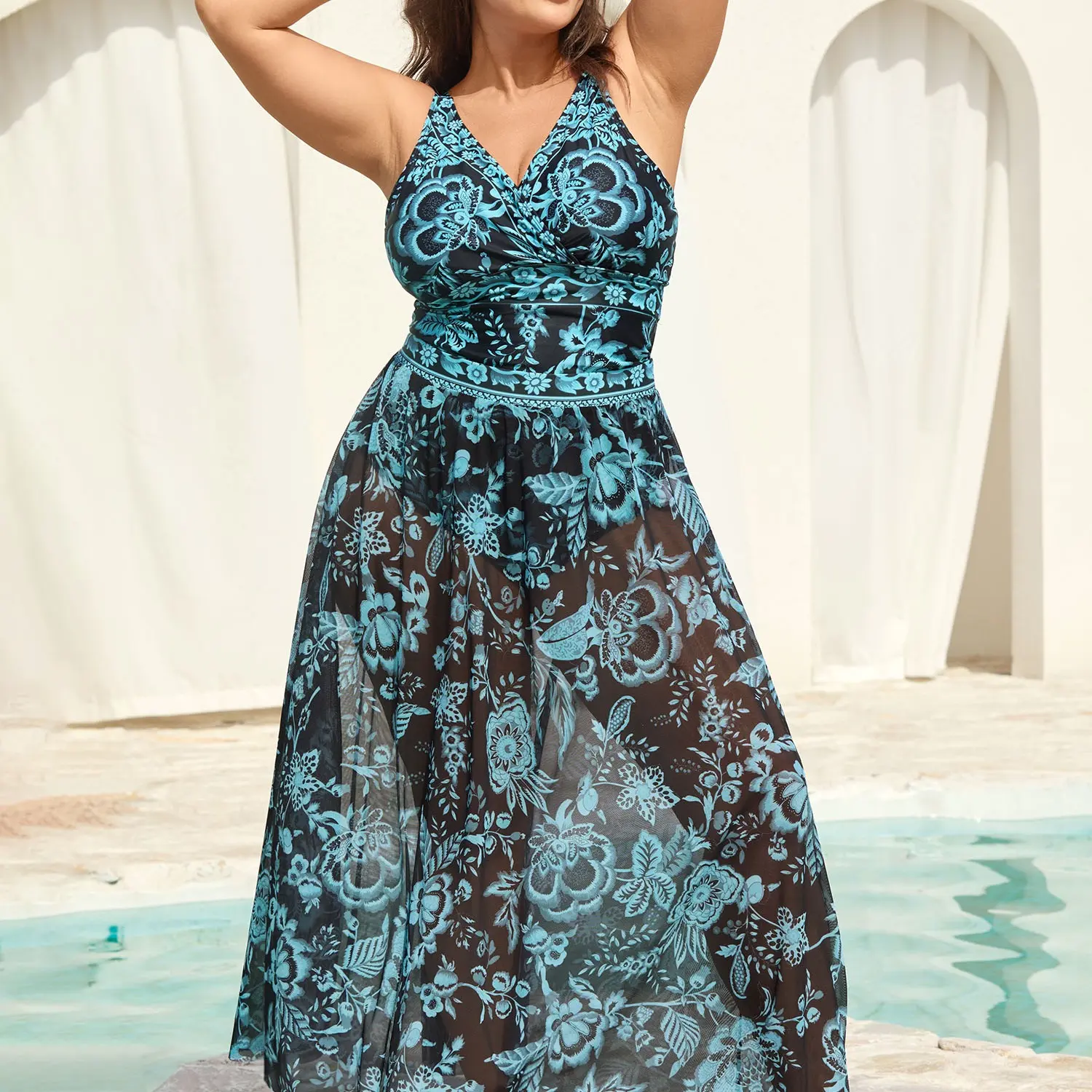

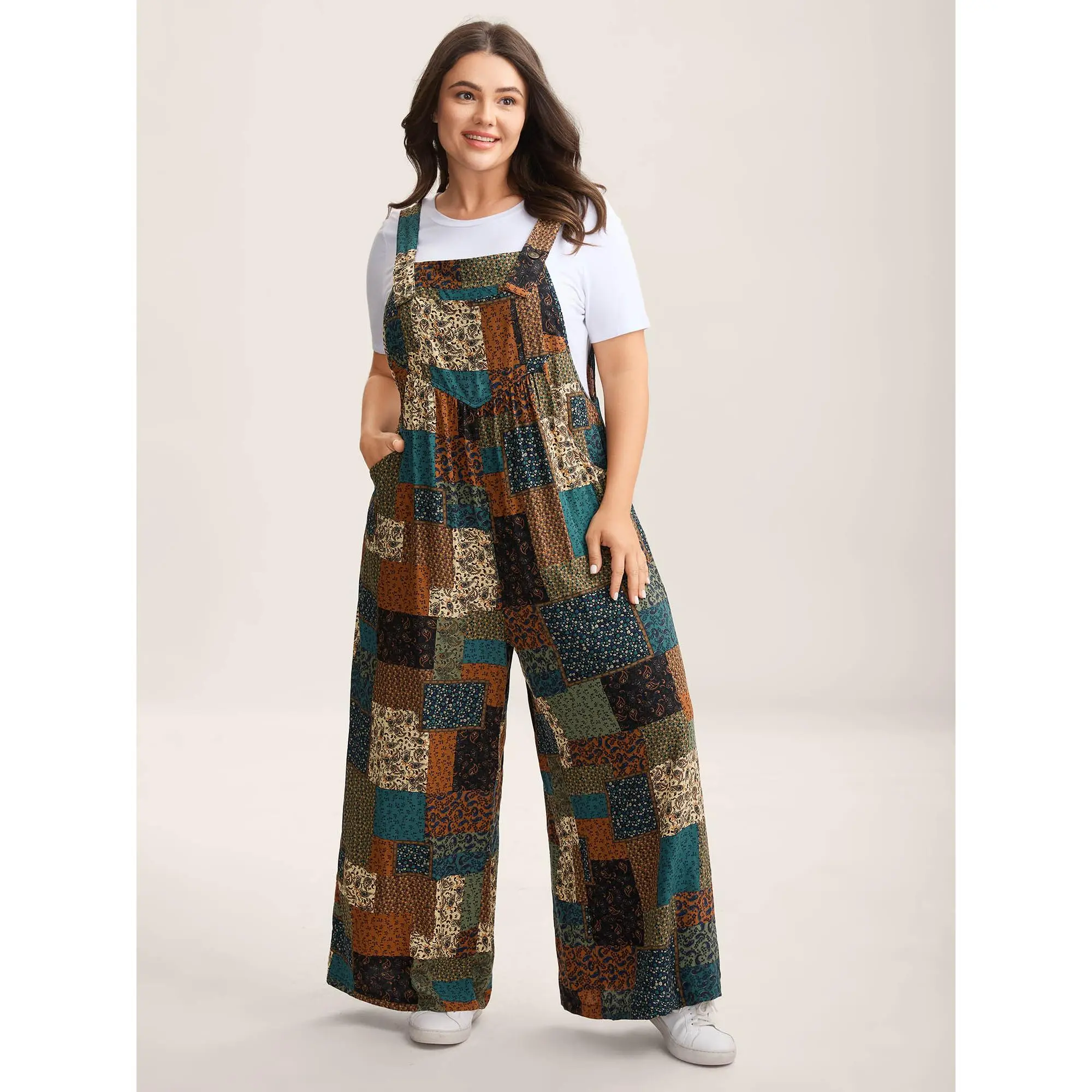

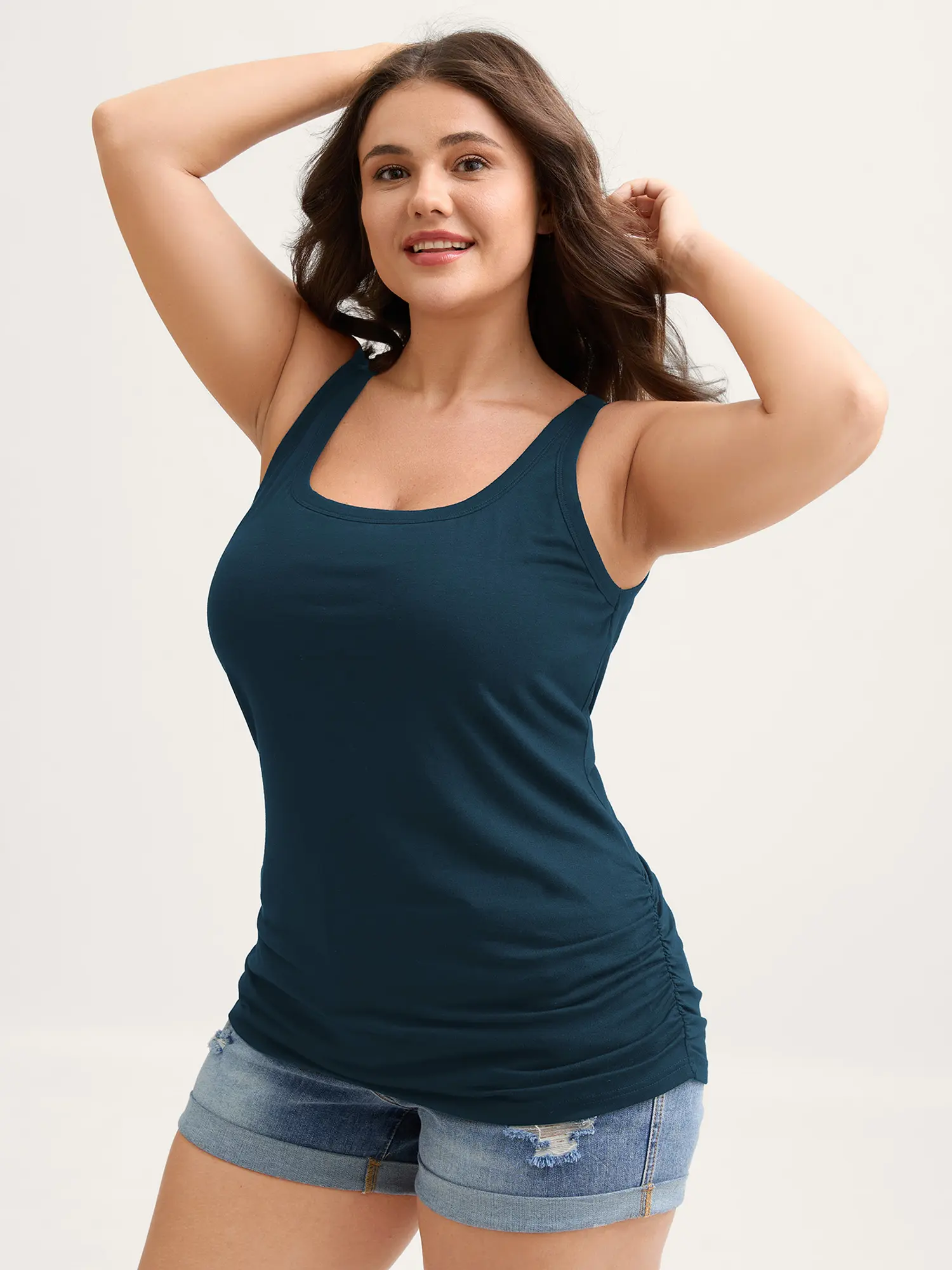


4.5
1.2K sold
-18%$37.21$45.39


4.6
162 sold
-10%$43.52$48.59


Related Searches
Related Categories
Introduction
Treat Plus Size Outfits as Pants listings. Confirm the item in the photos is that type, then compare a checkable spec.
- Fabric content and weight as written.
- Cut (regular, oversized, cropped) listed rather than guessed from lifestyle shots. Make sure Size refers to this pants item, not a nearby type.
- Size chart on the listing versus the model photo, as listed for Pants.
Pick Pants options whose photos and spec agree. After that, compare prices and ratings rather than the loudest title.