Results for "playstation controller steam"
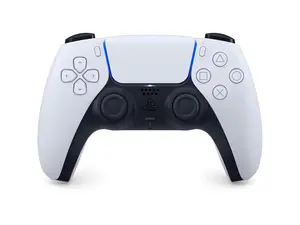
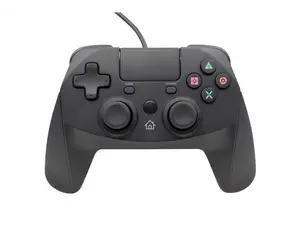
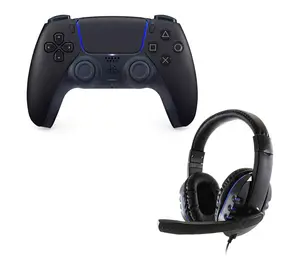
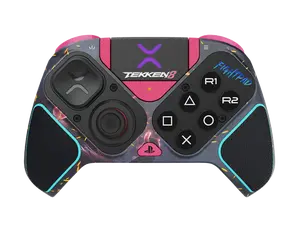
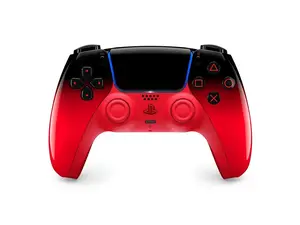
A PlayStation controller is a game controller designed for use with PlayStation consoles, offering various features for an enhanced gaming experience. Steam is a digital distribution platform that allows users to play games on PC, and it supports PlayStation controllers for gameplay.


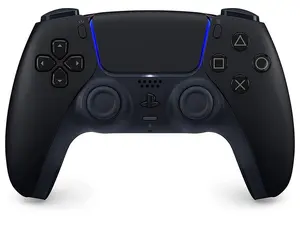
Newegg, Inc.

4.8
7.4K sold
$79.48

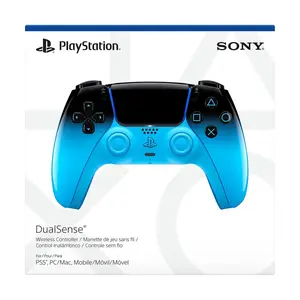


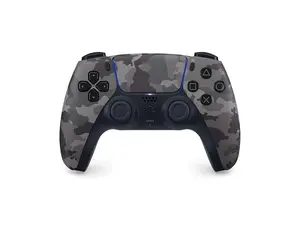

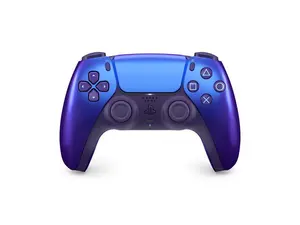

Newegg, Inc.
4.9
1.1K sold
$84.99


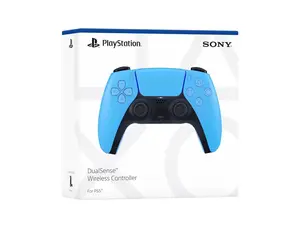
Newegg, Inc.
4.9
3.6K sold
$79.48


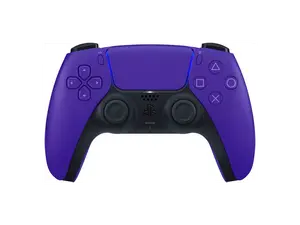
Newegg, Inc.
5.0
18 sold
$79.49


Newegg, Inc.
5.0
8 sold
$90.48
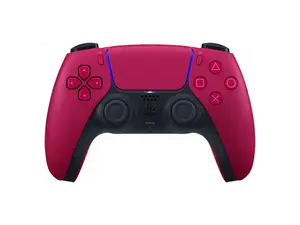
Newegg, Inc.
5.0
4 sold
$79.49

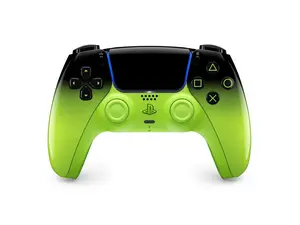
Newegg, Inc.
5.0
1 sold
$90.49


Related Searches
Related Categories
Introduction
The PlayStation controller has become a staple for gamers, known for its ergonomic design and responsive buttons. Many gamers are now using their PlayStation controllers with Steam, which allows for a seamless gaming experience across a vast library of PC games. With the rise of cross-platform gaming, understanding how to connect and utilize your PlayStation controller on Steam can significantly enhance your gaming sessions.
Here are some key points to consider when using a PlayStation controller with Steam:
Here are some key points to consider when using a PlayStation controller with Steam:
- Compatibility: Most PlayStation controllers, including the DualShock 4 and DualSense, are compatible with Steam. This means you can enjoy your favorite PC games without needing to purchase a separate controller.
- Easy Setup: Connecting your PlayStation controller to Steam is straightforward. You can either connect it via USB or Bluetooth, allowing for flexibility in your gaming setup.
- Customization: Steam offers extensive customization options for your controller. You can remap buttons, adjust sensitivity, and create unique profiles for different games, ensuring that your gaming experience is tailored to your preferences.
- Proven Quality: Using a PlayStation controller on Steam is a trusted choice among gamers. It combines the reliability of Sony's design with the versatility of PC gaming.
- Community Support: If you encounter any issues, the gaming community is full of resources and forums where you can find solutions and tips for optimizing your controller experience.