Results for "nvme raid mode"
NVMe RAID mode refers to the configuration of NVMe (Non-Volatile Memory Express) drives in a Redundant Array of Independent Disks setup, allowing multiple NVMe drives to work together for improved performance and data redundancy.


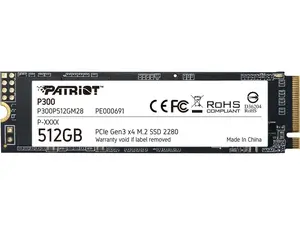
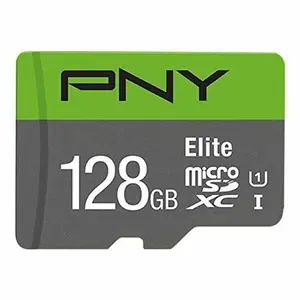
$11.99

4.8
225 sold
-8%$184.28$199.99


Newegg, Inc.

4.3
34 sold
$199.99

Newegg, Inc.
5.0
4 sold
$332.99


Newegg, Inc.

4.8
84 sold
$144.99
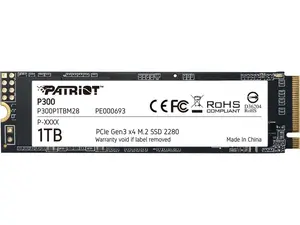
Newegg, Inc.
-17%$156.99$189.99


Related Searches
Related Categories
Introduction
NVMe RAID mode is a powerful technology that enhances data storage performance and reliability. By combining multiple NVMe drives, users can achieve faster read and write speeds, making it ideal for demanding applications such as gaming, video editing, and large data processing. With NVMe RAID mode, you can enjoy the benefits of increased speed and redundancy, ensuring that your data is safe even in the event of a drive failure.
Here are some key benefits of using NVMe RAID mode:
Whether you're a professional content creator or a gaming enthusiast, NVMe RAID mode can significantly improve your system's performance. It's essential to choose the right RAID level based on your specific needs, such as RAID 0 for speed or RAID 1 for mirroring. Regularly updating your storage strategy can help maintain optimal performance and reliability.
Here are some key benefits of using NVMe RAID mode:
- Enhanced Performance: Achieve lightning-fast data transfer speeds by utilizing multiple NVMe drives.
- Data Redundancy: Protect your valuable data with RAID configurations that mirror or stripe your drives.
- Scalability: Easily add more drives to your RAID setup as your storage needs grow.
- Improved Reliability: Minimize downtime and data loss with a robust RAID configuration.
Whether you're a professional content creator or a gaming enthusiast, NVMe RAID mode can significantly improve your system's performance. It's essential to choose the right RAID level based on your specific needs, such as RAID 0 for speed or RAID 1 for mirroring. Regularly updating your storage strategy can help maintain optimal performance and reliability.