Results for "nintendo switch controller stuck"
A Nintendo Switch controller stuck refers to a situation where the controller becomes unresponsive or physically jammed, affecting gameplay and user experience.


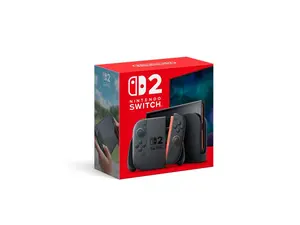
Newegg, Inc.

5.0
118 sold
$514.97

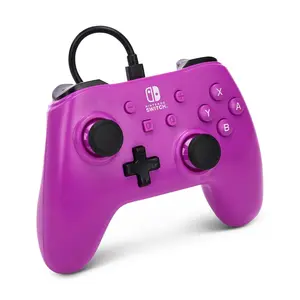


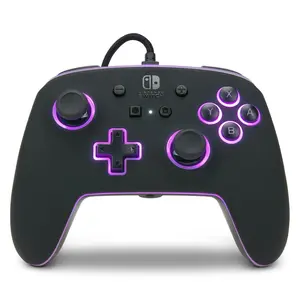


![Switch 2 Accessory: Wired Controller - HORI - Pad Turbo - Eevee Cottage Core: Officially Licensed by Nintendo [GAMES ACCESSORIES]](https://p19-oec-general-useast5.ttcdn-us.com/tos-useast5-i-omjb5zjo8w-tx/74e4ea7c955c4c90934842dc2965063d~tplv-fhlh96nyum-crop-webp:300:263.webp?dr=12190&t=555f072d&ps=933b5bde&shp=8dbd94bf&shcp=a6e80448&idc=useast5&from=2378011839 "Switch 2 Accessory: Wired Controller - HORI - Pad Turbo - Eevee Cottage Core: Officially Licensed by Nintendo [GAMES ACCESSORIES]")

4.0
10 sold
-42%$19.73$34.04


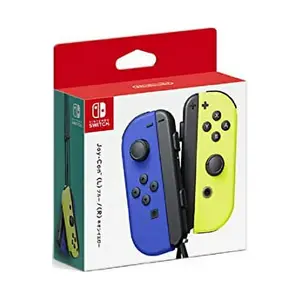

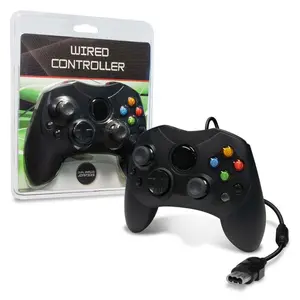
Newegg, Inc.
2.8
50 sold
$66.96


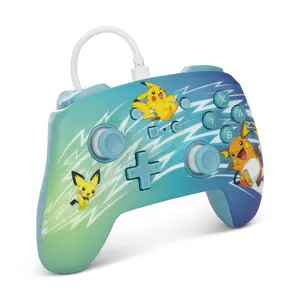
Newegg, Inc.
3.4
25 sold
$71.21




Related Searches
Related Categories
Introduction
If you're experiencing a Nintendo Switch controller stuck issue, you're not alone—many gamers encounter this frustrating problem. A stuck controller can hinder your gaming sessions, making it impossible to enjoy your favorite titles. This can happen due to various reasons, such as dirt accumulation, hardware malfunctions, or even software glitches. Fortunately, there are several troubleshooting steps you can take to resolve this issue.
Here are some common causes and solutions for a stuck Nintendo Switch controller:
Here are some common causes and solutions for a stuck Nintendo Switch controller:
- Dirty Buttons: Dust and debris can accumulate around the buttons, causing them to stick. Cleaning the controller with compressed air or a soft cloth can help.
- Software Glitches: Sometimes, a simple restart of your Switch console can fix temporary software issues. Try turning the console off and back on.
- Controller Reset: If the controller is still unresponsive, consider resetting it by holding the sync button until the lights flash.
- Check for Updates: Ensure that your Nintendo Switch system and controller firmware are up to date, as updates can fix bugs.
- Seek Professional Help: If none of these solutions work, you may need to contact Nintendo support for further assistance or consider getting a replacement.