Results for "mouse not working ps5"
A mouse not working on a PS5 refers to issues where the computer mouse fails to function properly when connected to a PlayStation 5 console, affecting gameplay and navigation.


Newegg, Inc.

4.3
116 sold
$136.40


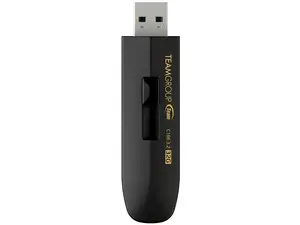
Newegg, Inc.
4.0
537 sold
-27%$12.09$16.49
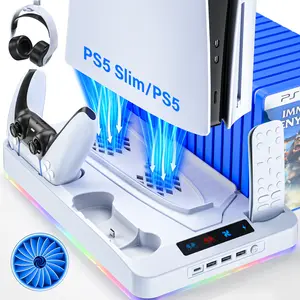
4.4
7.7K sold
-50%$31.89$63.76


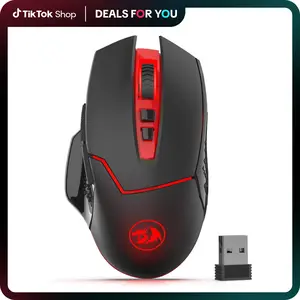
REDRAGON
4.5
4.6K sold
-18%$16.26$19.83


REDRAGON
4.7
2.8K sold
-5%$14.40$15.16


Related Searches
Related Categories
Introduction
If your mouse is not working on PS5, it can be frustrating, especially during crucial gaming moments. Understanding why this happens and how to troubleshoot can enhance your gaming experience significantly. Many users connect a mouse for better control in specific games or for navigating the PS5 interface more efficiently. However, compatibility issues may arise, leading to a non-responsive mouse. Here are some common reasons and solutions:
- Check Compatibility: Not all mice are compatible with PS5. Ensure your mouse is designed for console use.
- USB Ports: Try connecting the mouse to different USB ports on the PS5. Sometimes, the port may be faulty.
- Wired vs. Wireless: If using a wireless mouse, ensure it is charged and properly paired with the PS5.
- Firmware Updates: Check for any available updates for your PS5 system that may improve peripheral compatibility.
- Reset the Mouse: Sometimes, simply resetting the mouse can resolve the issue. Refer to the manufacturer’s instructions for resetting.