Results for "motherboard without wifi"
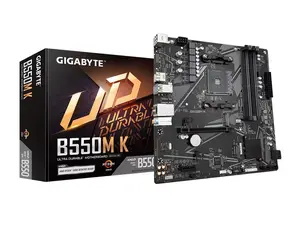
A motherboard without WiFi is a type of computer motherboard that does not include built-in wireless networking capabilities. This means that users will need to use a wired Ethernet connection or add a separate WiFi card to connect to wireless networks.


Newegg, Inc.

-13%$239.37$274.84


Newegg, Inc.
5.0
28 sold
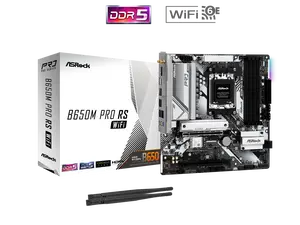
-14%$225.78$261.24


Newegg, Inc.
5.0
6 sold
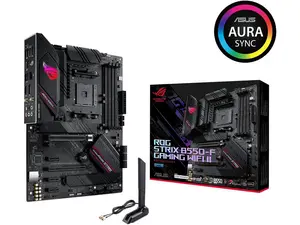
$187.95

Newegg, Inc.
5.0
3 sold
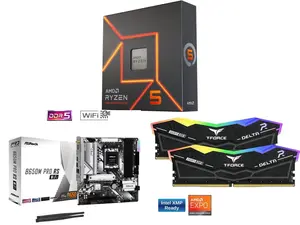
-15%$200.95$236.42


Newegg, Inc.
5.0
1 sold
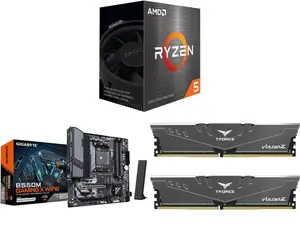
-22%$540.23$692.72
Newegg, Inc.
5.0
5 sold
-28%$347.54$485.84




Newegg, Inc.
5.0
46 sold
-29%$85.64$120.12


Newegg, Inc.
5.0
40 sold
-16%$174.73$209.22


Related Searches
Related Categories
Introduction
When building or upgrading a computer, selecting the right motherboard is crucial for optimal performance. A motherboard without WiFi is an excellent choice for users who prefer a stable and fast wired connection. These motherboards are often more affordable and provide a range of features tailored to gamers, content creators, and general users alike.
Here are some key considerations when choosing a motherboard without WiFi:
Here are some key considerations when choosing a motherboard without WiFi:
- Cost-Effectiveness: Typically, motherboards without built-in WiFi are less expensive than their WiFi-enabled counterparts. This can free up budget for other components like a better CPU or graphics card.
- Stability: Wired connections are generally more stable and faster than wireless connections, making these motherboards ideal for online gaming or heavy data usage.
- Customization: Users have the option to add a dedicated WiFi card later, allowing for tailored wireless capabilities based on personal needs.
- Variety: Motherboards without WiFi come in various formats (ATX, Micro ATX, Mini ITX), ensuring compatibility with different case sizes and setups.
- Feature-Rich: Many non-WiFi motherboards come equipped with advanced features such as multiple USB ports, support for high-speed RAM, and enhanced cooling solutions.