microphone for pc
A microphone for PC is a device that captures sound and converts it into an electrical signal for recording or communication purposes. These microphones come in various types, including USB, condenser, and dynamic, catering to different needs such as gaming, streaming, and professional audio recording.


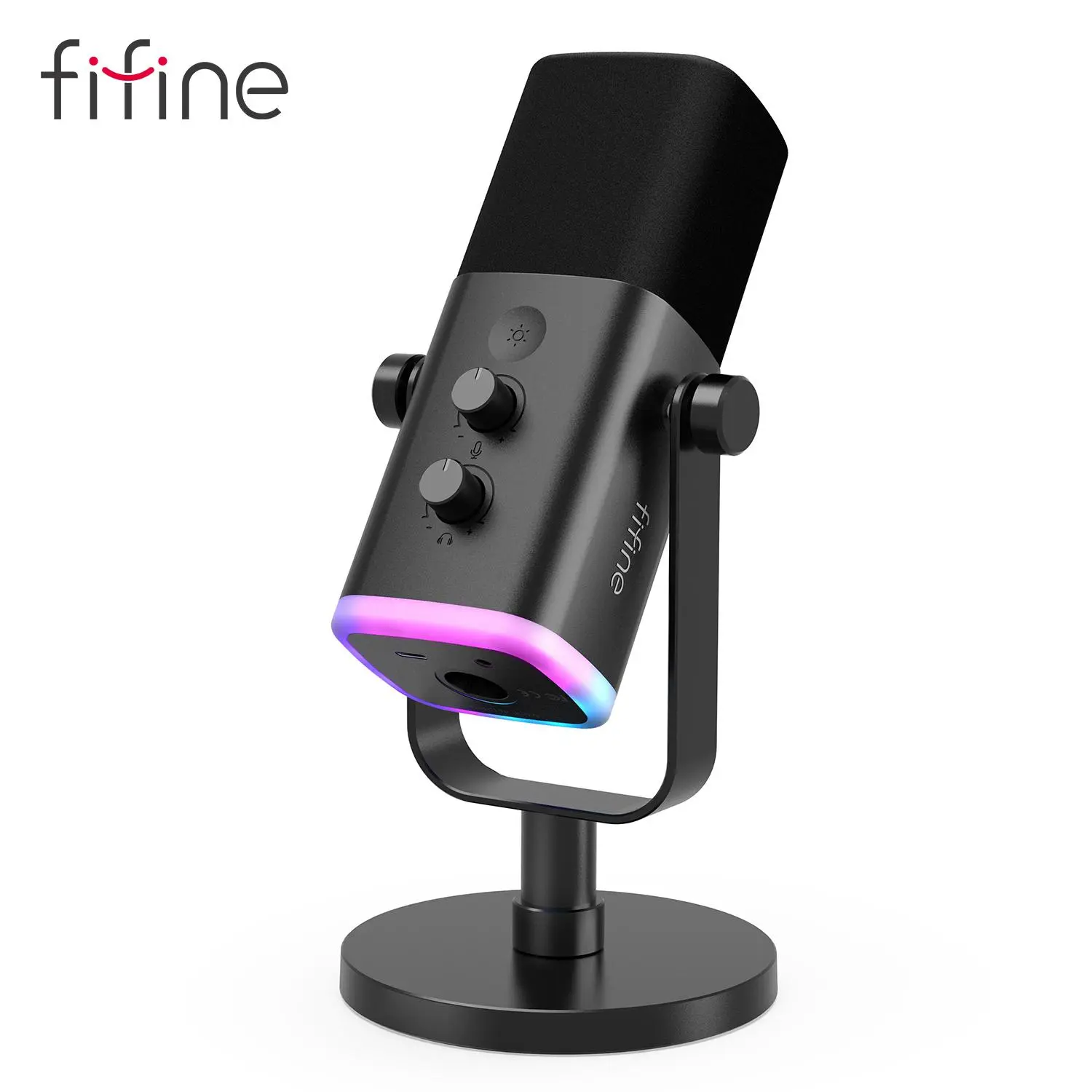


Introduction
When it comes to enhancing your audio experience, a microphone for PC is essential. Whether you're a gamer, a content creator, or someone who frequently participates in online meetings, having the right microphone can significantly improve your sound quality. With the rise of remote work and online communication, investing in a high-quality microphone has never been more important.
Microphones for PC come in various forms, including USB microphones, which are easy to set up and use, and XLR microphones, which offer professional-grade sound quality but require additional equipment. For gamers, a microphone for PC that features noise cancellation is ideal to ensure clear communication without background distractions. Content creators often prefer condenser microphones for their sensitivity and ability to capture detailed audio.
Additionally, consider the microphone's polar pattern, which determines how sound is picked up. Cardioid microphones are great for isolating sound from the front, while omnidirectional microphones capture sound from all directions. With the right microphone for PC, you can elevate your audio quality and engage your audience more effectively.
In summary, choosing the right microphone is crucial for anyone looking to improve their audio experience on a PC. From gaming to professional recordings, the options are vast, ensuring you find the perfect match for your needs.