Media Console Ideas
Media Console Ideas: Home Games Consoles listings grouped by what actually ships.
Featured brands
Authenticated productsVerified shops


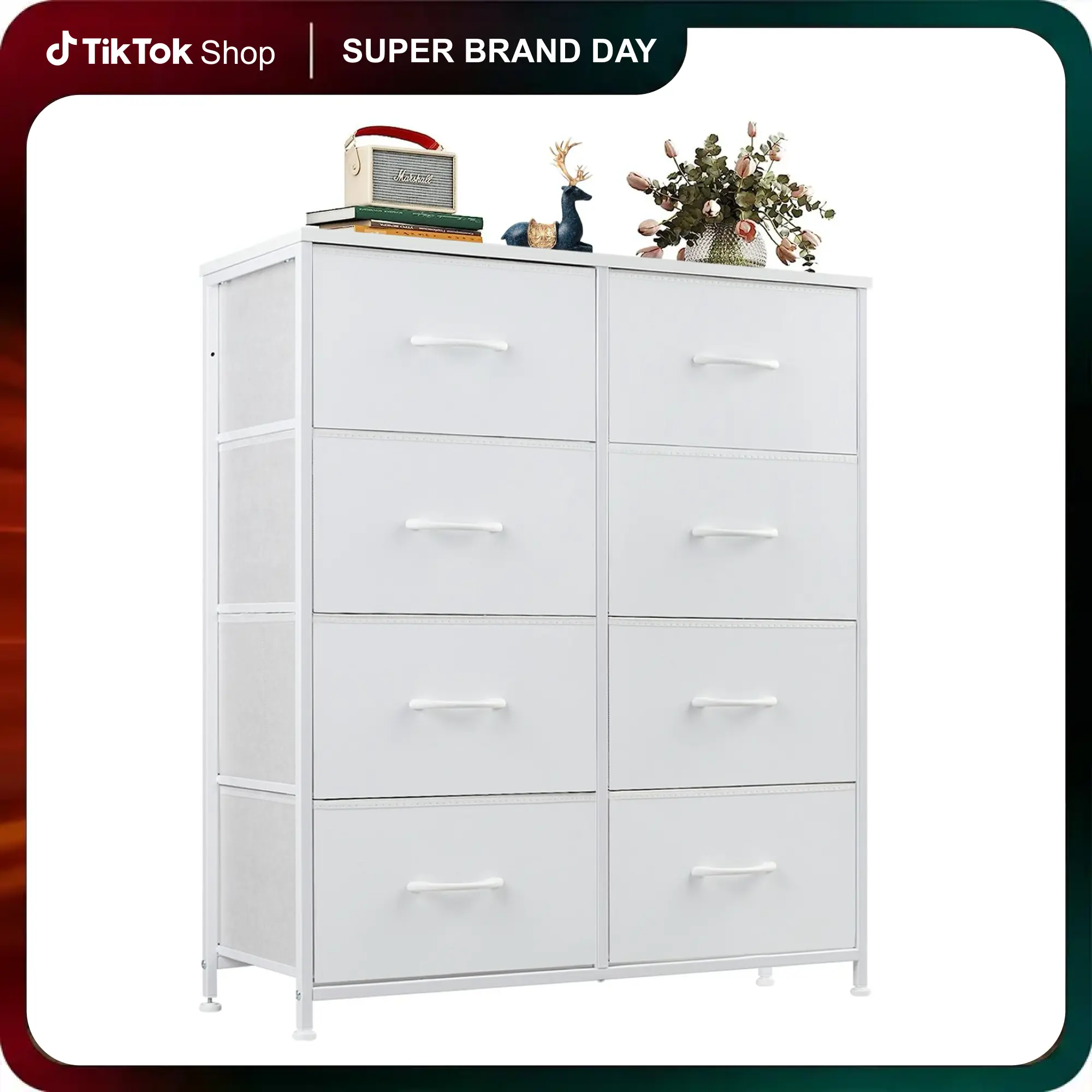
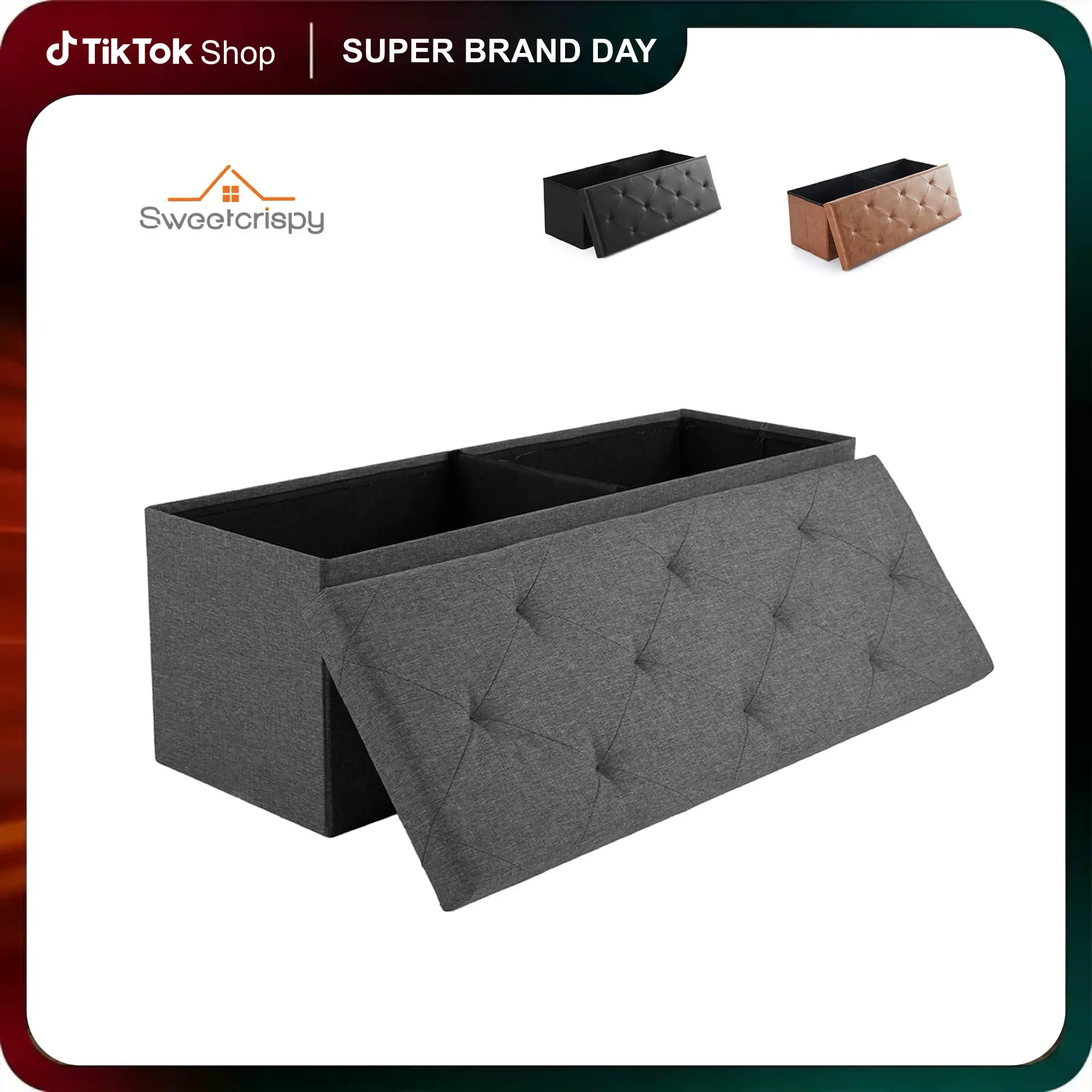

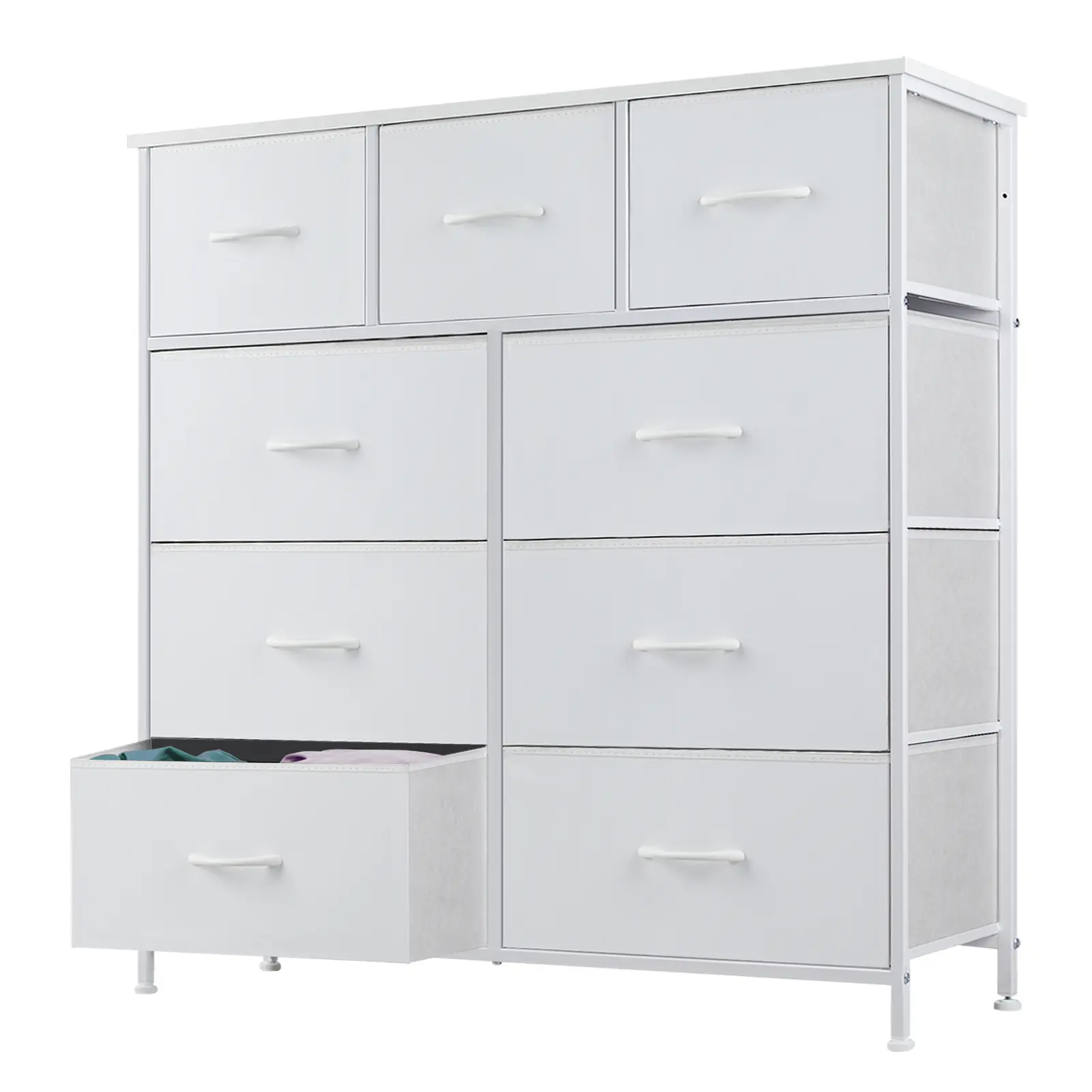
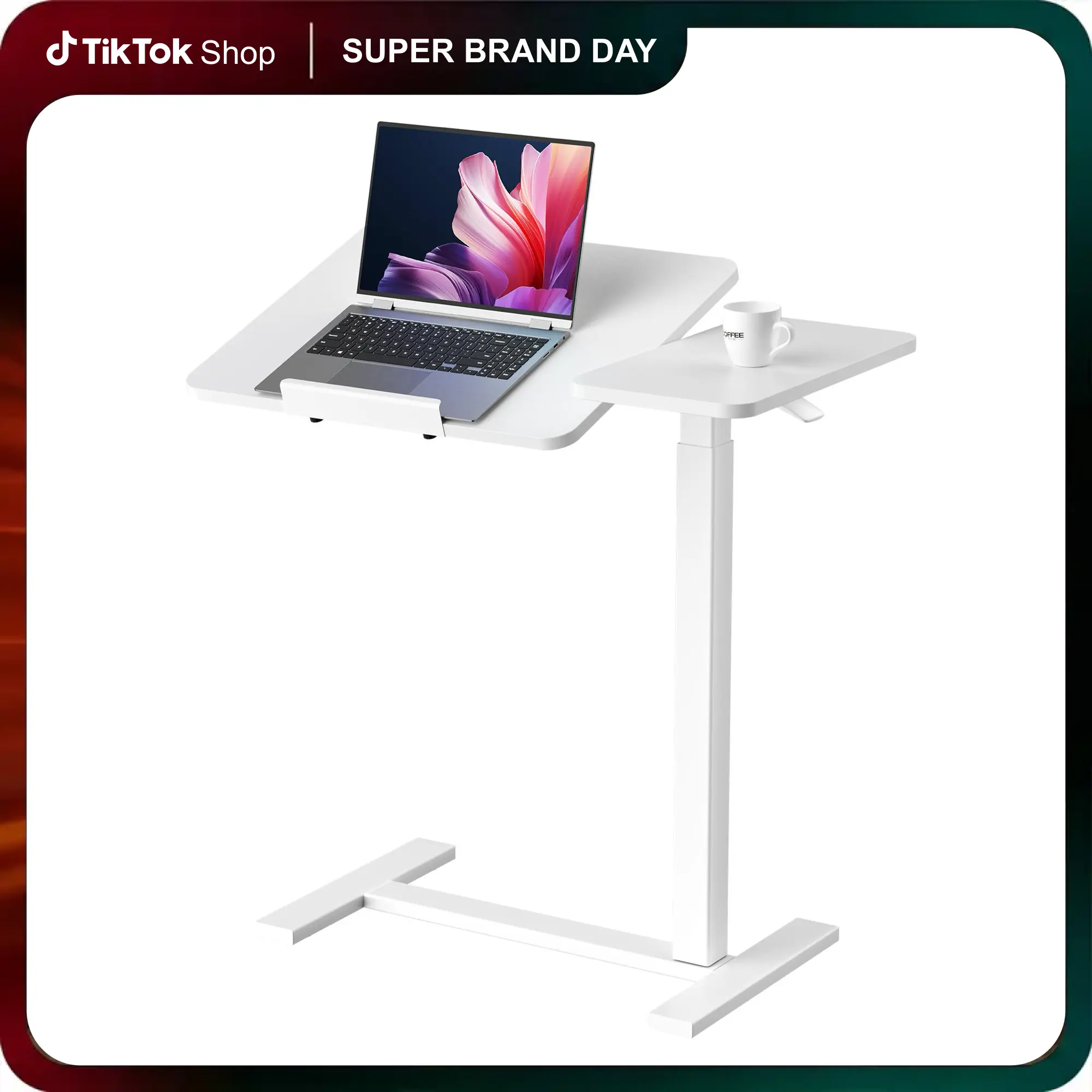


Sweetcrispy Official

4.1
202 sold
-34%$172.87$259.99


No more products
Related Searches
Related Categories
Introduction
Media Console Ideas maps to Home Games Consoles on this page. Compare the games consoles spec and the photos, not a title that only repeats the search words.
- Age grade printed on the listing.
- Scale, articulation, and whether accessories are in the box.
- Official license versus a generic lookalike, as listed for Home Games Consoles. If Media is a variant, it should appear on the spec line.
Open two or three Home Games Consoles listings, confirm the spec that matches how you will use it, then compare prices and ratings before you buy.