macbook ssd
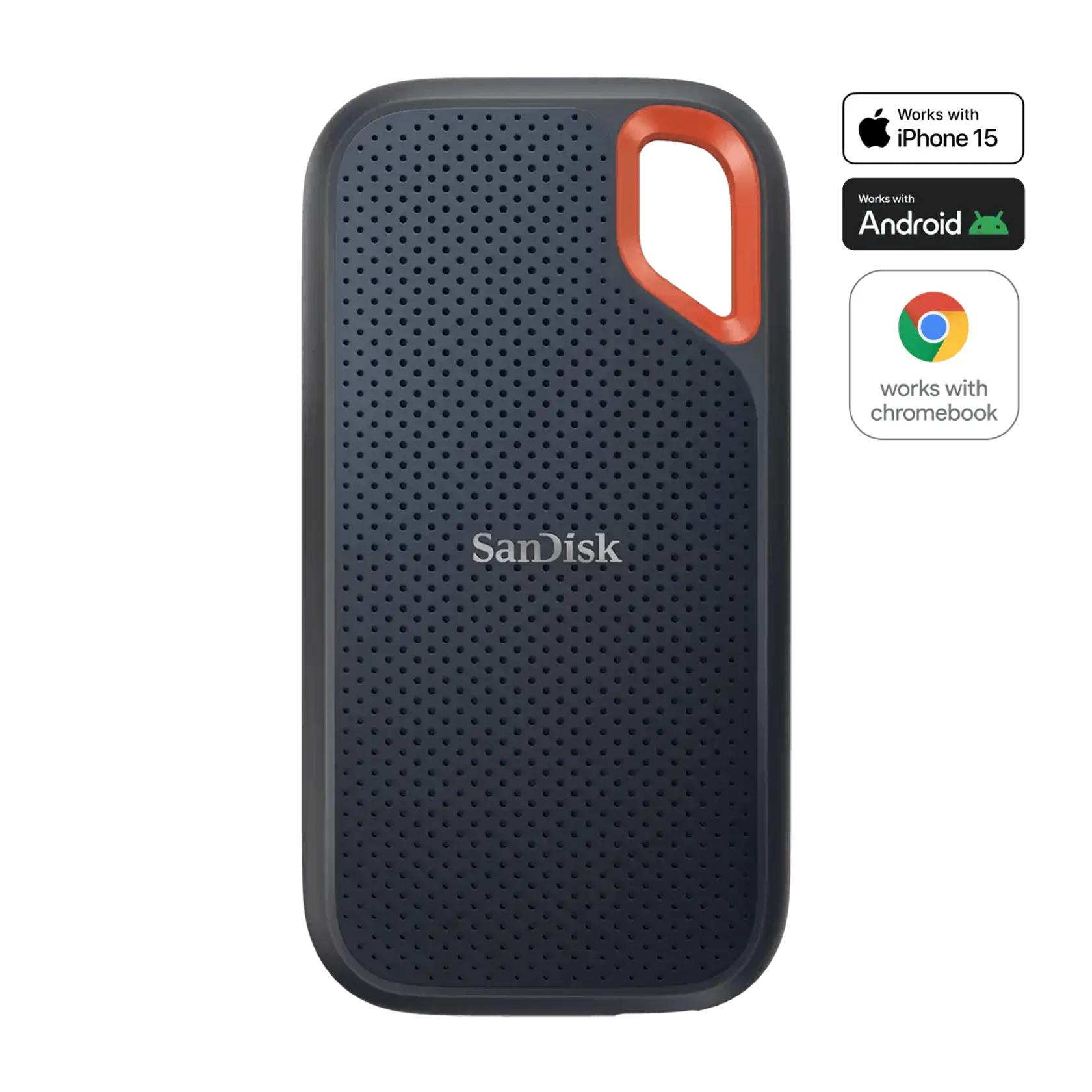
A MacBook SSD (Solid State Drive) is a high-speed storage solution designed specifically for MacBook laptops, offering faster boot times, quicker file access, and enhanced overall performance compared to traditional hard drives.



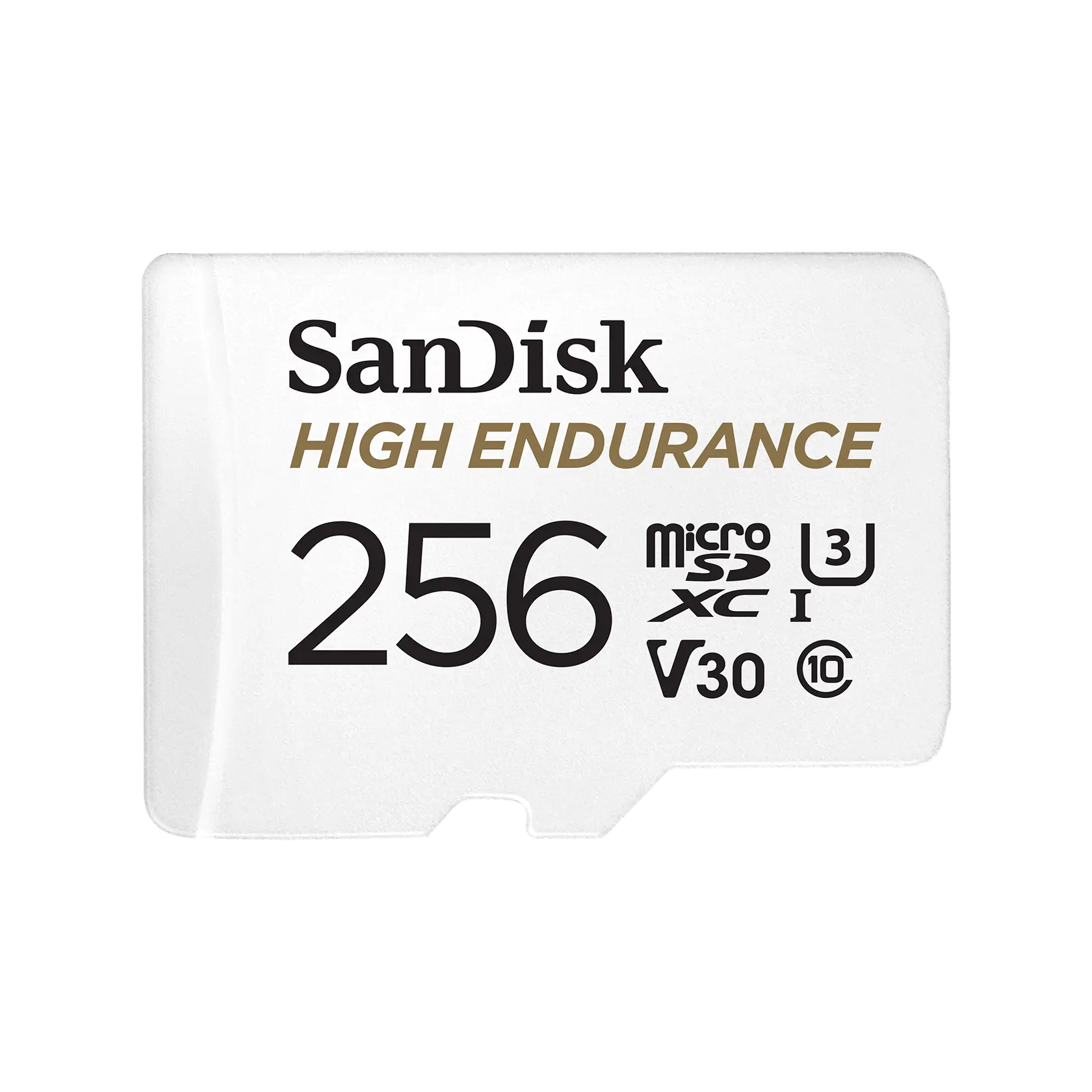


![[Brand] Portable SSD Harddrive - 1TB/4TB High-Speed USB3.2 Type-C External Solid State Drive for Laptops, PCs](https://p16-oec-general.ttcdn-us.com/tos-maliva-i-o3syd03w52-us/085887366aa94ef1ada2e7e9944f17a0~tplv-fhlh96nyum-resize-webp:600:600.webp?dr=12190&t=555f072d&ps=933b5bde&shp=8dbd94bf&shcp=a6e80448&idc=useast5&from=2378011839 "[Brand] Portable SSD Harddrive - 1TB/4TB High-Speed USB3.2 Type-C External Solid State Drive for Laptops, PCs")


Introduction
When it comes to enhancing your MacBook's performance, upgrading to a MacBook SSD is one of the best decisions you can make. SSDs are known for their speed and reliability, making them an ideal choice for users who need quick access to their files and applications. Unlike traditional hard drives, which rely on spinning disks, SSDs use flash memory to store data, resulting in significantly faster read and write speeds. This means you can boot up your MacBook in seconds, launch applications almost instantly, and transfer files with ease.
Moreover, a MacBook SSD can improve your laptop’s battery life as they consume less power. Whether you are a student, a professional, or a creative, having an SSD in your MacBook can streamline your workflow and enhance your productivity. Many users report that their MacBooks feel brand new after making the switch to an SSD. Additionally, with various capacities available, from 256GB to several terabytes, you can choose the right size that fits your storage needs.
Investing in a MacBook SSD not only boosts performance but also adds value to your device. As technology continues to evolve, having a reliable and fast storage solution is crucial. If you're looking to take your MacBook experience to the next level, consider upgrading to a MacBook SSD today!