Results for "logitech receiver pair"
A Logitech receiver pair is a wireless device that allows users to connect various Logitech peripherals, such as mice and keyboards, to their computers or other compatible devices. These receivers typically use USB technology for seamless connectivity and enhanced performance.


4.6
19.0K sold
-69%$5.60$18.24

4.0
19 sold
-52%$46.70$97.75


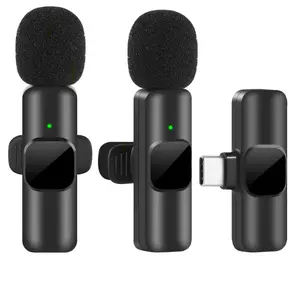
-24%$6.00$7.88





![[Pair of Lions T-shirt] Valentine's Day Gift, Casual Short Sleeve Pair of Lions Matching T-shirt for Couples, Single Pack](https://p16-oec-general-useast5.ttcdn-us.com/tos-useast5-i-omjb5zjo8w-tx/b5108ce1f9734a68963ab31ae1db3032~tplv-fhlh96nyum-crop-webp:300:300.webp?dr=12190&t=555f072d&ps=933b5bde&shp=8dbd94bf&shcp=a6e80448&idc=useast5&from=2378011839 "[Pair of Lions T-shirt] Valentine's Day Gift, Casual Short Sleeve Pair of Lions Matching T-shirt for Couples, Single Pack")


Related Searches
Related Categories
Introduction
When it comes to enhancing your computing experience, a Logitech receiver pair can be a game changer. These receivers facilitate wireless communication between your Logitech devices, such as keyboards and mice, and your computer, providing a clutter-free workspace. With the ability to connect multiple devices to a single receiver, Logitech's Unifying Receiver technology allows you to easily manage your peripherals without the hassle of multiple USB dongles.
Here’s why investing in a Logitech receiver pair is beneficial:
Here’s why investing in a Logitech receiver pair is beneficial:
- Convenience: Easily pair multiple devices with one receiver, reducing USB port clutter.
- Reliable Connection: Enjoy a strong and stable wireless connection with minimal interference.
- Proven Quality: Logitech is trusted by thousands of users worldwide for their high-quality products.
- Easy Setup: Simply plug the receiver into your computer and start using your devices within moments.