Results for "logitech lagging mouse"
A Logitech lagging mouse refers to a mouse produced by Logitech that experiences delays or interruptions in response time, impacting the user's ability to control the cursor smoothly.


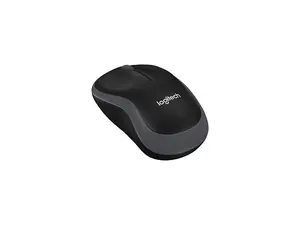


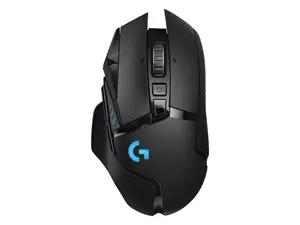

Newegg, Inc.

5.0
9 sold
$32.00


Newegg, Inc.
-11%$100.43$112.85




Related Searches
Related Categories
Introduction
Experiencing a Logitech lagging mouse can be frustrating, especially for gamers and professionals who rely on precision and speed. A lagging mouse is often characterized by a noticeable delay between your movements and the cursor's response on the screen. This issue can stem from various factors, including connectivity problems, battery life, or even software settings.
Here are some common causes and solutions for a lagging Logitech mouse:
Here are some common causes and solutions for a lagging Logitech mouse:
- Wireless Interference: Ensure that there are no obstructions or electronic devices that could interfere with the wireless signal.
- Battery Level: Check the battery level of your mouse. Low battery can lead to performance issues.
- Driver Updates: Make sure your mouse drivers are up to date. Outdated drivers can cause lag and other performance issues.
- Surface Compatibility: Ensure that you are using your mouse on a suitable surface. Some surfaces can hinder optical sensors.
- USB Port Issues: Try connecting the receiver to a different USB port to see if that resolves the lag.