Results for "lenovo chromebook camera"
The Lenovo Chromebook camera is an integrated webcam found in Lenovo's Chromebook devices, designed for video calls, online meetings, and capturing images.


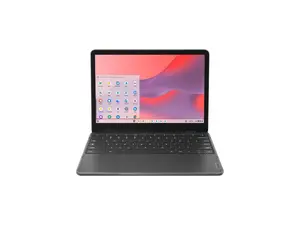
Newegg, Inc.

-14%$436.24$504.65


4.8
9 sold
-80%$87.16$435.85
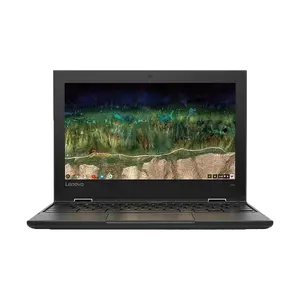
5.0
14 sold
-84%$87.16$544.81


Newegg, Inc.
-27%$599.29$817.22

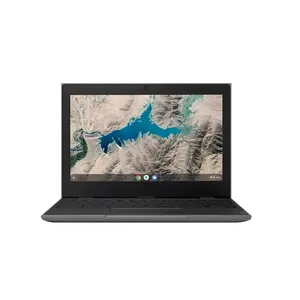
Related Searches
Related Categories
Introduction
The Lenovo Chromebook camera is an essential feature for users who rely on their devices for communication and collaboration. With the rise of remote work and online learning, having a reliable camera is crucial. The Lenovo Chromebook camera provides clear and crisp video quality, making it perfect for video conferencing, virtual classrooms, and catching up with friends and family.
Here are some key points about the Lenovo Chromebook camera:
Here are some key points about the Lenovo Chromebook camera:
- High Quality: Many Lenovo Chromebooks come equipped with HD cameras that ensure your video calls are sharp and clear.
- Easy to Use: The integrated camera is user-friendly, requiring no additional setup—just open your video conferencing app and start connecting.
- Privacy Features: Some models include privacy shutters, allowing users to cover the camera when not in use for added security.
- Versatile Usage: Ideal for remote work, online classes, or casual video chats, the Lenovo Chromebook camera meets diverse user needs.
- Trusted Brand: Lenovo is known for its quality and reliability, ensuring that customers can trust their devices.