KitchenTool
Shop KitchenTool as Pans & Woks — check contents, size, and format.
Featured brands
Authenticated productsVerified shops


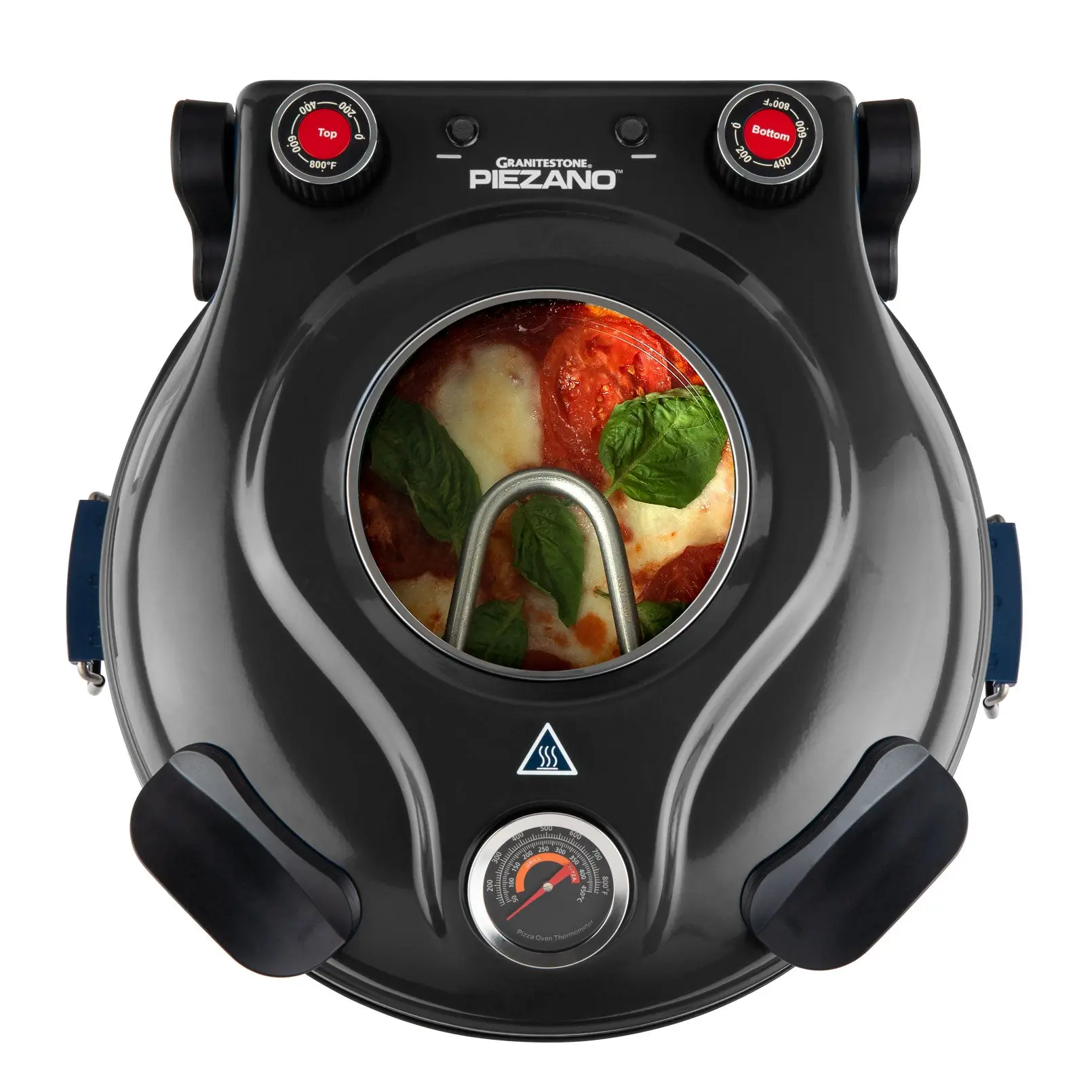
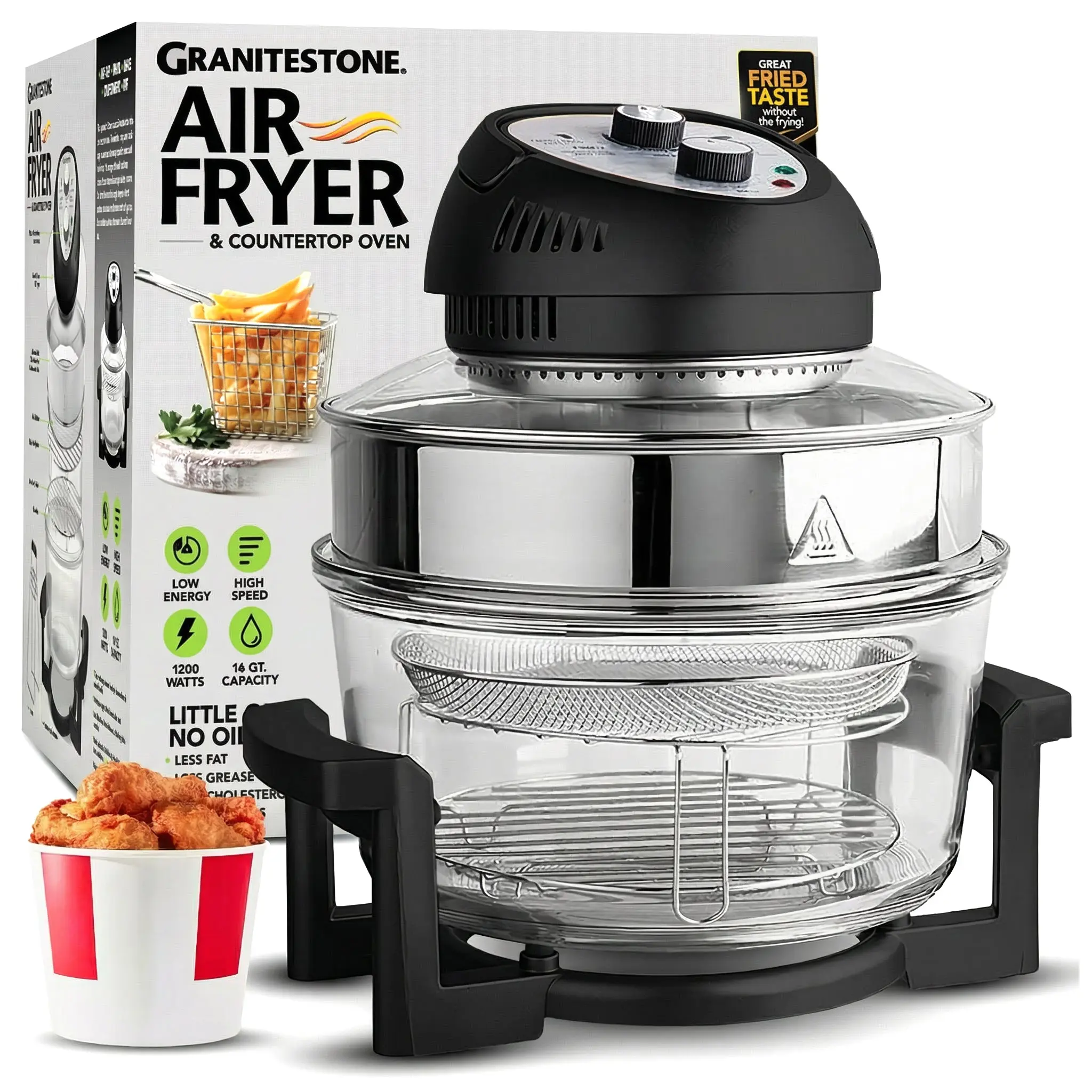
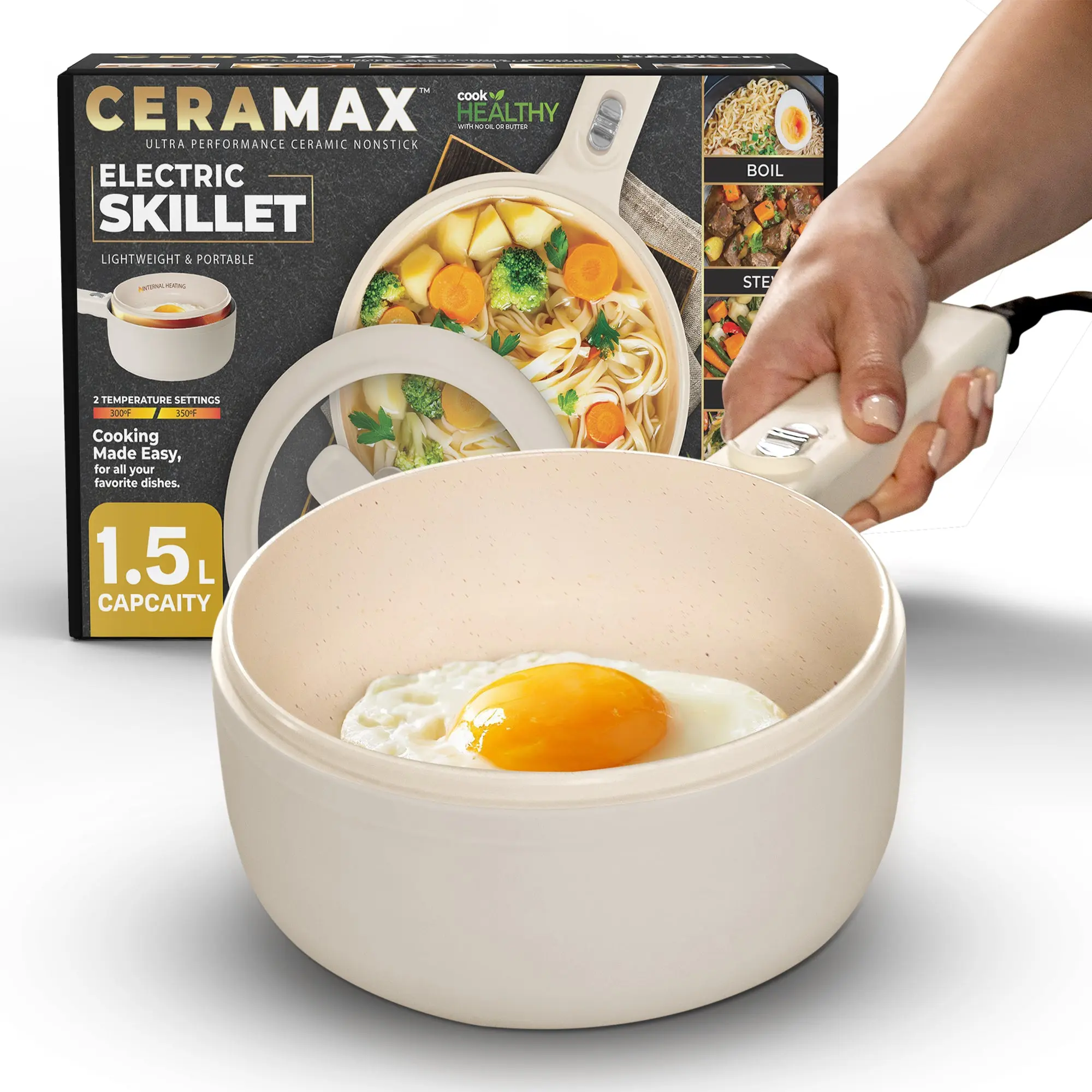

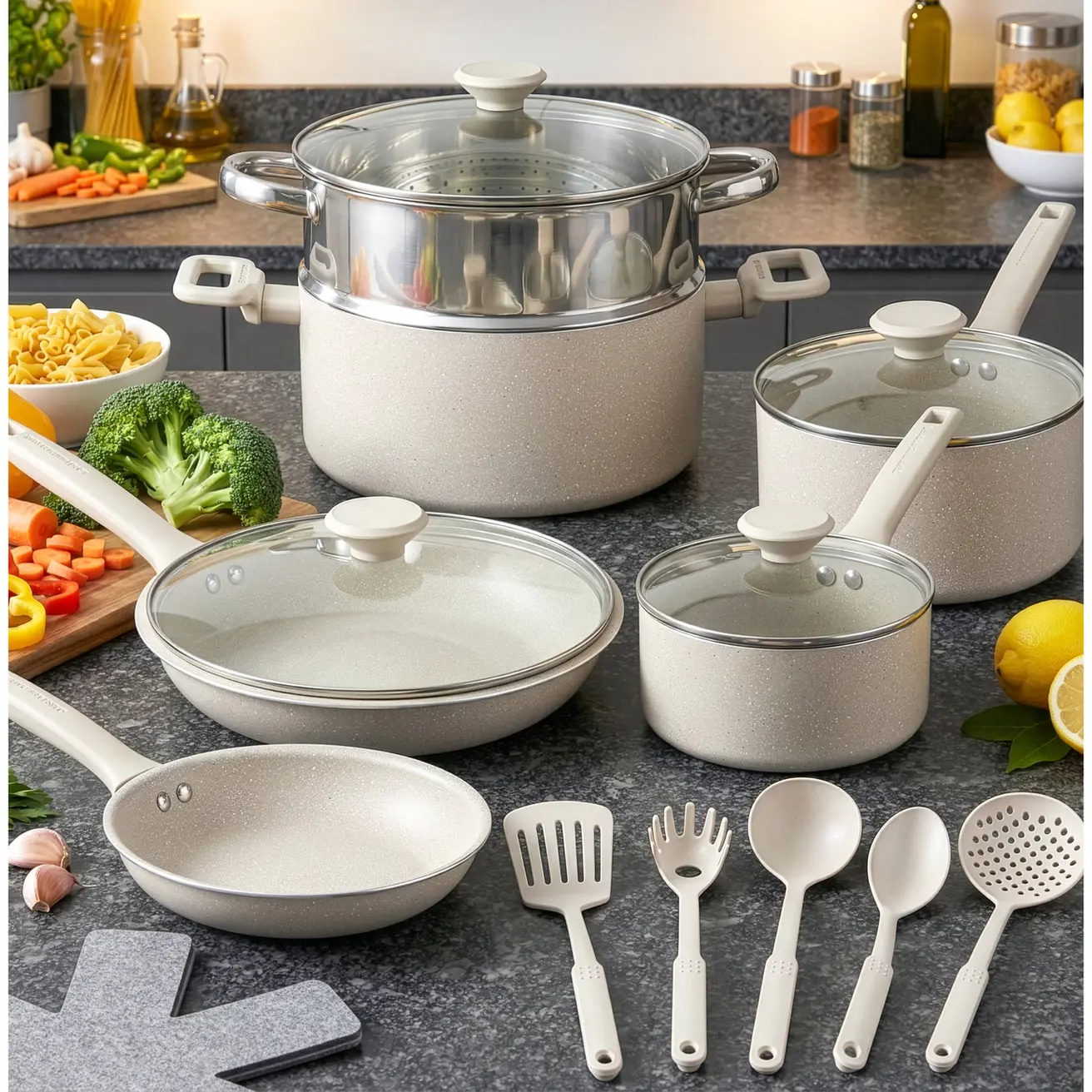


![[Kikcoin] Automatic Potato & Garlic Peeler - Compact Rechargeable Cord-Free Kitchen Appliances, Durable Vegetable Slicer, Smooth Smart Kitchen Aid with Simple Controls, Stress-Free Cream White Home Utensil (Handles Grapes & Garlic Easily, New Year)](https://p16-oec-general-useast5.ttcdn-us.com/tos-useast5-i-omjb5zjo8w-tx/685c147cf65c4a2db623af12165c7f1e~tplv-fhlh96nyum-resize-webp:600:600.webp?dr=12190&t=555f072d&ps=933b5bde&shp=8dbd94bf&shcp=a6e80448&idc=useast5&from=2378011839 "[Kikcoin] Automatic Potato & Garlic Peeler - Compact Rechargeable Cord-Free Kitchen Appliances, Durable Vegetable Slicer, Smooth Smart Kitchen Aid with Simple Controls, Stress-Free Cream White Home Utensil (Handles Grapes & Garlic Easily, New Year)")


Related Searches
Related Categories
Introduction
For KitchenTool, stay with Pans & Woks. Two cards can share a phrase and still be different products — read the contents line first.
- Intended use in the photos versus a nearby lookalike.
- What is in the box versus a title that only repeats the search.
- One printed spec: size, count, format, or model, as listed for Pans & Woks. If KitchenTool is a variant, it should appear on the spec line.
Open two or three Pans & Woks listings, confirm the spec that matches how you will use it, then compare prices and ratings before you buy.