keyboard 70
A keyboard is an input device that uses a set of keys or buttons to send data to a computer or other devices, while a mouse is a pointing device that allows for easy navigation and interaction with a computer interface.
Featured brands
Authenticated productsVerified shops





![[New]AULA WIN60/68 HE PRO Magnetic Switch 60%Wired Mechanical Gaming Keyboard(Rose Red), 8000Hz Polling Rate,Hot Swappable, Adjustable Actuation Rapid Trigger Mode, RGB Backlit,60 Percent Small Keyboard Gaming Accessories TikTokShopBlackFriday, Customizab](https://p19-oec-general-useast5.ttcdn-us.com/tos-useast5-i-omjb5zjo8w-tx/cada635231dd4115b39923dd6690dba6~tplv-fhlh96nyum-resize-webp:600:600.webp?dr=12190&t=555f072d&ps=933b5bde&shp=8dbd94bf&shcp=a6e80448&idc=useast5&from=2378011839 "[New]AULA WIN60/68 HE PRO Magnetic Switch 60%Wired Mechanical Gaming Keyboard(Rose Red), 8000Hz Polling Rate,Hot Swappable, Adjustable Actuation Rapid Trigger Mode, RGB Backlit,60 Percent Small Keyboard Gaming Accessories TikTokShopBlackFriday, Customizab")


5.0
29 sold
-41%$46.79$78.99


Related Searches
Related Categories
Introduction
When it comes to enhancing your computing experience, a keyboard plays a crucial role. A keyboard is not just a tool for typing; it's an essential interface that allows you to communicate with your computer effectively. Whether you're a gamer, a professional writer, or simply browsing the web, having the right keyboard can significantly improve your productivity and comfort. In this guide, we will explore the various types of keyboards available, including mechanical, membrane, and ergonomic options, each designed to cater to different user needs.
Here are some key points to consider when choosing a keyboard:
Don't forget to pair your keyboard with a reliable mouse for seamless navigation and control. The combination of a good keyboard and mouse can elevate your entire computing experience, making it more enjoyable and efficient.
Here are some key points to consider when choosing a keyboard:
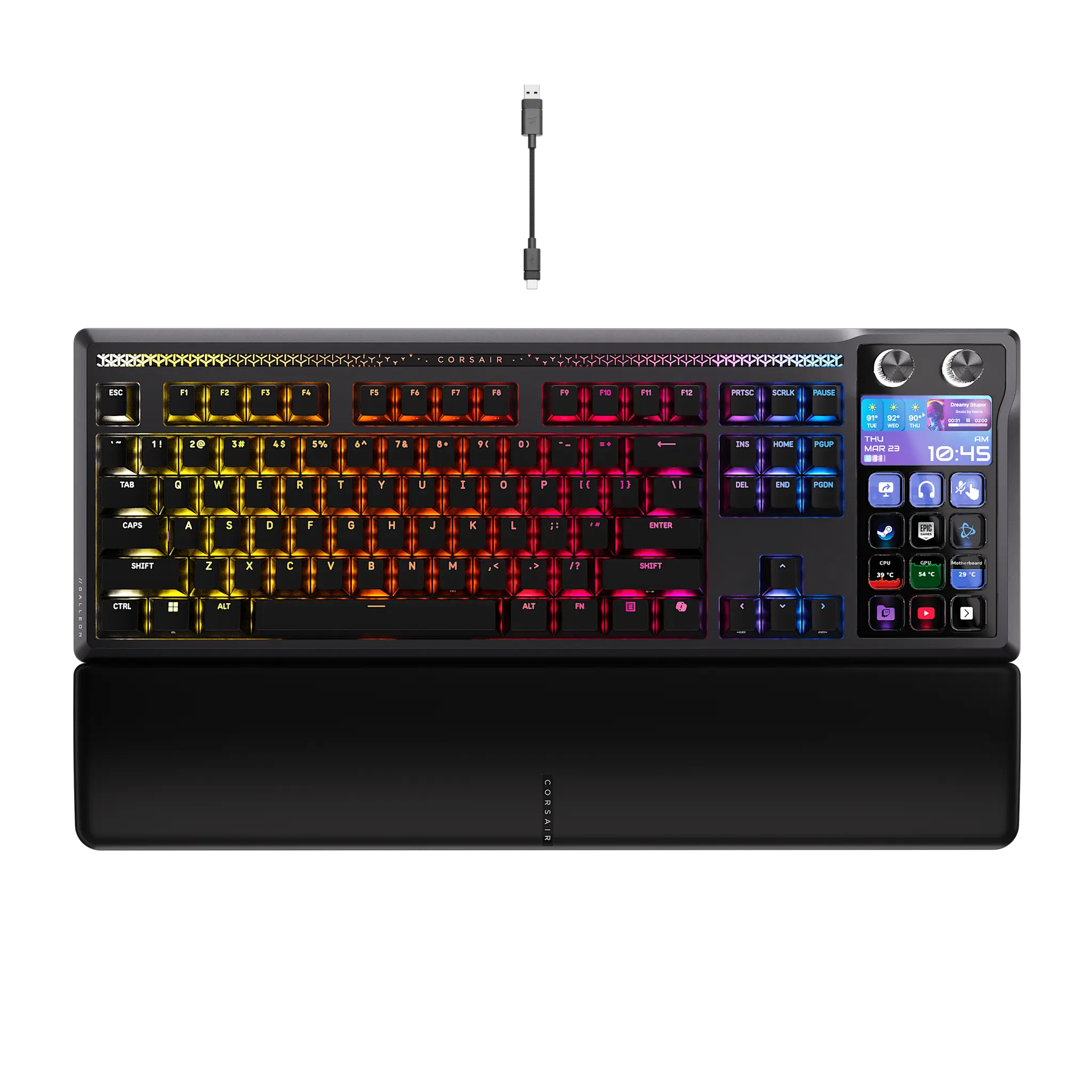
- Type: Mechanical keyboards are known for their tactile feedback and durability, while membrane keyboards are quieter and more affordable.
- Ergonomics: Ergonomic keyboards are designed to reduce strain on your wrists and hands, making them ideal for long typing sessions.
- Connectivity: Decide between wired and wireless options based on your workspace setup.
- Special Features: Some keyboards come with programmable keys, backlighting, and multimedia controls for added functionality.
Don't forget to pair your keyboard with a reliable mouse for seamless navigation and control. The combination of a good keyboard and mouse can elevate your entire computing experience, making it more enjoyable and efficient.