JanSport Backpack

Campus-style backpacks with front pockets and padded straps for school, work, and short trips.

Featured brands
Authenticated productsVerified shops

JanSport Cross Town Plus 17" Backpack
Free shipping

Introduction

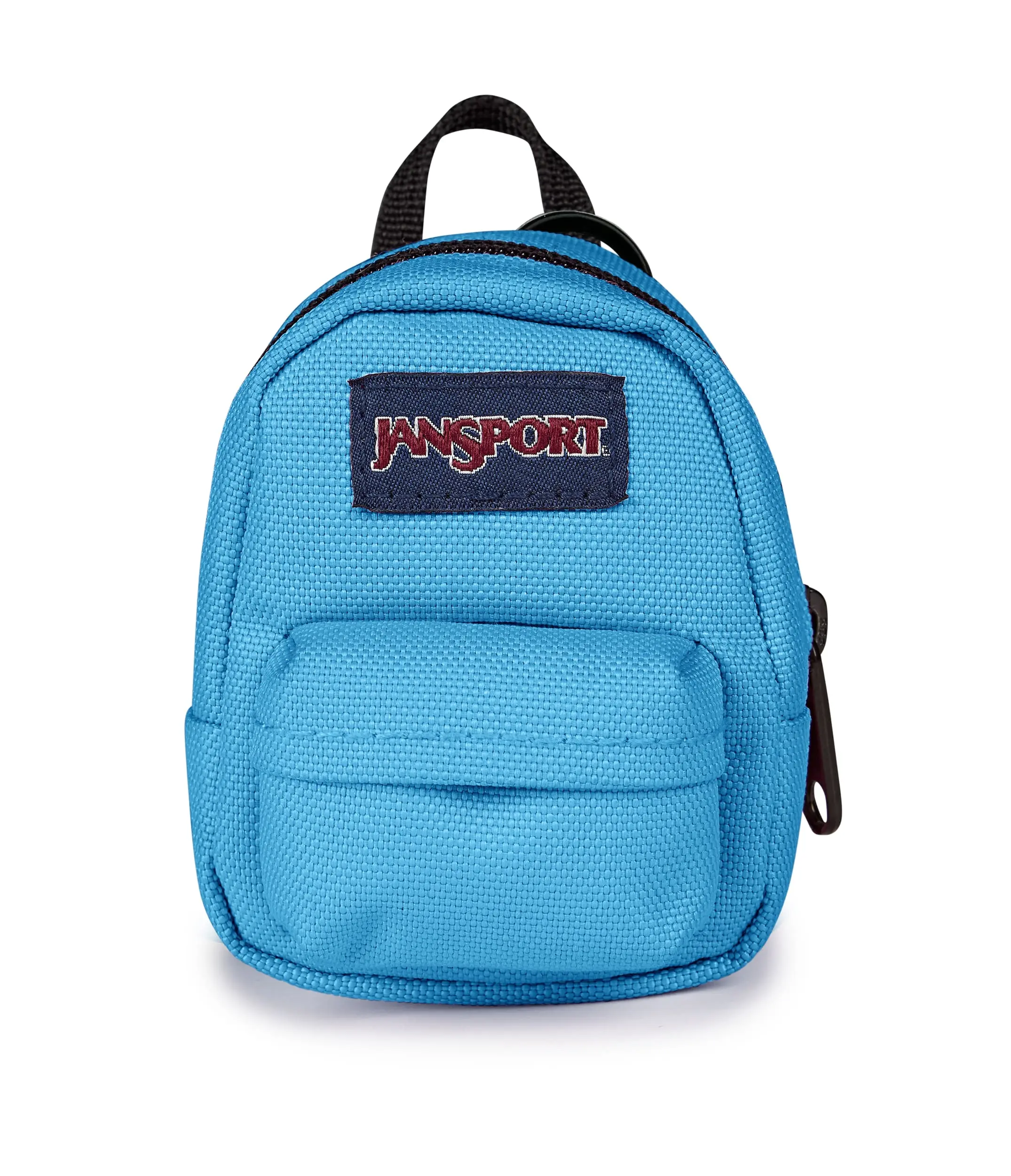
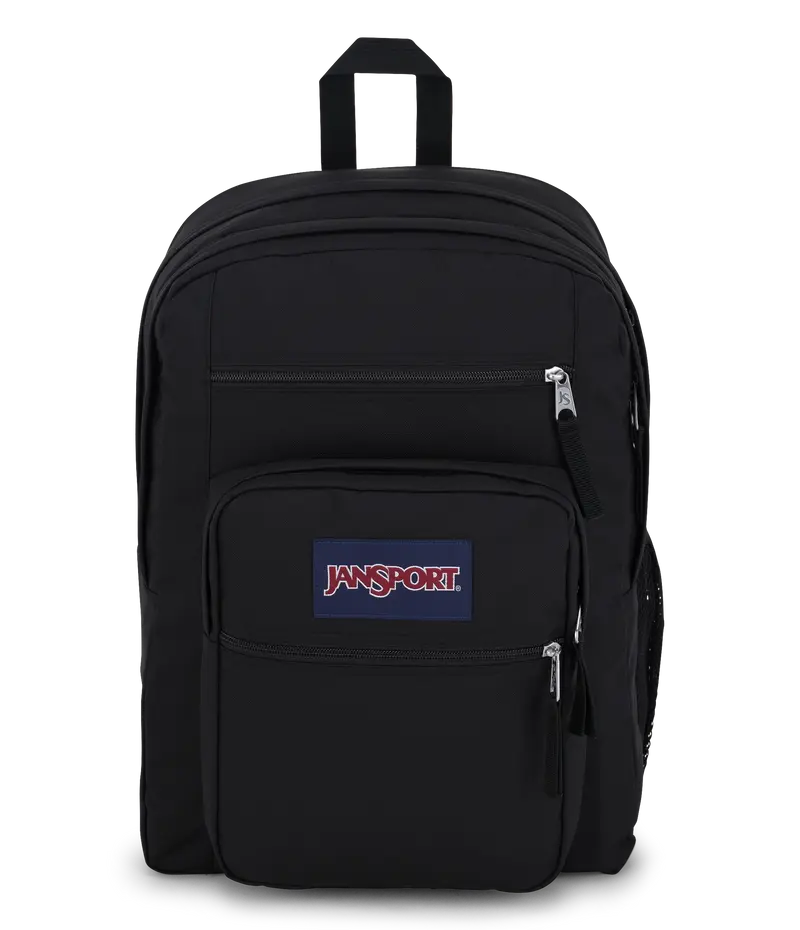
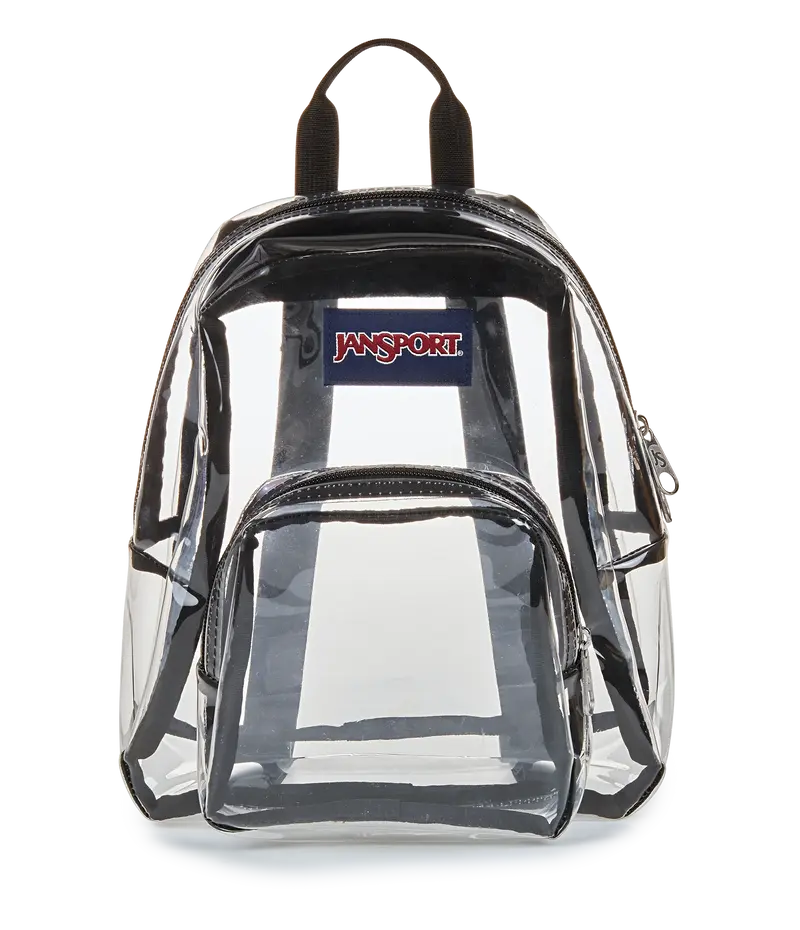
Browse backpacks in the JanSport silhouette: a front stash pocket, straight zip main compartment, and webbing haul handle. Read the brand line on the hangtag and whether a laptop sleeve is sewn in, because many lookalikes skip that panel.

  • Note liter class or listed dimensions against your books or 13–16 inch laptop.
  • Check strap padding, sternum clips, and whether the back panel is mesh or foam.
  • Confirm zipper count, bottle-pocket stretch, and whether the fabric is listed as recycled polyester.

Compare empty weight if you walk between classes; a heavy empty pack adds up fast.

FAQs

Daypacks usually have one main zip and a shallow front pocket. Travel or campus plus sizes add a dedicated laptop well and extra liters. Use the listed height and sleeve inches, not just the word backpack, to judge capacity.

Look for a written inch range such as 13, 15, or 16. A sleeve that only says padded may be too short for modern bezels. Measure your computer including the charger bump if you leave it attached.

Only if the side knit is tall and stretchy. Photos of a slim can can mislead. Read pocket height in the specs or ask the seller for a bottle photo before you assume a large flask will stay put.

Wide foam, a sternum strap, and a ventilated back panel spread load better than thin webbing. If you carry textbooks daily, skip unpadded strings. Try the listed empty weight plus your typical load in your head.

600D or 900D polyester notes toughness; recycled content is a fiber claim, not a lifetime warranty. Look for bartacks at strap roots in photos. Loose threads at the haul handle are a sign to pick another pack.